Best AI for Writing Instagram Captions 2026
14 AI caption tools compared, plus ready prompts, how to keep your own voice, hooks, CTAs, the 5-hashtag limit and alt text for search.
The right tool depends on volume and workflow.
For most creators and brands, ChatGPT or Claude is the best starting point for writing Instagram captions. To write Instagram captions with AI, give the tool your brand voice and the post context, ask for a strong hook plus a short body and a call to action, then edit for nuance and add a few relevant hashtags. For Instagram-specific features like hashtag research, post scheduling, and caption history tied to performance data, Flick is purpose-built and the strongest dedicated option.
Quick Picks by Use Case
| Best for | Tool |
|---|---|
| Write a caption that sounds exactly like my brand voice | ChatGPT / Claude |
| Find hashtags + write captions in one tool | Flick |
| Generate complete posts (image + caption + hashtags) | Predis.ai |
| Write captions at scale for a marketing team | Jasper |
| Quick captions across Instagram, Twitter, and LinkedIn | Copy.ai |
| Generate more content like my best-performing posts | Lately AI |
| Posting to several platforms on a small budget | Buffer AI Assistant |
| Free one-off captions; teams already on Hootsuite | Hootsuite OwlyWriter AI |
| Drafting captions while you design the post | Canva Magic Write |
| Visual planners who want to see their Instagram grid before posting and need caption help alongside scheduling | Later |
| Solopreneurs and small businesses who want scheduling and caption help at a budget-friendly price | Pallyy |
| Factual lookups and current-events-anchored content | Gemini |
| Draft and tone-adjust captions without leaving Instagram | Meta AI |
What you can try now: Free AI Caption Generator for Social Media, Free AI Instagram Caption Generator
An Instagram-native tool knows what a caption is for.
Half the "Instagram caption generators" ranking for this keyword are generic AI writers with an Instagram landing page bolted on. A generic writer produces text. A caption generator that produces great text but requires you to copy-paste into a separate scheduling app is less useful than one that does both.
Generic writers still win in one situation: you already pay for them.
| Generic AI writer | Instagram-native tool | |
|---|---|---|
| Caption structure | You describe the hook and CTA in every prompt | Hook, body, and CTA are built into the templates |
| Hashtags | Guesses, often based on outdated 30-tag advice | Generated alongside the caption |
| Publishing | Copy and paste into Instagram or a scheduler | Schedules and auto-publishes via the official API |
| Instagram rule changes | The model has no idea unless you tell it | Keeping up with Instagram is the vendor's whole job |
- If Canva Pro or Copy.ai is on your card for other work, captions come along at no extra cost, and that math is hard to argue with.
- Canva Magic Write and Copy.ai only produce text, so you copy the caption into Instagram or a scheduler yourself.
- That extra step matters more than it sounds.
What you can try now: Free Instagram Caption Generator
The generators that deliver the caption together with the post charge a subscription.
ChatGPT's free tier, Google Gemini, Meta AI built into Instagram itself, and Canva's free Magic Write all generate solid Instagram captions at no cost in 2026. The catch nobody mentions is that free AI captions read generic unless you feed them specifics, so the tool matters far less than what you type into it. Nobody should buy Hootsuite to get OwlyWriter.
Per-user plans are multiplied by your team size; check seat minimums and add-ons on each maker's page.
| Tool | Free option | Entry paid plan |
|---|---|---|
| ChatGPT | Yes | - |
| Claude | Free: $0 | Pro: $17 per month with annual subscription, $20 if billed monthly |
| Gemini | $0/month with a Google Account | Google AI Plus: $4.99/month |
| Meta AI | Built into Instagram | - |
| Flick | 7-day free trial | Solo: 11 GBP/mo billed yearly |
| Predis.ai | 3-day free trial, card required | Core: $19/month, $230 billed yearly |
| Later | 14-day free trial | Starter: $18.75 USD/month billed yearly, 5 AI credits per month |
| Buffer | Free forever, up to 3 channels | Essentials: $5/month per channel |
| Hootsuite | Free 14-day trial | Standard: from $99 |
| Pallyy | Free plan: 15 scheduled posts a month, no AI captions | Pro: $25/mo |
| Canva | Free: US$0, up to 20 uses of Standard AI tools | Pro: US$144/year for one person |
| Copy.ai | - | Chat: $29/mo billed monthly, $24/mo billed annually |
| Jasper | 7-day free trial of Pro | Pro: $59/month billed yearly, $69 billed monthly |
| Lately | - | Starter: $14/month billed annually, $19 billed monthly |
ChatGPT produces higher-quality captions than most dedicated tools when you write specific prompts.
The trade-off is effort: dedicated tools like Flick and Copy.ai generate usable captions in one click, while ChatGPT requires you to craft and refine prompts. For daily posting, one-click tools save more time. For important posts where tone matters, ChatGPT gives you more control.
ChatGPT
- Generates 5-10 caption variations in different tones with one prompt.
- Adapts to any niche without preset templates.
- The key is specificity.
- For creators who post daily, building a "caption prompt template" in ChatGPT and reusing it with different topics is the fastest workflow on this list.
- No Instagram integration.
- Can't research real-time hashtag performance or trending sounds.
- Generic output when prompts lack context about audience and niche.
Claude
- Writes the most natural-sounding Instagram captions.
- Long context: paste your existing captions and get new ones that match your voice exactly.
- Give it three posts you liked and it is good at holding that tone across a whole week of drafts.
- Excellent at storytelling captions.
- Claude overloads captions with detail: where 80 words are needed, it produces 200.
- No hashtag research or Instagram-specific features.
- Less familiar with platform-specific formats like Reels captions vs. carousel captions.
Gemini
- Good if you're already inside Google Workspace, and it's quick at pulling in trending phrasing for seasonal posts.
- Gemini's key advantage over Claude and ChatGPT is its integration with Google Search, which means it can pull current information, recent statistics, trending topics, and real-world data directly into its responses.
- Always verify the statistic independently before posting.
- Stylistically Gemini lags both competitors.
Meta AI
- Meta AI is the assistant built into Instagram.
- It drafts and rewrites captions through Write with Meta AI when you are composing a post or a reply.
- Built directly into Meta's own apps, so it understands Instagram's format (character limits, line breaks, emoji spacing) without you explaining it.
- While it offers preset tones, Meta AI can't learn your specific brand voice.
- It forgets what you've approved before, so every new caption feels like starting over.
- AI texts generated automatically in response to your text prompt may be inaccurate or inappropriate.
- As of early 2026, it's being rolled out gradually and can vary by region, account, and app version.
Every AI assistant can write a caption.
Only some can publish it. Write the caption, schedule the post, and manage your hashtag sets all in one app.
Flick
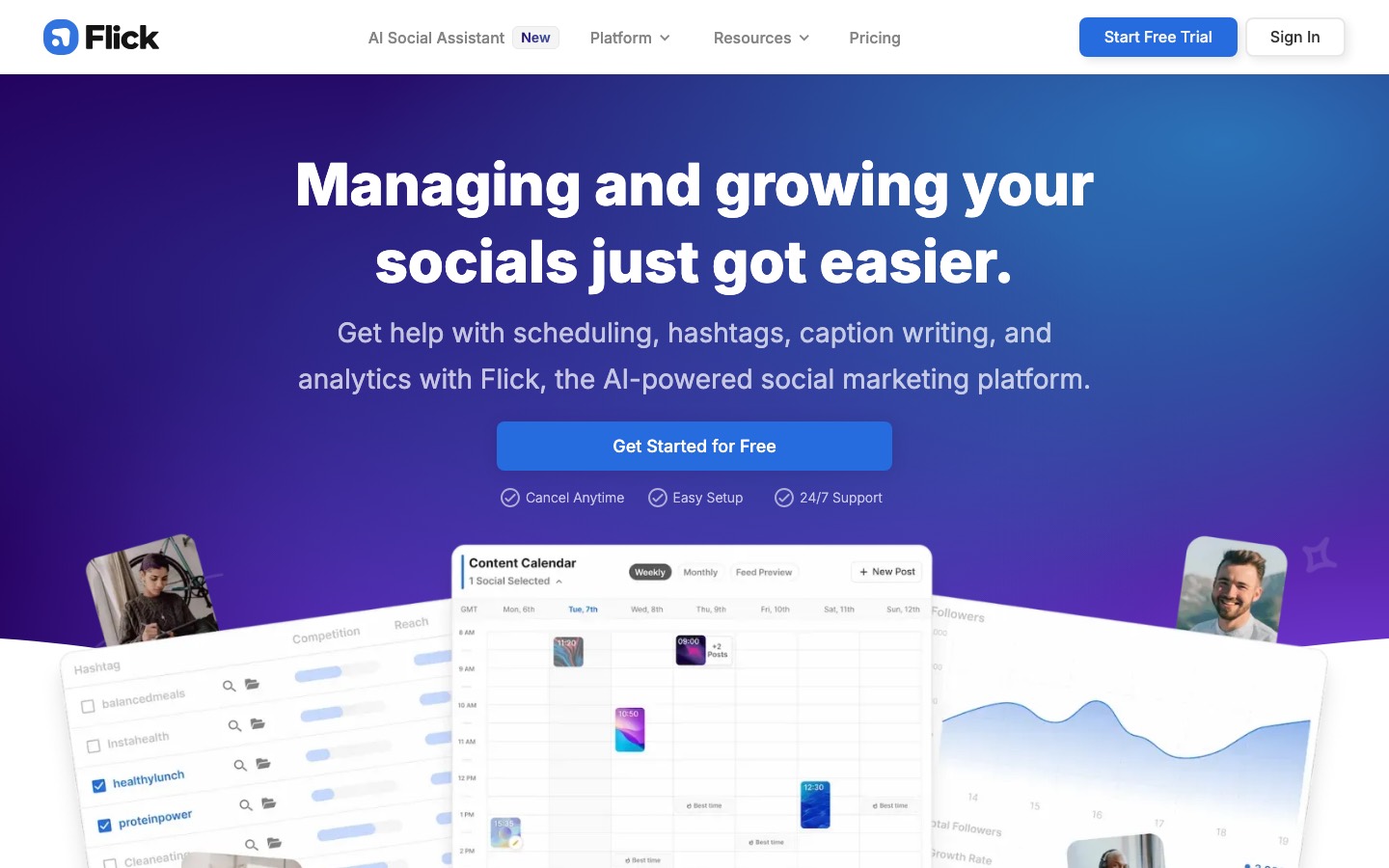
- Flick started as a hashtag research tool and grew into a full Instagram marketing platform, and it shows in the good way.
- The caption generator writes for posts, carousels, Threads, and video scripts specifically, sitting next to hashtag research that is still among the best available.
- You describe your post in a few words ("coffee shop morning, cozy vibes, self-care day"), pick a tone (witty, professional, casual, inspirational), and the AI generates 3-4 caption options with hooks, body text, and call-to-action variations.
- Caption history: see which captions performed best and refine the AI output toward what works.
- AI can repeat similar hooks across captions if you do not vary your input.
- Focused on Instagram.
Predis.ai
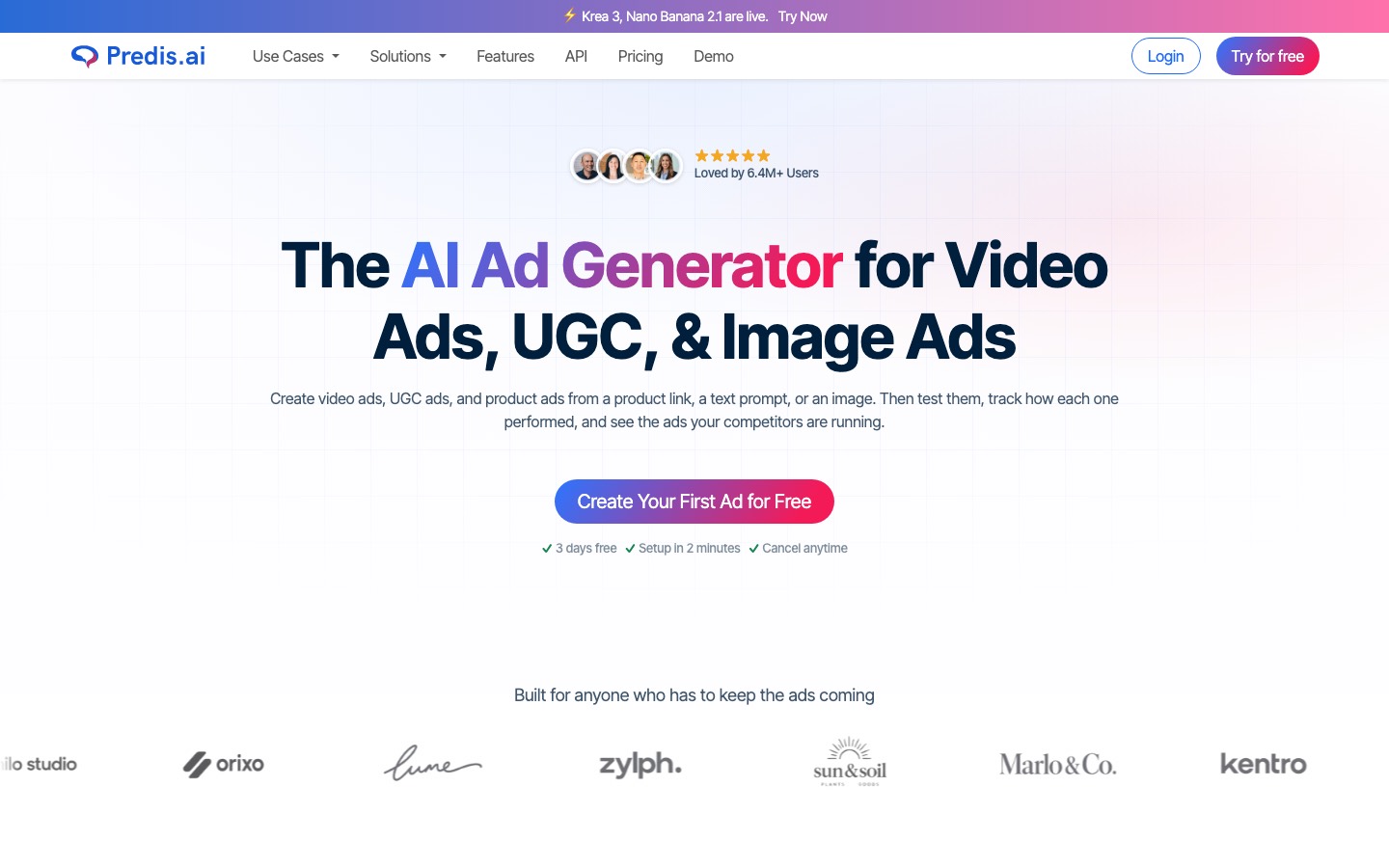
- One prompt returns a caption, hashtags, a designed carousel or video ad, and a slot on the content calendar.
- If your bottleneck is producing the asset rather than describing it, Predis is the most complete generator on this list, and one of the most Instagram-native.
- Brand kit: upload colors, fonts, and logo.
- Multi-language support: generate captions in 30+ languages for global audiences.
- Caption quality is functional but less nuanced than dedicated LLM generation.
- Everything runs on credits, and the perpetual-discount pricing plus credit promos make it hard to predict what a year will cost you.
Later

- Later's strength has always been visual content planning.
- Select a scheduled photo, click "Write Caption," and the AI suggests options based on the image content, your niche, and your posting history.
- With just a few words about your post, Caption Writer can generate new captions for you, or rephrase existing ones to use a different tone or phrasing.
- Every time you successfully generate new captions using Caption Writer, or re-generate an existing caption with a different tone or phrasing, you use 1 credit.
- It works well for short, punchy captions (1-3 sentences) but struggles with longer storytelling posts.
- Caption Writer is in beta and English only.
Pallyy

- The AI caption generator is straightforward: describe your post, and Pallyy suggests 2-3 options.
- The output is functional rather than exceptional, but it gets you past the blank-caption problem quickly.
- Generate caption ideas inside the post composer, pick the one that sounds like you, edit it, and schedule.
- No copying between a chatbot and your scheduler.
- AI captions are available on Pallyy's Pro, Agency, and Scale plans.
Buffer AI Assistant
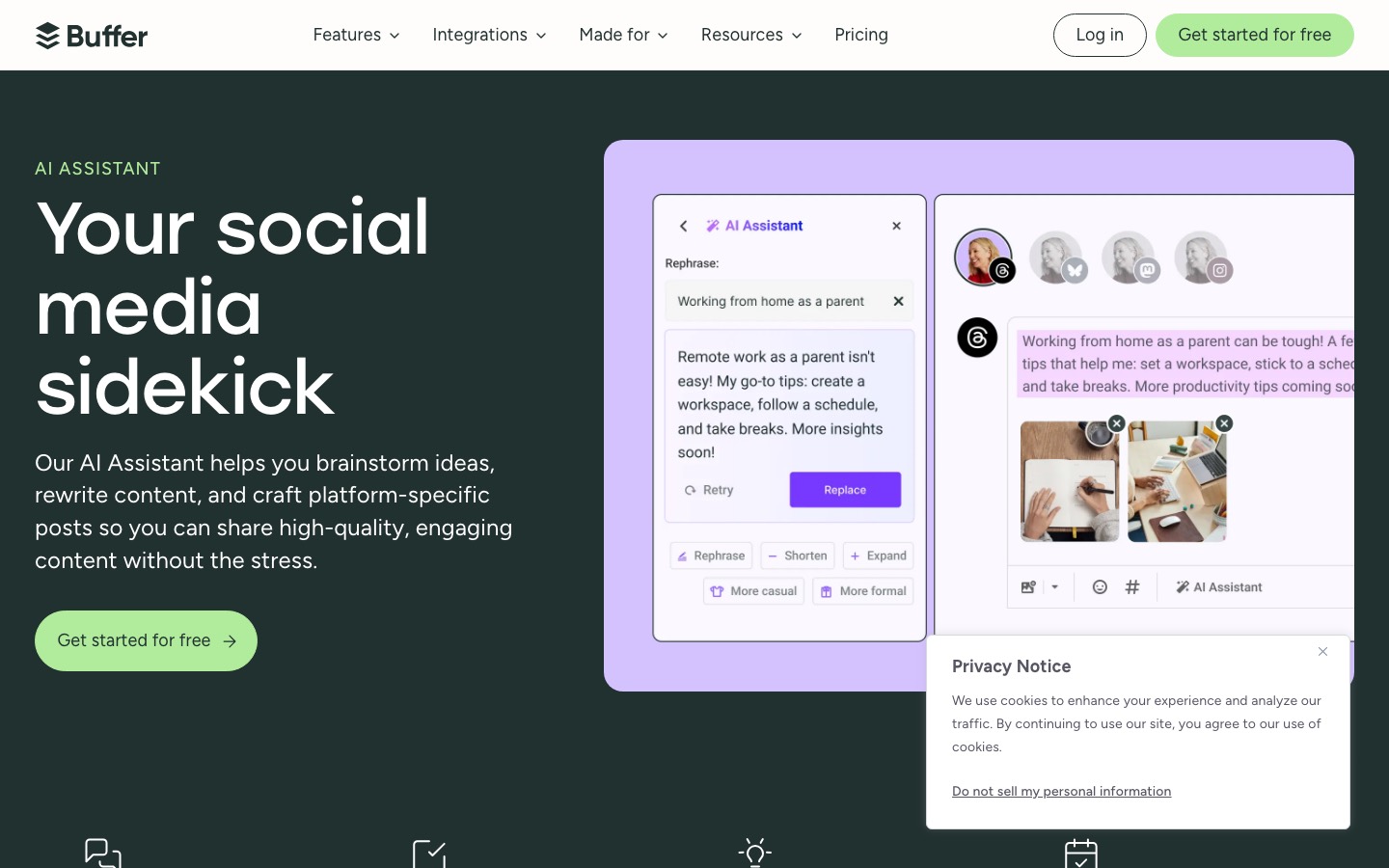
- The assistant drafts posts, rewrites them for different networks, and suggests replies.
- Nothing here is tuned for Instagram.
- There is no tone matching, no hashtag research, and per-channel pricing multiplies once you connect more accounts.
- Buffer is a long-standing Meta Business Partner publishing through the official API, about as safe as third-party tools get.
Hootsuite OwlyWriter AI
- OwlyWriter is two products wearing one name.
- The first is a free web tool that writes captions with no login, the fastest way in this article to get a caption for nothing.
- The second is a feature inside the Hootsuite platform that generates captions, post ideas, and hashtags for every network Hootsuite supports.
- Describe your post or paste a URL, and OwlyWriter generates captions tailored to the platform (Instagram, Twitter, LinkedIn, Facebook).
- It adjusts length, tone, and emoji usage based on where the post is going.
- Every plan runs on Wisdom, your AI teammate.
Brand voice memory + team collaboration keeps all captions consistent without manual review.
Jasper and Flick let you save brand voices natively so you don't need to repaste each time. For agencies managing 10+ client accounts, this consistency saves hours of revision. Copy.ai earns its slot when Instagram captions are a side task next to blog posts, emails, and landing pages, because at long-form marketing copy it is genuinely strong.
Canva Magic Write
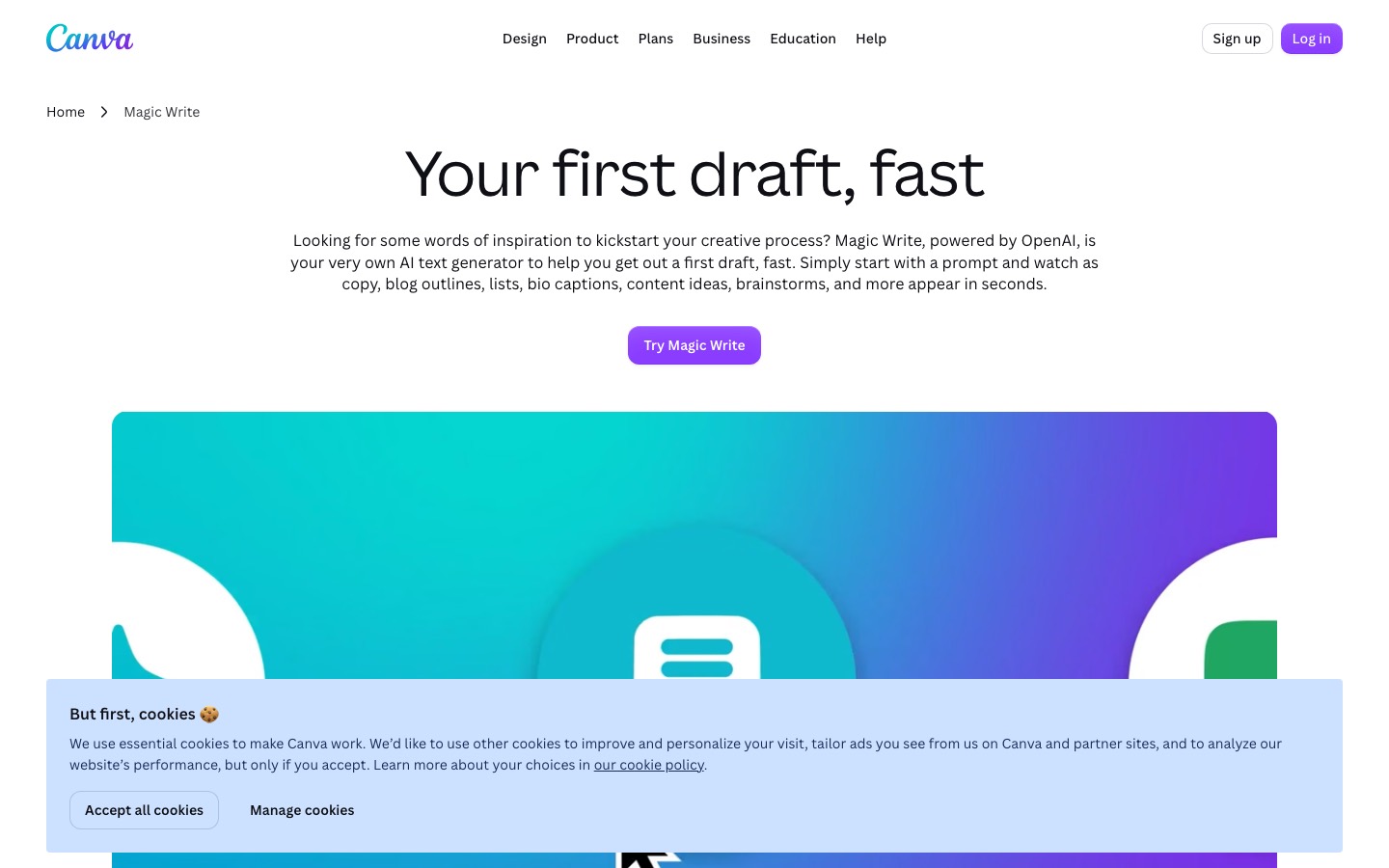
- Magic Write is Canva's built-in text generator, and its whole case is convenience: you are probably designing the post in Canva already, so drafting the caption in the same window saves a tab.
- It knows nothing about hooks, hashtags, or Instagram at all unless you spell it out in the prompt.
- Describe your Instagram caption idea in 200 words or less.
- Include your desired tone of voice, target audience, and caption content.
- You can also highlight existing text and ask the AI to rewrite it in a different tone, make it shorter, or add a call to action.
- Generate brand new captions or translate existing ones into over 100 languages.
Copy.ai
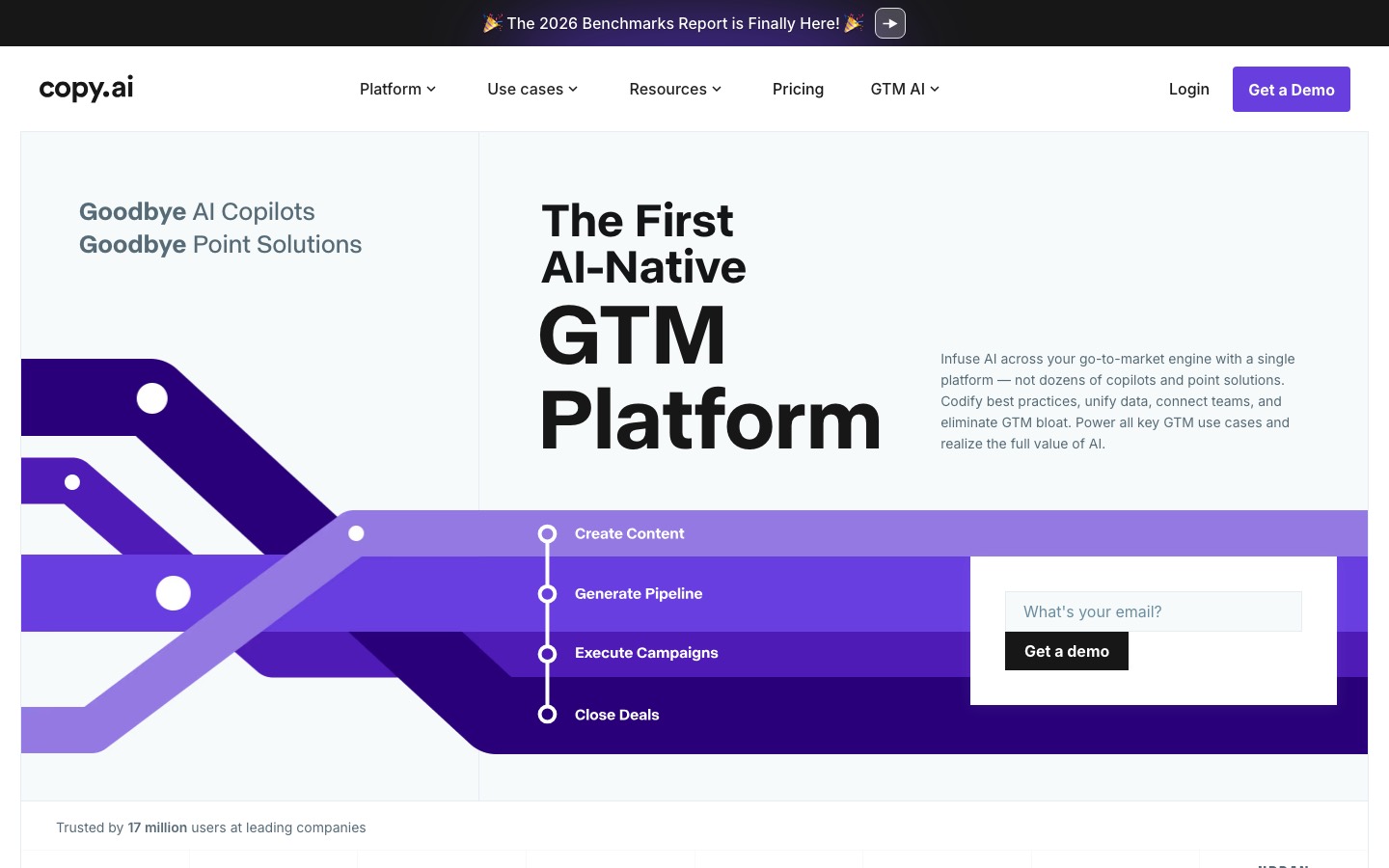
- Copy.ai is a general AI writing platform that has drifted toward sales and marketing workflows.
- It writes perfectly good captions if you prompt it well, the same way ChatGPT does, and that is precisely the problem.
- Multi-platform output: one input generates captions for Instagram, Twitter, LinkedIn simultaneously.
- Access to OpenAI, Anthropic, and Gemini models.
- Output can be generic without detailed prompting.
Jasper
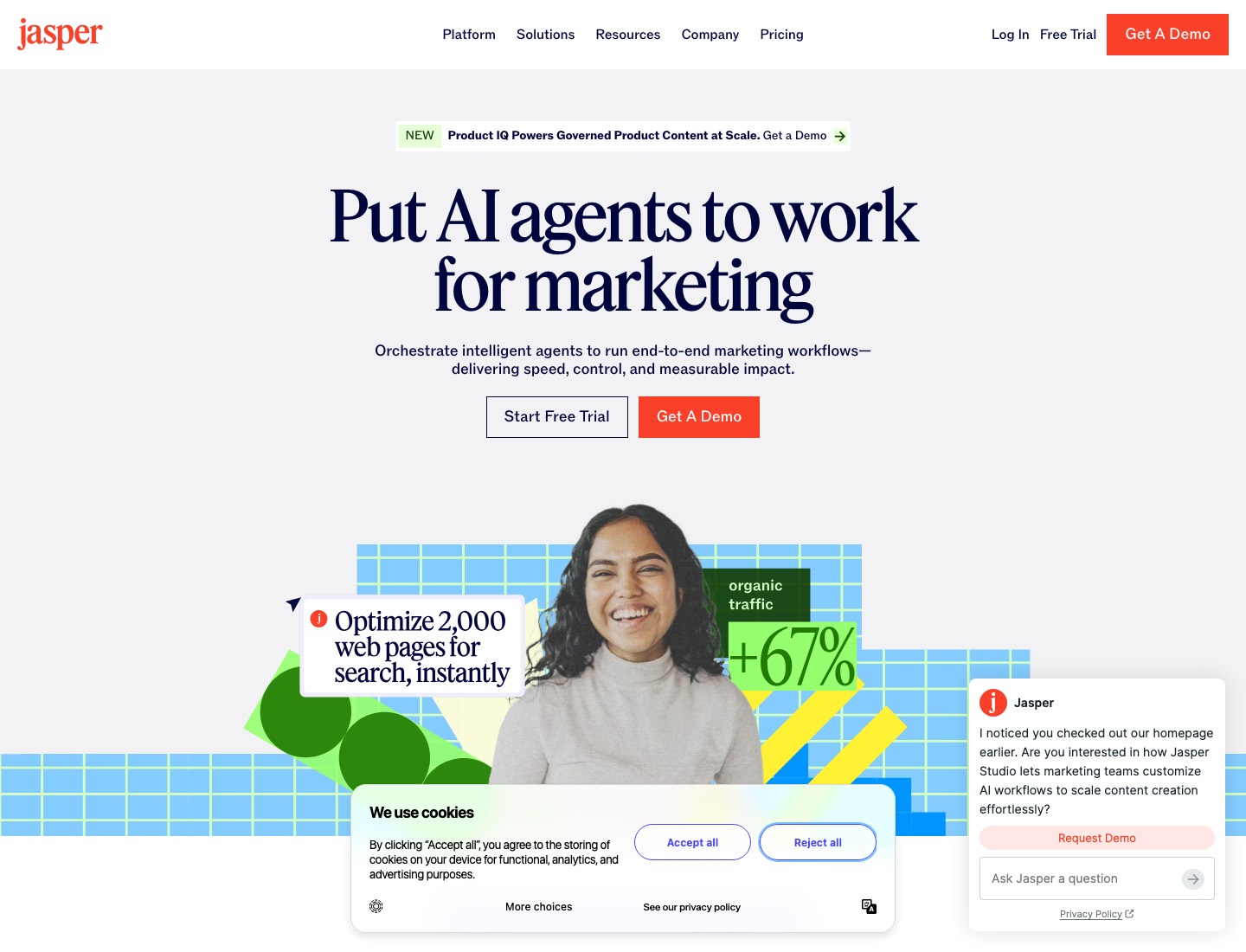
- The Brand Voice feature lets you upload examples of your existing captions, website copy, and tone guidelines.
- Brand voice: save your brand's voice, tone, and vocabulary.
- The trade-off is complexity.
- Jasper has a learning curve.
- Solo creators posting once a day will find it overkill.
- No native Instagram scheduling or hashtag research.
Lately AI
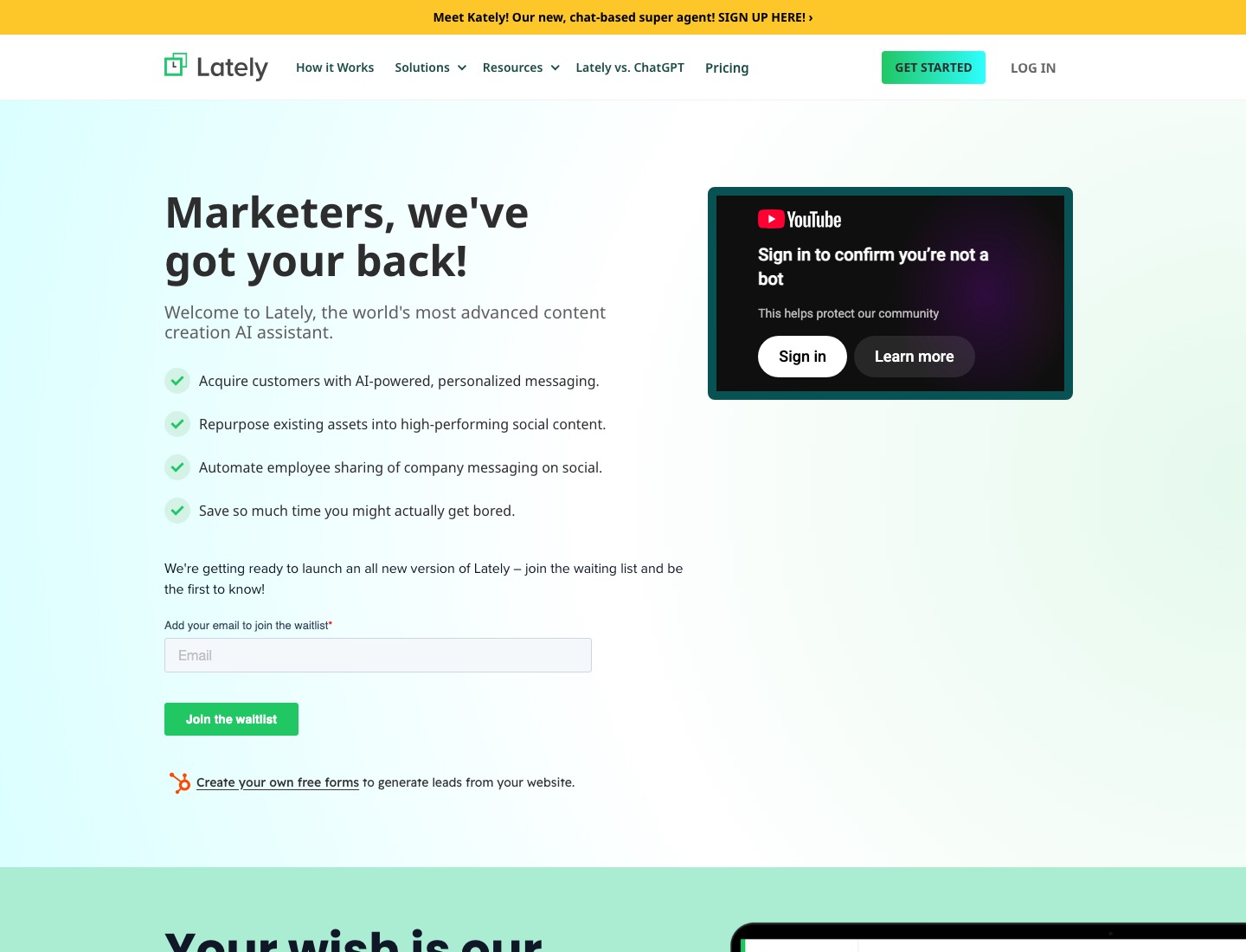
- Trains on your best-performing social content.
- Long-form repurposing: turns blog posts, podcasts, or videos into Instagram captions automatically.
- Performance learning loop: the more you post, the better the AI understands what resonates.
- Requires existing content library to train on.
- More complex setup than template-based tools.
The highest-performing ChatGPT caption prompts include five elements.
The best way to use ChatGPT prompts for Instagram captions is to give ChatGPT your specific context. A vague prompt like "write me an Instagram caption" gets you generic mush; a detailed, structured prompt gets you something you'd actually post.
Feed all five into your AI prompt and the output quality jumps by an order of magnitude.
- Topic. What is this post actually about? Be specific.
- Audience. Who are you talking to?
- Tone. Pick two adjectives max. If you can't define your tone, your AI can't replicate it.
- Goal. Are you trying to drive saves, comments, profile visits, link clicks, or just brand awareness? Each goal needs a different caption structure.
- Output format. Specify length, line breaks, emoji use, number of options, and whether you want short-form or story-driven copy.
- One specific detail: a number, a date, a mistake, a client situation (anonymized), a thing you noticed this week.
What you can try now: Free Instagram Caption Generator (AI, No Signup)
Specific instructions are the whole game.
A vague prompt produces a vague caption, every time. You do not need to write a fresh brief every time. Even when none is perfect, the options clarify what you actually want, and you will often stitch the best line from one into the shape of another.
Request three to five versions in different tones so you have something to react to.
- Write 5 Instagram caption options for a photo of a latte and open laptop at a coffee shop. My audience is freelancers who work remotely. Tone: honest and relatable, not hustle-culture. Include one question to drive comments. Each option should be under 100 words.
- Write 5 Instagram captions for a photo of a sunset over the ocean, tone is reflective but not cheesy, include a question at the end, keep each under 100 words.
- Write 4 versions, one conversational, one bold and punchy, one story-led, one straight informative.
- Write an Instagram caption for a carousel about overcoming imposter syndrome. Write in first-person. Tone: Candid, slightly insecure, but hopeful. Length: 150 characters MAX. Use line breaks. Avoid hashtags.
- Write a casual and witty caption for a photo of my dog at the park.
- Suggest 5 relevant hashtags and 3 keywords I can work in naturally.
- Draft a reply under 25 words to this comment, in my voice. If it's a question, answer it from the note; if you don't know, say we'll check.
- Draft a professional and empathetic reply to a customer complaint about shipping delays.
The AI can only sound specific if you give it specifics to imitate.
Scroll back through your last 30 captions and copy the 15 to 20 you're proudest of, or that did best, into one document. Leave out anything written in a rush or by someone else. Ask the AI to name the rules of your voice, then save those rules as a reusable style guide.
Describe my writing so another writer could copy it:
- Typical caption length and sentence length.
- How I open (first line patterns) and how I close.
- Emoji: which, how many, where.
- Punctuation habits (exclamation marks, dashes, questions).
- Words and phrases I use often.
- Words I never use that most Instagram accounts do.
- Tone in three adjectives, with an example line for each.
Here is how the quality ladder works in practice:
- Blank prompt: Generic output. Sounds like no one.
- Topic + basic context: Slightly better. Still off-brand.
- Four-part voice brief with 5 to 10 examples: Noticeably better. Recognisably you, most of the time.
- Dedicated tool trained on your catalogue: Consistently on-brand, across topics you have never written about before, connected to what is actually performing in your niche.
Keep a running list of phrases you've cut and add it to the voice file as "never use".
- Save the corrected description as the voice file in a ChatGPT or Claude Project, or a Gemini Gem (becoming a skill from November 2026), with your 18 examples attached.
- Once you have that brief, paste it at the start of every future caption request.
- After a month, the drafts arrive needing far less editing.
What you can try now: Free Brand Voice Analyzer Online, Claude prompt for brand voice extraction
A topic gives the model nothing to work with except its defaults.
A raw note gives it your details. The fix is boring but it works every time: give ChatGPT one true, small, specific detail before you ask for the caption.
The raw note takes 60 seconds to type on your phone right after the event.
- Topic (what most people type): Write a caption about our community lunch.
- Raw note (what works): Community lunch last Sat. 38 came, most ever. Soup was leek and potato, volunteers from the toddler group made the cakes. Two new families came because they saw last month's post. Next one Sat 15 Nov 12.30, free, no need to book. Photo: long table, people's backs, cakes in front.
An illustrative set of options:
- "Thirty-eight for lunch on Saturday, our biggest yet. Leek and potato soup, and cakes from the toddler group team, who clearly have hidden talents. Two families came because they saw last month's post, so this is us asking you to share this one. Next lunch: Sat 15 Nov, 12.30, free, no need to book."
- "The cakes went first. They always do when the toddler group volunteers bake. Saturday's community lunch had 38 people round one long table, the most we've had. Next one is Sat 15 Nov at 12.30. Free, all welcome, no need to book."
- "Pencil in Saturday 15 November. Our community lunch is free, starts at 12.30, and needs no booking. Last time 38 of you came, which is a record, and the cakes vanished in about ten minutes."
- Option 1 is the strongest because it asks readers to share, and gives them a reason (the two families).
Pick the one that sounds like you; regenerate until one does.
- Witty: "He said he's working from home. Nobody had the heart to correct him."
- Minimal: "Nap shift."
- "Told myself I'd just look at the pastries. Left with four and zero regrets. #BakeryLife #NoRegrets."
- "I tested 12 AI productivity tools this month. These 3 saved me over 5 hours every week. Save this list before your next content planning session."
The edit that adds the most engagement value is inserting one specific, true detail.
Cut anything that sounds like a machine wrote it: the throat-clearing intro, the tidy but empty phrases, the words you would never say out loud. Read it aloud, and if it does not sound like you, keep going. Quality benchmark: if the caption could have been posted by any brand in your niche, it needs more specificity.
The five-minute edit pass
- Delete the first sentence. Generated drafts almost always warm up before the point.
- Replace one abstract noun with a concrete detail only you know, a price, a place, a time, a name.
- Break the rhythm. Put one very short sentence next to a long one.
- Cut every adjective that could apply to a different post.
- Rewrite the closing question so it can only be answered by someone with real experience of the topic.
When the draft gets a fact wrong
- Even with a raw note, check the practical details line by line, because that's where small errors hide.
- The fix is a habit: before posting, read only the date, time, place and price against your note, separately from reading for voice.
- Nobody would spot "every Saturday" as an AI error, but a family turning up the following week to an empty hall would remember it.
People use commas and full stops.
- Language models reach for the em dash, and they reach for it repeatedly.
- Two or three in a short caption is one of the most reliable tells there is.
- Replace most of them with a comma or start a new sentence.
What you can try now: Caption Rewriter: Keep the Voice, Cut the Filler
Instagram truncates captions in the feed after roughly 125 characters.
Write the hook first, context second, call to action third, hashtags last. The hook is the one sentence that makes someone want to read the rest. "The best coffee in New York is not in Brooklyn" is a hook.
Instagram allows up to 2,200 characters in a caption.
| Post type | Caption sweet spot | What the first line should do | Notes |
|---|---|---|---|
| Reel | Under ~150 characters | Complement the video's first 3 seconds | Let the video carry the message; short captions help watch-through |
| Single image | ~50 to 150 characters | State the single most interesting thing | Punchy beats long for visual-first posts |
| Carousel (educational) | ~150 to 220 words | Tease the value waiting inside | This range drove the highest comment rates in large studies; use line breaks |
| Story-led / community | ~200 to 300 words | Open mid-action, not with setup | Length is fine when the story earns it |
| Promo / product | ~80 to 150 words | Lead with the benefit, not the feature | Keep it to one clear CTA |
Caption length depends on your content type and goal.
- Short captions (under 125 characters, before the 'more' cutoff) work best when the image speaks for itself.
- Medium captions (125-300 characters) are the sweet spot for engagement.
- Long captions (300+ characters) work well for educational content, storytelling, and thought leadership.
Reels and carousels need different captions
- A photo caption carries the whole post.
- A Reel's caption doesn't, because people are watching, not reading, so the words on screen do most of the work and the caption can be one or two lines plus the practical details.
- A carousel is the reverse: the slides tell the story and the caption's job is to make people swipe and then act.
- Tell the AI which format it's writing for.
- Reel caption: "Forty-two jars, sold out by eleven. Next stall: Sat 8 Nov, 10am, church porch."
- Carousel caption: "Where 42 jars of jam came from, in five slides: the plums, the volunteers, the labelling table, the queue, and the empty stall at eleven o'clock. Next stall Sat 8 Nov, 10am, church porch. Bring cash; we can't take cards yet."
What you can try now: Instagram caption character counter and preview, Instagram Character Counter
Hooks are cheap to make and expensive to get wrong.
High-performing Instagram caption hooks fall into five patterns, all of which you can prompt AI to generate. Because the first line decides whether anyone reads the rest, generate options for it specifically. When prompting AI: ask for the hook as the first sentence and write the caption as a funnel.
Six archetypes consistently outperform.
| Archetype | When to use | Example opening line |
|---|---|---|
| Question | Photo invites curiosity | "What if the best part of your morning isn't the coffee?" |
| Number | You have a hard stat | "3 weeks. 47 drafts. One caption that worked." |
| Story | Photo is a moment | "He almost walked past the table. Then he saw the second chair." |
| Contrarian | Niche has a tired truism | "Posting daily isn't growth. Posting on purpose is." |
| Vulnerability | You can speak candidly | "I almost deleted this. Glad I didn't." |
| List | You have 3+ tactical points | "Five things I wish I'd known before posting this." |
Hook and attention prompts
- Give me 8 first-line hooks under 125 characters. Mix curiosity, a bold claim, and a relatable problem.
- What doesn't work: starting with a greeting, the date, or a restatement of what's visible in the image.
- If your first line could open any post, it opens none.
What you can try now: Free Instagram Hook Generator, Instagram Hook Generator
AI will not add a strong CTA unless you ask.
Captions with a defined CTA have been found to earn around 70% more comments. One ask per caption; two asks halve the response to each. Questions with easy answers get more replies than open-ended ones.
Pick the CTA that matches the result you want, then make it your own.
| Your goal | A line you can paste |
|---|---|
| More saves | "Save this so it is there for your next post." |
| More comments | "Which of these trips you up most? Tell me below." |
| Profile visits | "I broke the full process down on the blog, link in bio." |
| Shares and sends | "Send this to the friend who keeps asking how you do it." |
| Replies and DMs | "Want the template? Comment CAPTION and I will send it over." |
Weak CTAs:
- Let me know if you have questions.
- Feel free to reach out.
- Hope to see you there.
Strong CTAs:
- DM me 'TOUR' to schedule a showing.
- Save this post for when you're ready to sell.
- Tag someone who needs to see this.
- Comment your must-have home feature below.
What you can try now: CTA Generator, Free Instagram CTA Builder
Instagram now allows up to 5 hashtags per post or Reel, down from 30.
On December 18, 2025, Instagram's official @creators account announced that "starting today, Instagram will allow up to 5 hashtags in a reel or post." Splitting them between the caption and the first comment does not add slots. Tell the AI the limit, because many models still suggest 20.
If a guide tells you the limit is 30, or that feed posts get ten and Reels get seven, it's repeating advice from before the change.
- Pick five specific, relevant tags (one broad, two mid-sized, two niche) and put the rest of your effort into a keyword-rich caption.
- Treat hashtags as labels that tell Instagram and searchers what your post is about.
- Don't spam your caption with too many irrelevant or generic hashtags, like #reels or #explore.
- Using all five is not required, and padding the list with generic tags is exactly what the cap was designed to discourage.
- For hashtags specifically, don't ask ChatGPT to generate them from scratch, it tends to invent broad, dead tags.
- ChatGPT or Claude generate plausible hashtags but can't tell you if a hashtag is shadowbanned, oversaturated (50M+ posts), or declining in reach.
What you can try now: Free Hashtag Generator for Instagram, TikTok & Reels, Instagram Hashtag Generator: The 5 Tags to Post
Instagram reads your caption text to decide who sees the post.
Since July 10, 2025, Google (and Bing) index public posts from professional accounts by default. What gets indexed is the caption, the alt text, and any geo tag on the post. "Free community lunch, church hall, Saturday 12.30" is searchable; "Good times with good people" isn't.
The formula that works is: primary keyword, plus who it is for, plus the outcome.
- "Custom wedding cakes in Austin for couples who want a design that actually tastes as good as it looks."
- Weave two or three natural keywords into the text, the words your audience would actually search, then add 3 to 5 specific hashtags.
- Name field and bio. Both are searchable.
- Eligibility is specific: public Business or Creator accounts, owned by someone 18 or older, on feed posts.
- Stories and Highlights aren't included.
- You can check the setting for search-engine visibility in your account's privacy settings.
What you can try now: Instagram keyword generator, Instagram Keywords Generator
Instagram automatically generates alt text, but it's often generic.
Alt text makes your Instagram posts accessible to people who can't see your images. Every AI tool can generate it for you in under 10 seconds. AI drafts this well if you give it the photo and ask for one plain sentence, but check it.
Aim for 100 to 125 characters.
- Describe what is literally in the image.
- If your image is a quote graphic, infographic, or contains any important on-screen text, include that text in your alt description.
- Keyword-stuffed alt text is a bad experience for screen reader users and Google flags it as a spam signal.
- You can also edit alt text after posting by opening the post, selecting Edit, then Edit alt text.
- You cannot add alt text to Instagram Stories.
What you can try now: Free AI Alt Text Generator, AI Alt Text Generator
The algorithm does not care who wrote your caption.
Instagram's confirmed ranking signals are behavioral: watch time and replays, sends per reach, likes per reach, and two-way conversations. None of those signals read authorship. The penalty is indirect.
Productivity uses like AI-generated scripts or captions don't need disclosure.
- A caption drafted with Meta AI on top of a genuinely original photo is fine.
- A repost with an AI-generated caption slapped on top, and no real transformation, now loses recommendation reach regardless of how good the caption is.
- Roughly half of consumers say they engage less with content the moment they sense a machine wrote it, so the unedited copy-paste is quietly working against you.
A handful of habits show up again and again, and every one is avoidable.
You can use AI for the first draft of every caption, but never publish AI text unedited. Instagram users are increasingly sensitive to AI-generated captions (they have a recognizable rhythm: list teaser, bullet points, motivational closer).
The six habits worth breaking, and what to do instead.
| The mistake | Why it costs you | The fix |
|---|---|---|
| Posting raw AI output | About half of people tune out when they sense AI wrote it | Always do a short human edit and add one true detail |
| Opening with "Happy Monday!" | Wastes the only line most people will read | Lead with your most interesting or useful sentence |
| Burying the point below the fold | Everything after ~125 characters is optional reading | Move your best line to the very top |
| Stuffing 30 hashtags | Attracts bots, not buyers, and looks spammy | Use 3 to 5 relevant tags plus real keywords |
| Every caption sounds the same | A single AI voice flattens your whole feed | Vary the format and let your edits keep it human |
| Writing to the character limit | The 2,200-character ceiling is a maximum, not a target | Match length to the job, then stop |
AI Posts Generator: captions that come from a plan
Caption generators work best when you already know the topic. AI Posts Generator starts earlier: it learns your voice from your own past captions and reference accounts, analyzes your audience and competitors, and plans the month. Each planned post comes with its hook, proof and call to action, so the caption has a job before it is written.
- Author Score reads screenshots of your Instagram Insights and shows which hooks and formats got saves and shares.
- Your brand voice and brand knowledge are reused for every caption.
- 3-day trial, then $99 per month.
What you can try now: AI Posts Generator
Frequently Asked Questions
Is there a free AI Instagram caption generator?
Yes. Hootsuite's OwlyWriter web tool generates captions free with no login. Buffer's free plan includes its AI Assistant on up to 3 channels.
Can AI match my brand's Instagram voice?
The most effective approach: copy-paste 5-10 of your best-performing captions into ChatGPT or Claude and write: 'Analyze the tone, vocabulary, sentence structure, and personality in these captions. Then describe my brand voice in a one-paragraph brief I can use as a system prompt.'
Does Instagram penalize posts labeled "AI-generated"?
No. Instagram does not scan or tag captions for AI origin. There is no technical detection layer for language model provenance.
Does using Meta AI to write my Instagram caption hurt my reach?
No. As of 2026, Instagram's algorithm does not penalize AI-assisted written captions.
Will AI captions hurt my engagement?
Not if you edit them. Raw AI output posted without changes can feel generic, which followers notice over time. Creators who treat AI captions as first drafts rather than final copy see no engagement drop.
Are AI-written Instagram captions good enough to post without editing?
For small businesses doing high-volume posting (daily content for multiple platforms), posting AI captions with light review is a practical tradeoff. If it's something only your brand could say, it's ready.
Do AI caption generators actually save time?
Yes, for most creators. AI-generated Instagram captions that are human-edited perform equally or better than fully human-written captions, while taking 70-80% less time to produce. Creators who write long-form captions save less time because AI output for longer text usually needs more editing.
Should I use AI to generate Instagram hashtags too?
AI can generate hashtags, but specialized tools do it better than general-purpose AI because they have access to real-time hashtag data.
How long should AI-written Instagram captions be?
AI tip: always generate multiple length variants and pick based on what the image needs. A great rule is: the more visually self-explanatory the image, the shorter the caption should be.
Is AI-generated content automatically banned?
No. Instagram does not ban AI content. The platform evaluates whether the content provides genuine value or simply floods the feed with low-effort automation.
Can competitors legally copy our AI-generated captions?
If a caption was generated purely by AI with no meaningful human authorship, it likely isn't eligible for copyright protection, meaning your business may have no legal basis to stop a competitor from reusing it verbatim. Meaningful human editing before publishing strengthens your position.
Does Instagram's AI label reduce reach?
Not directly. Meta says the label is not a ranking input, so it does not trigger a reach penalty on its own.
Where exactly is the alt text option on Instagram?
For a new post, scroll to the final screen with your caption, tap Advanced Settings at the bottom, then tap Write Alt Text under the Accessibility section.
Can Instagram posts really show up on Google now?
Yes. It is on by default but can be switched off in settings, and it applies only to public professional accounts.