Best AI Content Planning Tools 2026
We compared 14 AI tools for content planning, from ChatGPT and Notion to SEO suites and social schedulers, with prices checked on vendor sites.
For end-to-end content planning, a combination works best.
Most professional content strategists use a combination: Surfer for SEO data, Perplexity for research, and Claude or ChatGPT for planning and execution. In 2026, AI content planning tools have moved from novelty to infrastructure: they surface trending topics you would have missed, draft outlines in seconds, and turn one pillar idea into a month of spin-off content. Most teams end up running two: one for the planning layer, one for the scheduling layer.
Content planning spans ideation, research, calendaring, and briefs.
| Your task | Best tool | Why |
|---|---|---|
| Generate 30 topic ideas for Q3 content calendar | ChatGPT | Fastest bulk ideation from a single prompt |
| Analyze what competitors rank for that you don't | Perplexity | Deep Research competitor content gap analysis |
| Manage editorial calendar and assign to team | Notion AI | Full pipeline management with AI brief generation |
| Write a detailed pillar page content strategy | Claude | Best for complex strategy docs with deep reasoning |
| Keyword-driven topic cluster building | Semrush | Topic Research with real keyword volume data |
| Custom content ops database with automation | Airtable | Flexible database + AI field generation |
| Multi-channel campaign content planning | Jasper | Campaigns feature for brand-consistent multi-format planning |
| Build a keyword-based content plan | Surfer SEO | Topic clusters + competitive data in one tool |
| Create audience personas and messaging frameworks | Claude | Best long-form strategic reasoning |
| Audit content gaps vs competitors | MarketMuse | Topical authority model at domain level |
| Find what content format performs in your niche | BuzzSumo | Engagement data on real published content |
What you can try now: Content Calendar Generator - Free AI, Content Calendar Generator: Free AI Post Planner
Scheduling and planning are two different jobs that get sold as one.
AI tools for content planning help teams decide what to publish, when to publish it, and how to organize the work behind it. A writing tool may help draft copy. A planning tool helps you choose the right topic, align it to audience intent, assign it to a workflow, and keep the process moving.
The critical distinction is that AI content planning is not the same as AI writing or AI optimization.
| Concept | What It Does | Main Risk |
|---|---|---|
| AI content generation | Produces drafts, captions, outlines, or full articles | Generic output, hallucinations, weak differentiation |
| AI content optimization | Scores content against SERPs or semantic terms | Over-optimization, writing for a score |
| AI content planning | Chooses topics, clusters, calendar order, briefs, internal links, and update triggers | Bad inputs produce a bad calendar faster |
| Done-for-you AI SEO | Combines planning, writing, publishing, technical fixes, and rewriting | Requires trust in an external team |
Scheduling is the publishing layer: queue the post, pick the time, push it to Instagram, TikTok, LinkedIn, and X.
- Planning is the layer before that: the ideation, the campaign shape, the decision about what to make this month and why any of it will work.
- Scheduling tools decide when you post.
- Planning tools decide whether the post was worth making.
- A calendar full of scheduled mediocrity is still mediocrity, delivered on time.
- The harder, more valuable work is upstream: generating angles, pressure-testing which ones fit your audience, grouping loose ideas into campaigns, and seeing a month of content as one connected plan instead of thirty disconnected slots.
Not every tool on this list does the same job.
Some help you build keyword clusters. Others optimize existing drafts. A few manage social calendars.
We also gave extra weight to tools that help produce clearer, better-structured content.
- Planning depth. Does it help with keyword clusters, briefs, content calendars, gap analysis, or update priorities?
- Execution support. Does it only recommend topics, or does it help publish and improve content over time?
- SEO fit. Does it support search intent mapping, internal linking, topic authority, and SERP analysis?
- AI-search readiness. Does it account for AI Overviews, ChatGPT citations, or Perplexity references?
- Pricing clarity. Is the starting price clear? Are usage limits and add-ons transparent?
- User sentiment. Do real users praise the workflow, or complain about complexity, costs, or generic output?
- Best-fit user. Is the tool built for SMBs, agencies, solo creators, or enterprise teams?
- Campaign structure: whether you can group ideas into themes and campaigns and see the month as one plan.
- AI usefulness: whether the AI helps you think, or only writes captions once the idea is decided.
- Collaboration: how a small team plans, reviews, and approves together.
AI is stronger at content planning than strategy.
ChatGPT is useful for content planning when it is used carefully. It works best when paired with real search and performance data. Give AI your strategy as context, then use it to execute the planning layer faster.
ChatGPT
- Best all-around content planning assistant.
- Versatile: handles any content format, industry, or audience.
- Strong at generating detailed content briefs from a keyword + context.
- Custom GPTs let you build a personal content strategy assistant.
- Ideas without SEO validation are unvetted for demand.
- No built-in calendar or project management features.
- Can sound generic if used without strong prompts and human judgment.
Claude
- Detailed content briefs with strong reasoning for each section.
- Processes your full website audit or competitor analysis.
- Excellent at structured outputs like frameworks and matrices.
- Briefs don't feel formulaic.
- Slower for bulk ideation than ChatGPT.
- No native SEO data or keyword research capabilities.
Perplexity
- Cites every source.
- Surfaces trending topics before they peak.
- Great for validating whether a content idea has search demand.
- Spaces feature lets you build persistent research collections.
- Keyword volume data is approximate.
- Should not replace deeper editorial validation.
What you can try now: Free Content Brief Generator Online, Free AI 30-Day Content Calendar Ideas
The tool matters, but the planning system matters more.
Teams know what they want to publish, but their deadlines slip, briefs get lost, approvals drag, and calendars become hard to trust. Topics live in one place, briefs in another, deadlines in a third, and performance feedback never loops back into planning. A small team can get more value from a simple system it actually uses than from a powerful platform that never becomes part of the real workflow.
Notion AI
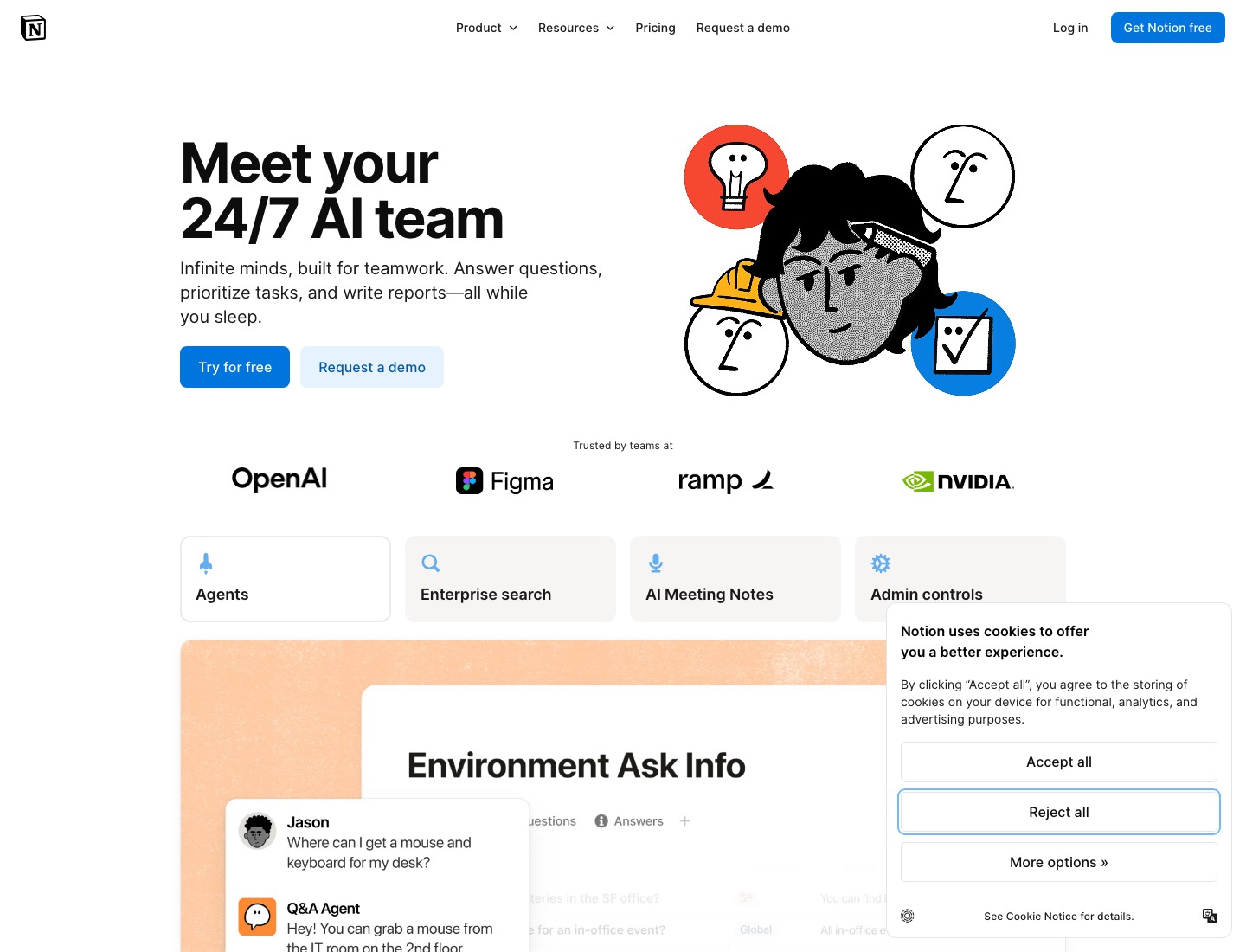
- Notion AI brings generative AI directly into the docs and databases where creators already plan.
- The AI Q&A feature is the standout.
- Database views (calendar, board, table) make it easy to visualize a content pipeline.
- Autofill databases for content calendars with AI-generated fields.
- Notion AI is a generalist.
- Performance on large databases can lag.
ClickUp
- ClickUp AI generates content briefs from a single prompt.
- The "Summarize" feature condenses long comment threads into actionable next steps.
- Workload views show who is overbooked, and AI suggests rebalancing.
- Automations can trigger when task statuses change, moving content through the pipeline without manual updates.
- ClickUp is powerful but complex.
- For solo creators, the complexity may not be worth it.
Asana
- Asana AI focuses on the planning layer.
- Smart status updates are the headline feature.
- Goal tracking links content tasks to company objectives, so you can see how a blog post contributes to a quarterly OKR.
- The Work Graph maps dependencies, so a delayed design asset flags every downstream content task.
- Asana AI is not a content generator.
- Asana AI is overkill for a solo creator and right-sized for a content team inside a larger organization.
What you can try now: Free Google Sheets Social Media Calendar Template, Free Social Media Content Calendar Template
Most AI content planning tools stop at recommendations.
For SEO-first content planning, Semrush's AI-powered tools are purpose-built for keyword-driven content strategy. AI tools can help identify missing supporting topics, related search intent, and overlapping keywords. ChatGPT can help turn research notes into a first cluster outline, but it should not decide the strategy alone.
Semrush
- Site audits and rank tracking.
- See exactly which keywords competitors rank for.
- AI Visibility Toolkit for monitoring brand presence across ChatGPT, Google AI Overviews, Gemini, and Perplexity.
- Overwhelms beginners with its breadth and complexity.
- All the data in the world still requires someone to execute.
Surfer
- Content Planner clusters keywords into complete topic maps.
- Topical maps and content gap visualization.
- Surfer is strong when you already know the keyword and need a data-backed brief or optimization pass.
- Score-chasing is a genuine risk; a high content score does not guarantee a well-targeted page.
Frase
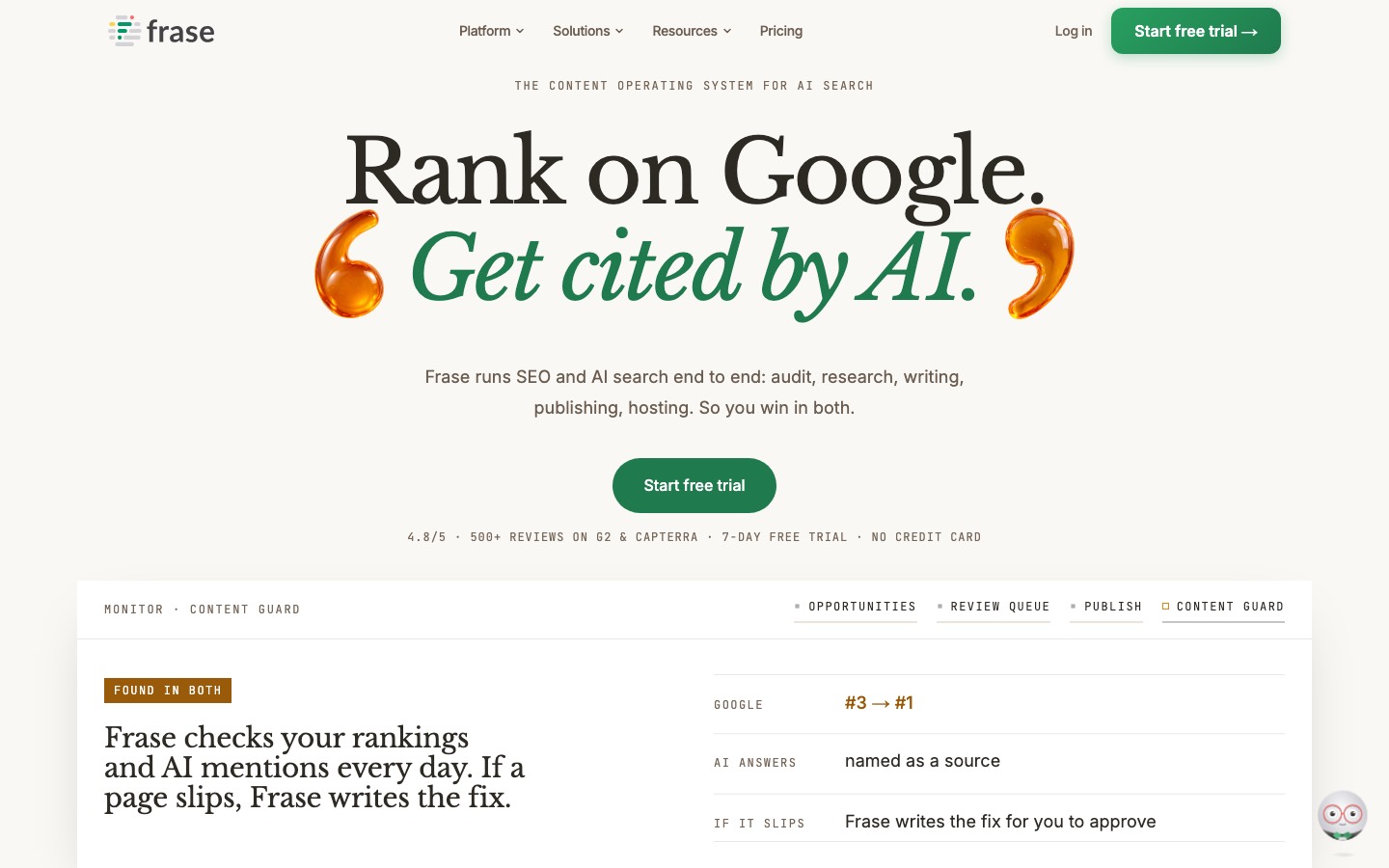
- Frase is a practical, lower-cost entry point for creating SEO briefs and reducing research time.
- Content opportunity dashboard using Google Search Console data.
- Niche-specific suggestions often need human correction.
- AI output still requires fact-checking and editing.
MarketMuse
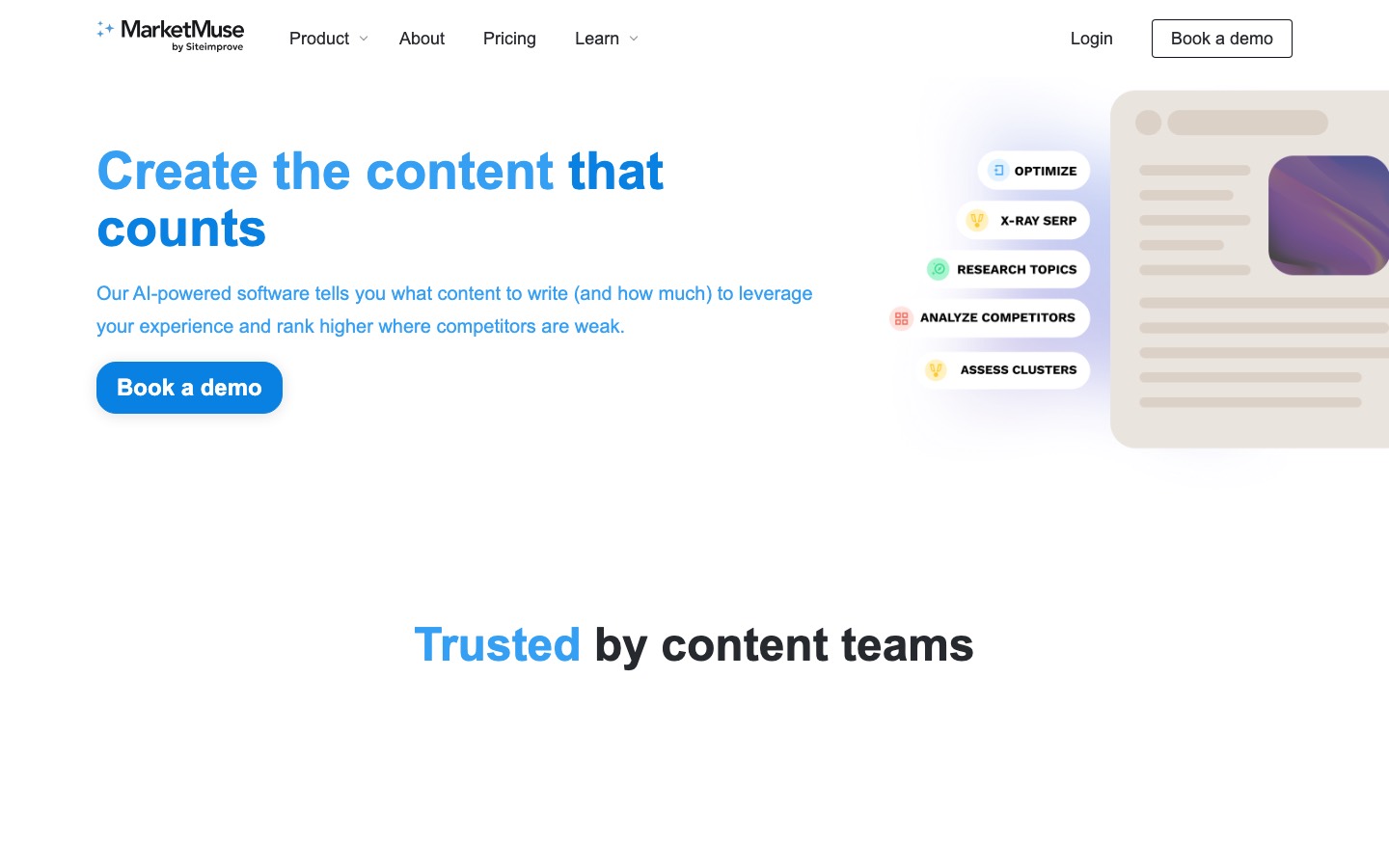
- MarketMuse is built for teams that care about content depth, topic authority, and gap analysis.
- Topic authority scoring to prioritize what to cover next.
- Helps decide whether existing pages should be updated, consolidated, or expanded.
- Can be overkill unless the site already has enough content to analyze meaningfully.
- Planning and briefing tool only; does not write, publish, or manage content.
What you can try now: Free Keyword Clustering Tool, Content Gap Analyzer: Plan Topic Coverage for Free, Free Topical Map Generator: AI SEO Tool
A scheduler with an AI caption button still assumes the idea already exists.
Social media content planning is deciding what to make and why it will work, and that is a separate job from scheduling when it goes out. Common choices are visual canvases like Storyflow for shaping ideas into campaigns, flexible workspaces like Notion for database-style calendars, and discovery tools like ContentStudio for finding topics. Some tools like Metricool blur the line and do both at a basic level.
Storyflow
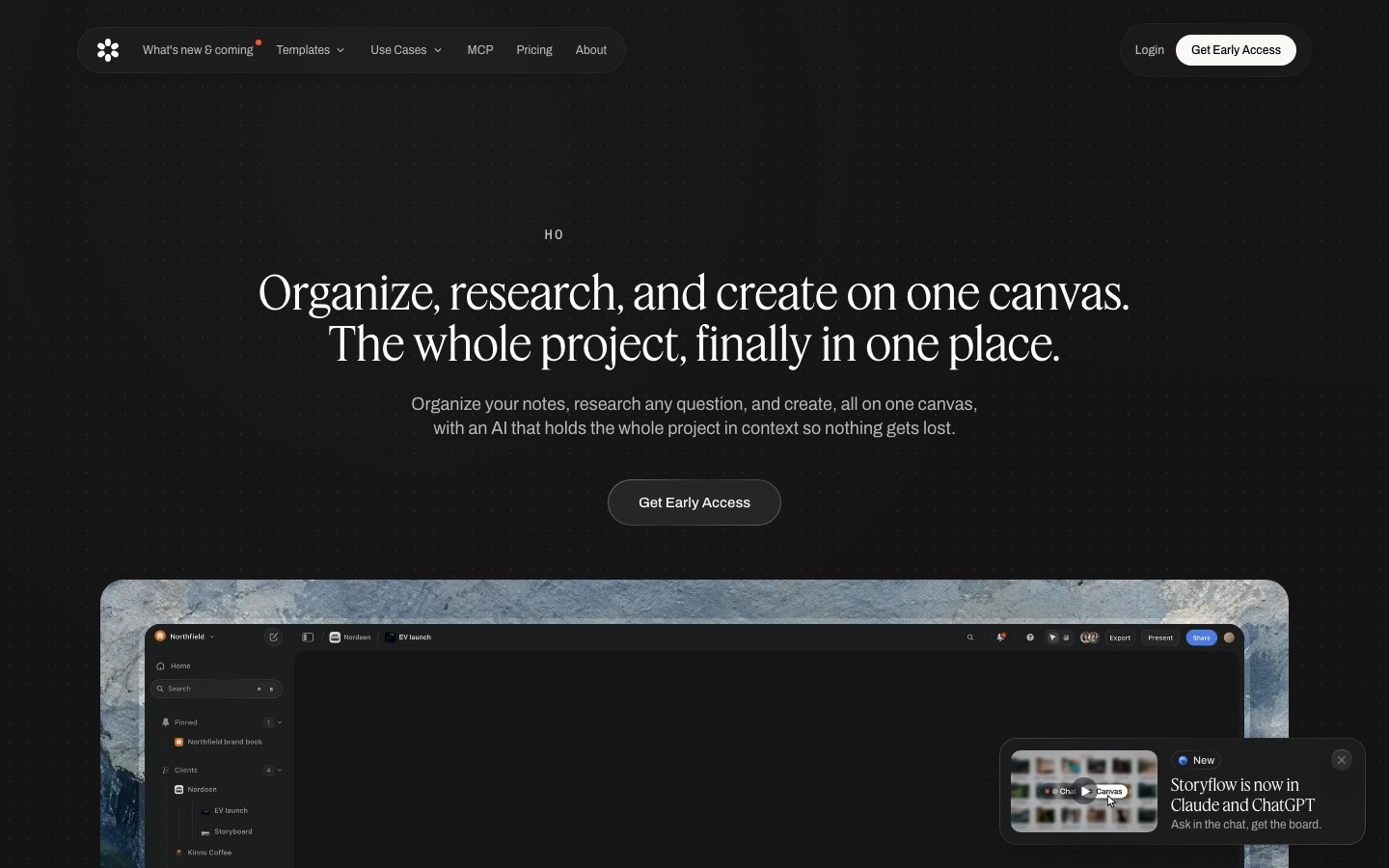
- Storyflow is a visual canvas with AI built for the planning layer specifically: deciding what to post and how a campaign hangs together, before anything is queued.
- You spread ideas across an infinite canvas as cards, cluster them into themes and campaigns, and let the AI generate angles and pressure-test which ones fit your audience.
- The 200+ Story Blueprints library, including Hero's Journey, AIDA, and StoryBrand, gives you proven frameworks to structure a campaign instead of starting from a blank month.
- Storyflow is not a scheduler and does not auto-publish.
ContentStudio
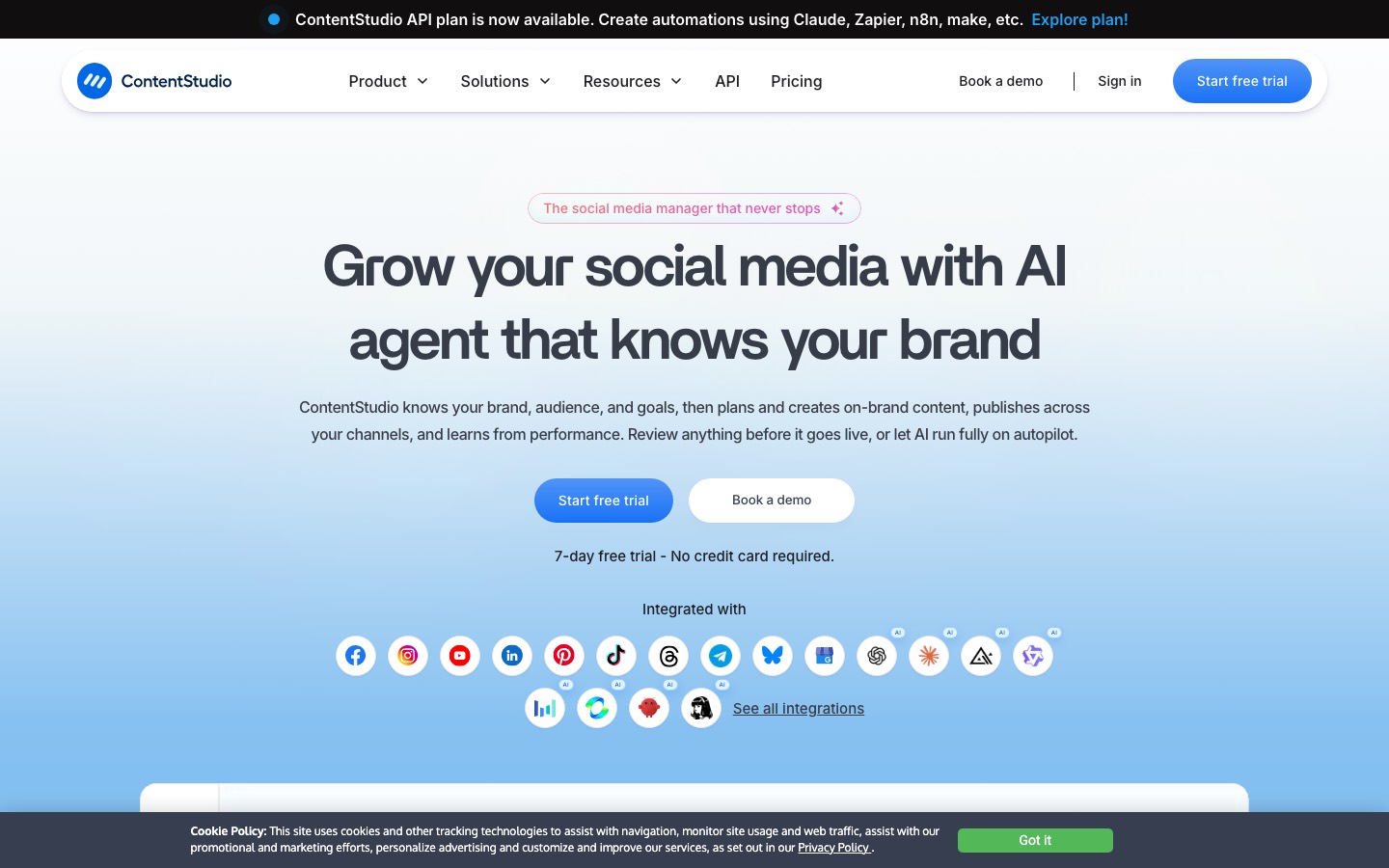
- ContentStudio is one of the few tools that treats content discovery as part of planning.
- The Discovery tab surfaces trending articles, hashtags, and topics filtered by your niche.
- The unified calendar shows every scheduled post across channels in one view, and the WordPress integration lets you draft and publish blog posts without leaving the tool.
- The AI captions are competent but generic.
- There is no deep content brief or outline generation.
Metricool
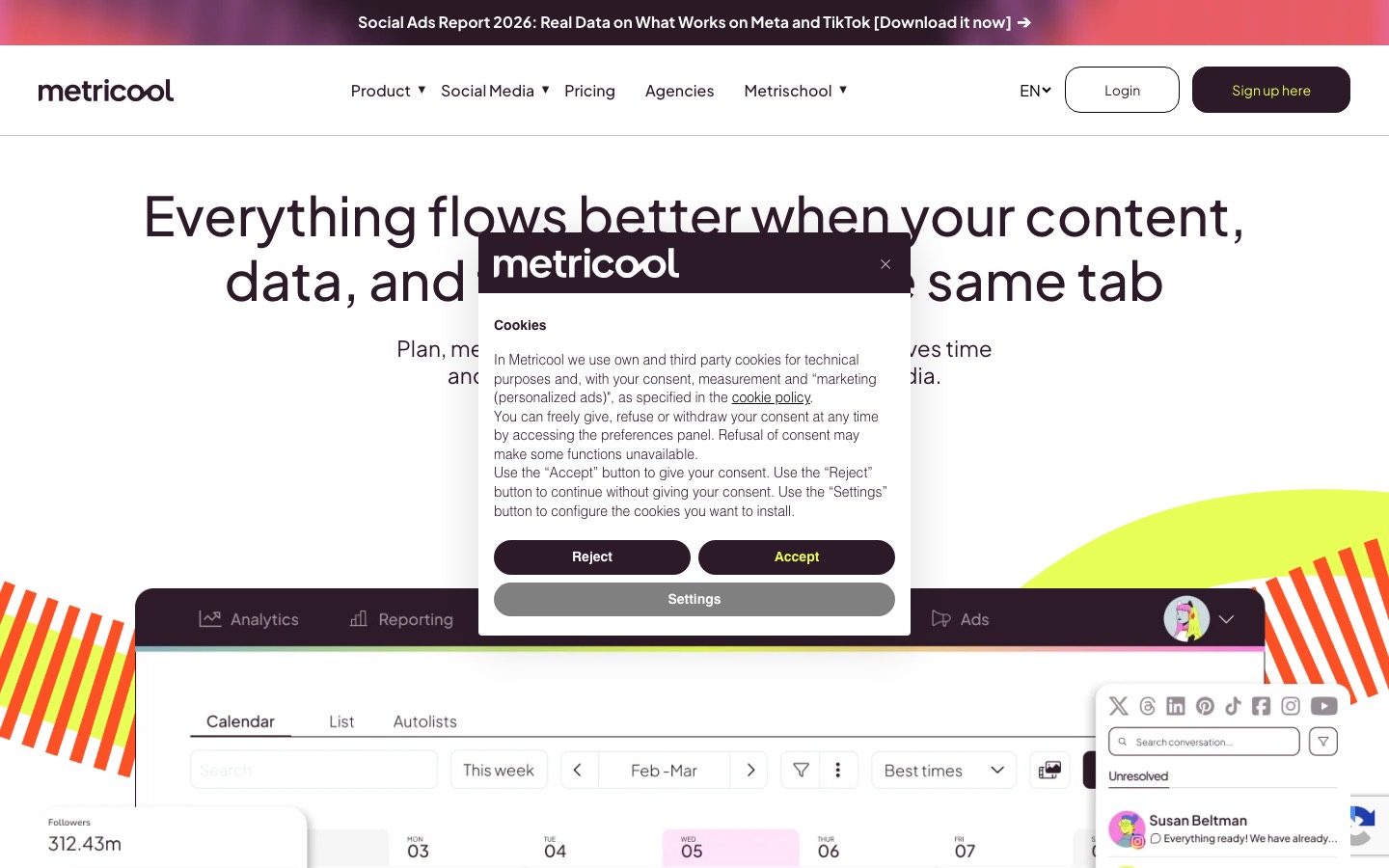
- Metricool sits between the two layers, pairing planning and scheduling with strong analytics.
- Its edge for planning is that the analytics feed the plan: you can see which content performed, spot the gaps, and shape next month around what actually worked, all in one place.
- Metricool leans more toward the scheduling and reporting side than deep ideation, so the "what should we make" work is thinner than the "when should it go out" work.
- The interface is also less polished than premium tools, and it can feel dense when you first open it.
Planable
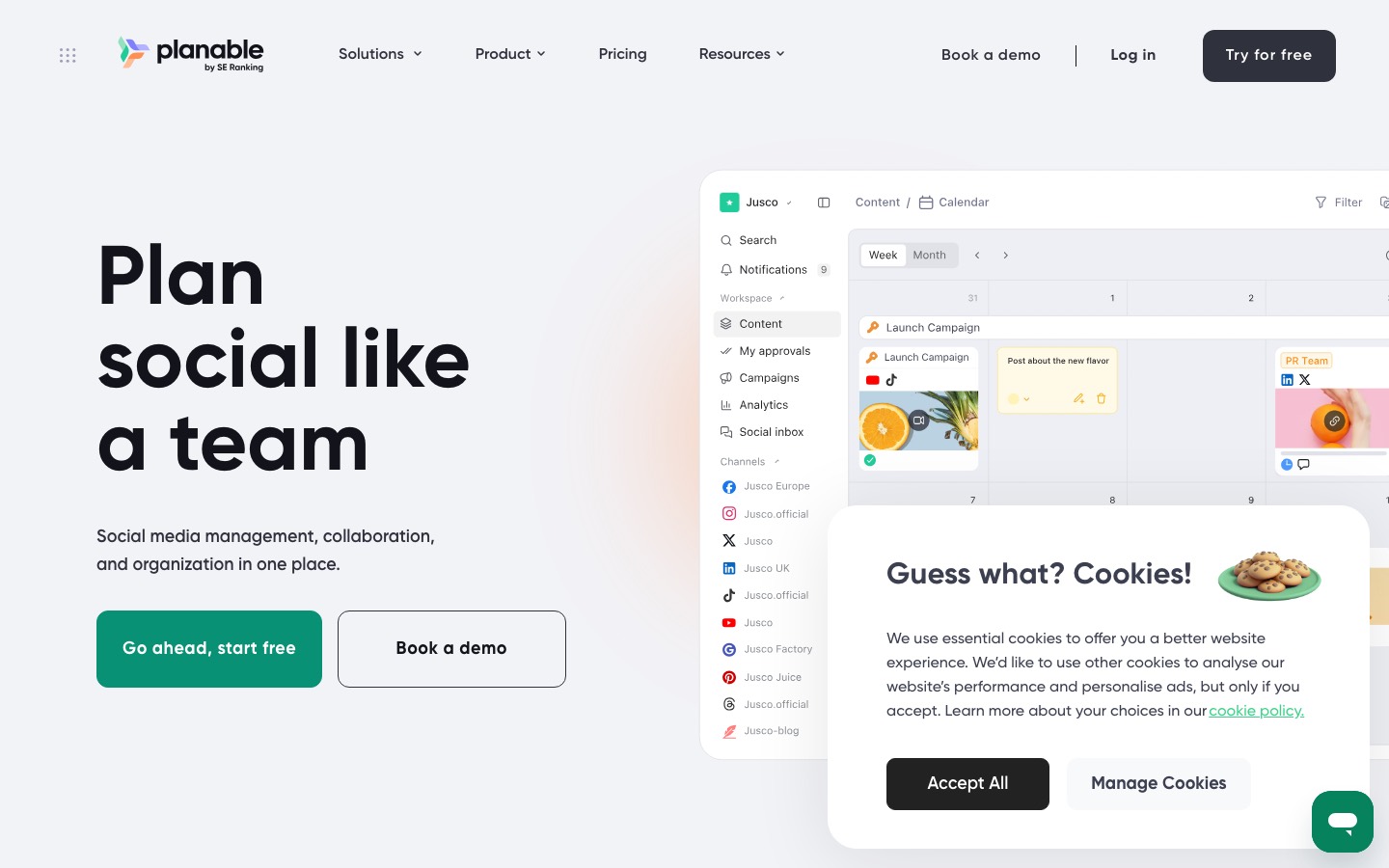
- Planable is an approval-first content calendar, and that framing makes it strong for the planning layer in one specific way: it is built around the review conversation.
- You draft posts, see them as they will appear on each platform, and route them through structured approval before anything ships.
- Planable prices per workspace.
What you can try now: Free AI Content Pillar Generator, Free Content Idea Generator (30 Ideas Fast)
The question changes once an editor joins, because per-seat pricing doubles.
Seat-based pricing charges a flat fee per user per month. The math is simple for buyers: multiply seats by price, that's your bill. Per-seat suits stable teams with consistent users.
Price and value: verified against each tool's own 2026 pricing page, and honest about per-seat versus flat cost.
| Tool | Free plan | Entry paid plan |
|---|---|---|
| ChatGPT | Yes | - |
| Claude | Yes | Pro: $17 per month with annual subscription, $20 if billed monthly |
| Notion | Yes | Plus: $10 per member per month |
| ClickUp | Yes (Free Forever) | - |
| Asana | Yes (Personal, $0) | Starter: $10.99 per user per month billed annually |
| Semrush | Yes ($0/mo) | SEO: $139 monthly, $117.33/mo billed annually |
| Surfer | - | Discovery: 49 USD per month billed yearly |
| Frase | - | Starter: $39/mo |
| MarketMuse | Yes (10 queries/month) | - |
| Storyflow | Coming before the end of 2026 | Plus: $7.99/mo billed once a year, $9.99 monthly |
| ContentStudio | No (7-day free trial) | Standard: $19 per month billed annually, $29 month to month |
| Metricool | Yes (up to 20 posts per month) | Starter: from $20/month |
| Planable | First 50 posts free | Basic: $33 per workspace per month |
| Buffer | Yes (up to 3 channels) | Essentials: $5/month per channel |
| Later | - | Starter: $18.75 USD/month billed yearly |
A content team with weak workflow discipline does not need another writing assistant first.
Start with whichever solves your real bottleneck. If your calendar is full but the content feels flat and disconnected, the problem is planning, so invest there first. If you already know what to post but publishing across networks is a manual grind, invest in a scheduler first.
The right AI tool for content planning depends on the main problem you need to solve.
- If your issue is weak topic research: choose Semrush, Ahrefs, BuzzSumo, or Perplexity
- If your issue is slow brief creation: choose Frase, Surfer, or MarketMuse
- If your issue is messy editorial workflow: choose ClickUp, Notion AI, Airtable AI, or Asana AI
- If your issue is funnel alignment: choose HubSpot
- If your issue is creative ideation: choose ChatGPT, Jasper, or Copy.ai
- Buffer is the simplest and cheapest for a small team, Later is best for image-first Instagram brands, and Hootsuite or Sprout Social make sense only when scale, listening, and enterprise reporting justify the per-seat price.
Team size changes what "best" means.
- Solo creators and freelancers: Notion AI, Frase, Semrush, Perplexity, and Trello can be enough if the system is simple.
- Small marketing teams: ClickUp, Narrato, Semrush, Surfer, and HubSpot often work well here because they support both planning and execution.
- Larger in-house teams: Prioritize governance, approval flow, reporting, and content inventory visibility.
- Content team inside a larger org: Asana Advanced ($24.99/user/month) for cross-functional planning and status reporting, paired with Notion AI for ideation.
A simple and effective setup is usually one research tool, one planning workspace, and one writing or outline assistant.
- For many teams, that could mean Semrush plus ClickUp plus ChatGPT or Frase.
- Notion's free plan works for a database-style content calendar, and Buffer's free plan covers three channels for publishing.
- That mix handles planning and light scheduling for a solo creator at no cost today.
- If the output meets your bar, layer in scheduling and repurposing tools as you scale.
Most AI creator tools assume a single user with one brand.
The fix that agencies and in-house teams increasingly converge on is architectural: one workspace per client, one voice profile per client, and no shared context between them by default. A saved tone profile does not prevent context leakage, and an unbranded exported document does not make the underlying software white-label. Running 5 clients on 5 separate ChatGPT instances is unmanageable; running them all on one account dilutes voice across clients.
Avoid tools that create operational risk.
- No workspace separation. If client context lives in a shared prompt box, the tool is not built for agencies.
- No research step. If the tool jumps from keyword to draft, the agency still has to do the expensive thinking elsewhere.
- No approval states. If client review happens in email or docs, the tool is not reducing account-management load.
- No metadata fields. SEO title, meta description, target keyword, schema, internal links, and CTA should be part of the workflow.
- No export path. Agencies need client-ready deliverables, CMS handoff, or publishing workflows.
- No voice constraints. If every client sounds the same after a few prompts, the tool will create churn.
Ask vendors to demonstrate each layer using two fictional clients.
| Layer | What it should do | What to verify |
|---|---|---|
| Client brand system | Store tone, terminology, audience, prohibited claims and reference material for one account. | Can users select the wrong client's profile? Are knowledge files and templates separated by workspace, folder or permissions? |
| Approval workflow | Move drafts from creator to editor, account lead and client without losing comments or versions. | Are reviewers paid seats? Can external guests comment? Is there a status history, and can approved copy be locked? |
| White-label delivery | Present final work or a client-facing environment under the agency's identity. | Is only the exported asset unbranded, or can the domain, emails, interface and login page also be branded? Obtain contract language for any reseller rights. |
Count creators, editors, account managers, administrators and client reviewers rather than only the production team.
- Per-seat pricing compounds fast across 10 people and 15 client workspaces.
- ClickUp, Airtable AI, Semrush, Ahrefs, and MarketMuse become more useful because the process needs to scale across clients.
- Check whether each client can have separate workspaces, calendars, assets and permissions.
- Jasper's Business tier solves a problem specific to agencies: managing genuinely separate brand voices at once without one client's content drifting into another's tone.
What you can try now: How to Build a Content Calendar for Multiple Clients (+ Free Template), Content Calendar Template
If you're serious about Instagram, your grid matters.
The best visual social media planning tools in 2026 are Later (best drag-and-drop feed grid preview with publishing built in), Storyflow (best visual canvas for the campaign layer upstream: moodboards, content pillars, and series maps the AI reads), Planoly (best Instagram-first grid planner), and Preview (best free mobile grid preview). An Instagram grid planner is a tool that lets you arrange upcoming posts in a 3-column preview. Later is weaker for text-first platforms like LinkedIn and X, where the grid preview means nothing, and its ideation and AI features are lighter than tools built around generating angles.
Later pioneered the visual content calendar with drag-and-drop functionality, Instagram feed previews, and media library organization.
| Tool | Feed sightline | Calendar sightline | Campaign sightline | Publishes |
|---|---|---|---|---|
| Later | Strong: real grid, drag and drop | Strong | Weak | Yes |
| Storyflow | None: no grid preview | Moderate: a board, not a timetable | Strong: moodboard, pillars, series map | No |
| Planoly | Strong: Instagram-first | Strong | Weak | Yes |
| Preview | Strong: unlimited free on mobile | Weak | None | Reminders only |
| Canva Content Planner | Moderate: thumbnail calendar | Strong | Moderate: assets, not strategy | Yes |
| Metricool | Moderate: basic grid | Strong | Weak | Yes |
| Buffer | Weak: basic grid view | Strong: cleanest queue | None | Yes |
- Planable's Grid view shows your upcoming posts in the same 3-column layout as the Instagram profile page.
- What makes Pallyy's calendar so great is the fact that it's fully drag-and-drop.
- Loomly feels more like a scheduling tool with visual features than a visual tool with scheduling features.
- Canva earns a spot because so many social teams already live in it for design, and its Content Planner lets you schedule the graphics you make without leaving the tool.
What you can try now: Free Instagram Grid Planner & Feed Preview (No Signup)
A working calendar decides five things per post before you touch the caption box.
A 30-day social media content calendar is a single dated plan that maps every post (platform, content pillar, format, caption hook, and call-to-action) across a full month before you publish anything. The hook column is the load-bearing one. If the hook is sharp, the rest is execution.
Your calendar should include enough information for someone to understand and publish a post without searching through chat threads.
- Date and platform: which network and which day the post goes live
- Content pillar: the theme it belongs to (educate, promote, social proof, etc.)
- Format: reel, carousel, single image, story, or text post
- Hook and CTA: the first line that stops the scroll and the action you want
- Status and owner: idea, draft, scheduled, or posted, and who is responsible
Here is a filled sample for a neighborhood bakery posting five times in one week.
| Day and time | Type and pillar | Platform and format | Key message | CTA | Owner and status |
|---|---|---|---|---|---|
| Mon, 8:30 a.m. | Education, baking tips | Instagram carousel, Facebook variant | Three signs that sourdough dough is ready for the oven | Save this for your next loaf | Owner, scheduled |
| Tue, 12:00 p.m. | Proof, catering | LinkedIn photo post, Facebook variant | How a local office breakfast order was packed for an early meeting | Ask about group orders | Owner, approved |
| Wed, 6:00 p.m. | Community, product input | Instagram Story and feed post | Customers choose one of two weekend fillings | Vote in the poll | Assistant, scheduled |
| Thu, 9:00 a.m. | Education, reduce waste | Short video for Instagram and TikTok | The best way to freeze and reheat croissants | Share with a pastry fan | Owner, in review |
| Fri, 11:30 a.m. | Promotion, weekend box | Instagram and Facebook photo post | A limited weekend pastry box is available for pickup | Order by 3:00 p.m. | Owner, draft |
The matrix below gives you 20 core slots across four weeks.
| Week | Educational posts | Customer proof | Community post | Promotional post | Weekly objective |
|---|---|---|---|---|---|
| 1: Clarify | Answer a common beginner question; explain one mistake to avoid | Share a short before-and-after customer outcome | Ask followers to choose the next topic or product detail | Present the main offer with a clear fit statement | Help the audience understand the problem and your approach |
| 2: Demonstrate | Show a process; give a checklist people can save | Share a testimonial with context and permission | Introduce a team member, partner, or local connection | Feature one service, bundle, or product use case | Make the business feel capable and familiar |
| 3: Overcome doubt | Answer a buying objection; compare two valid options | Tell a mini case story with challenge, action, and result | Invite questions for a future post | Offer a low-friction next step such as a consultation or sample | Reduce uncertainty without forcing urgency |
| 4: Reinforce | Summarize the month's most useful lesson; share an advanced tip | Revisit the strongest proof point in a new format | Thank participants and report what their input changed | Share the month's final offer or deadline honestly | Close the loop and learn what to repeat |
For most small businesses, the best default is to plan two to four weeks ahead, reserve some open space for timely posts, and track one row per publishable post.
- Plan 70% to 80% of the month in advance.
- Keep 20% to 30% open for timely or reactive content.
- Use a starting mix of 40% education, 20% customer proof, 20% community, and 20% promotion.
- Give every planned post one purpose and one next action.
Here is a 30-day calendar process designed for a creator publishing across a blog, newsletter, and three social channels.
- Week 1: Research and Pillar Ideation. Save articles that spark ideas to a Notion database called "Idea Inbox."
- Week 2: Topic Expansion and Briefs. For each idea, create a Notion page and use AI to draft a brief: target keyword, audience, outline, and CTAs.
- Week 3: Production and Repurposing. The goal is one social post per day, derived from content you already created.
- Week 4: Review and Improve. Pull analytics from your social platforms and note which topics drove the most engagement.
What you can try now: Free 30 Day Content Calendar Generator (Social Media), AI Content Calendar Generator Online Free
AI Posts Generator: a finished monthly plan for social media
Most tools in this comparison either help you write or help you schedule. AI Posts Generator is built for the step in between: deciding what to post. It analyzes your website, brand files, socials and competitors, researches your audience, and returns a monthly social media plan in which each slot has a date, format, funnel role, hook, proof and call to action. Trend ideas can be added to the plan, and posts are generated from the approved slots.
- Best for solo founders, experts and small teams without a strategist.
- Not a scheduler: copy the finished posts into the tool you already use to publish.
- 3-day trial, then $99 per month.
What you can try now: AI Posts Generator
Frequently Asked Questions
Can AI help me create an editorial calendar?
Give Claude or ChatGPT your target keywords, audience personas, business goals, and publishing frequency, and it can generate a 3-month or 6-month editorial calendar in minutes. Include context like seasonal topics, product launches, and industry events for a calendar that's genuinely useful. The AI-generated calendar always needs human review.
How do I use AI to generate content briefs?
For a content brief, give Claude or ChatGPT: (1) the target keyword, (2) the target audience, (3) the search intent (informational, commercial, navigational), (4) your product and how it's relevant, and (5) the top-ranking URLs you want to compete with. Ask it to produce a brief that includes: target keyword + 5 secondary keywords, recommended word count, H2/H3 outline, key points to cover, FAQ section, internal linking suggestions, and CTA recommendation.
What's the difference between content planning and content strategy?
Content strategy answers 'why and what'. Content planning answers 'when and who'.
Can AI replace a content strategist?
AI can automate the mechanical parts of content strategy: keyword research, topic clustering, competitive gap analysis, content brief generation, and editorial calendar planning. It cannot replace the human judgment required for brand positioning, audience insight from qualitative research, creative differentiation, or understanding nuanced business context.
How far in advance should I plan content?
Most effective content teams plan 4-8 weeks in advance for regular blog content, 3-6 months for major campaign content or high-production assets. Practical rule: keep a 'rolling 4-week' confirmed calendar (ready to publish) and a '12-week ideas pipeline' (validated topics waiting for briefs).
Can I plan a whole month of content with AI?
On a planning canvas, you can drop a month of ideas as cards, let the AI cluster them into weekly themes, generate angles for each theme, and flag where the month is thin or repetitive. Seeing all thirty-plus posts together as one plan is the point, because it turns a scattered list into a connected campaign.
Is a visual canvas better than a content calendar for planning?
For ideation and campaign shaping, a canvas usually wins, because you can move ideas around, cluster related posts, and see connections that a linear calendar hides. A calendar is better once the plan is set and you need dates.
How do you prevent AI content planning tools from suggesting the same topics as competitors?
Configure your workflow to weight proprietary data sources like customer support tickets, sales call transcripts, and product usage data alongside public search trends. This approach surfaces unique angles and questions that competitors relying solely on keyword tools will miss entirely.
How do you handle seasonal or trending content in an automated planning system?
Build separate workflow branches for evergreen and time-sensitive content, with different approval speeds and freshness thresholds for each. Set up automated alerts for trending topics in your space that can fast-track relevant ideas through an expedited planning process while maintaining quality checkpoints.
Should small businesses use AI tools for content planning?
Yes. Small businesses often benefit quickly because they have limited time and need a more focused content process. Even one better planning workflow can save a lot of effort.
Can content planning tools help with AI overviews and citation visibility?
Indirectly, yes. They help teams choose clearer topics, structure better briefs, and publish more useful content. That supports stronger visibility in search and answer-style discovery systems.