Best AI Social Media Post Generators in 2026
12 AI social media post generators compared on what they actually produce, free plans, prices and where each one fits your workflow.
The best AI social media content generator depends on the workflow.
There is no single "best" AI social media post generator. Start with the bottleneck you're trying to fix, whether that's writing faster, creating better visuals, or getting more mileage out of every video. The best tools in 2026 treat "generate" and "publish" as one motion: one prompt, three platform-native drafts, one scheduled queue.
Pick by what you want automated and your channel mix:
| Need | Tool |
|---|---|
| Carousel + image generation | Predis.ai |
| Agencies and teams | Ocoya |
| Want posts written + auto-published | Blaze |
| Creators who want one login | Simplified |
| Monthly Instagram content | Picmaker |
| Posting at scale | SocialBee |
| Design-first teams | Canva |
| Adobe quality on a budget | Adobe Express |
| AI-native design, text-rendering precision | Lovart |
| Already scheduling, want AI captions | Buffer, Hootsuite |
| Brand voice + long-form social | Jasper |
What you can try now: Free AI Social Media Post Generator (Captions + Images)
Where AI Posts Generator fits
Most generators on this list start at the caption: you bring a topic, they return a post. AI Posts Generator starts one step earlier. It reads your website, brand files, socials and competitors, describes your target audience and positioning, and then builds a monthly content plan where every slot already has a date, format, role in the funnel, hook, proof and call to action. You approve the plan and generate post text and carousel slides from it.
- Best for: founders, experts and small brands who keep asking "what should I post" rather than "how do I word this".
- What it is not: a scheduler. It writes post text and builds carousel slides; for photos and video use your usual tools, and publish with the scheduler you already use.
- Pricing: 3-day trial, then $99 per month.
What you can try now: AI Posts Generator
An AI social media post generator turns one short description into finished, platform-ready posts.
An AI social media content generator is software that uses generative AI and large language models to draft social media captions, hooks, hashtags, images, videos, or complete post packages. Some tools stop at text; others handle the entire production pipeline. Tools that stop at text leave you back in a design app, doing the second half by hand.
These tools fall into three categories:
- Visual generators create images, graphics, and templates using AI.
- Caption generators write post captions, suggest hashtags, and optimize text for engagement.
- All-in-one generators combine visual creation, caption writing, hashtag suggestions, and scheduling into a single workflow.
What you can try now: Free AI Social Media Post Generator
A tool with one feature that works beats a tool with ten that need babysitting.
A caption is one asset. A finished post often needs an image, sometimes a short clip, and a version cut to fit each platform. Output that lands in your clipboard saved you less than the demo implied.
Judge tools on the full loop: idea in, published posts out.
- A caption written for the network, with hashtags and a call to action.
- A graphic sized for that network, with your logo and readable text on it.
- Your brand without homework. Does it learn your voice, colours and offer from your website, or do you fill in a brand kit first?
- A free start that produces something real.
What you can try now: Social Media Character Counter
You input a topic, the tool produces a complete post, and you publish directly.
The end-to-end flow is the selling point. Usage is metered in credits rather than a flat post count, which is worth understanding upfront.
Predis.ai
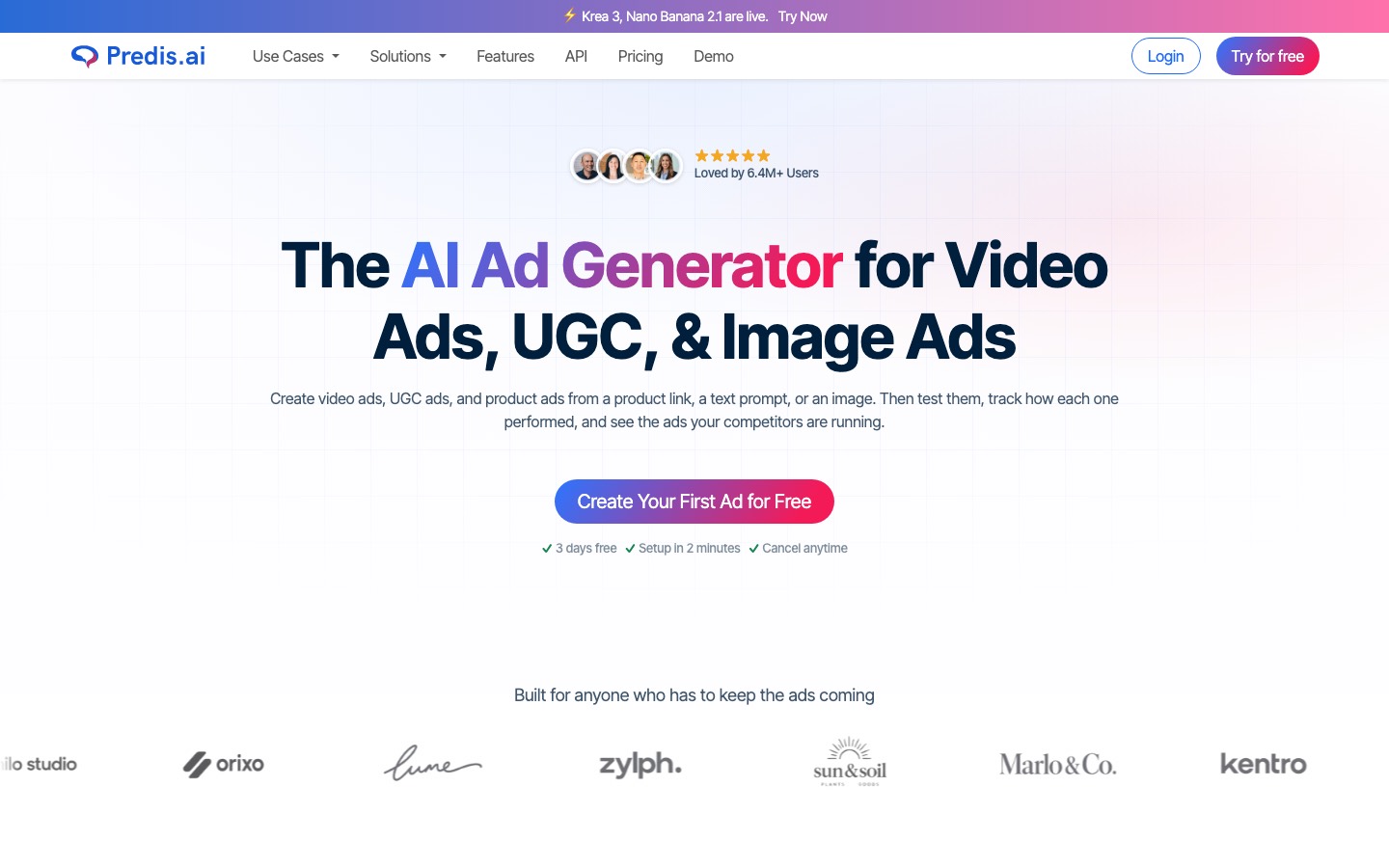
- Predis.ai is an AI-powered social media content platform that generates complete posts.
- Predis.ai connects to Facebook, Instagram, LinkedIn, TikTok, YouTube, and Pinterest, so most mainstream channels are covered.
- It's a strong fit specifically for ecommerce and DTC brands and agencies needing volume visual content without involving a dedicated designer for every post.
- Caption accuracy requires review before publishing because the AI occasionally introduces factual claims not present in the original brief.
Ocoya
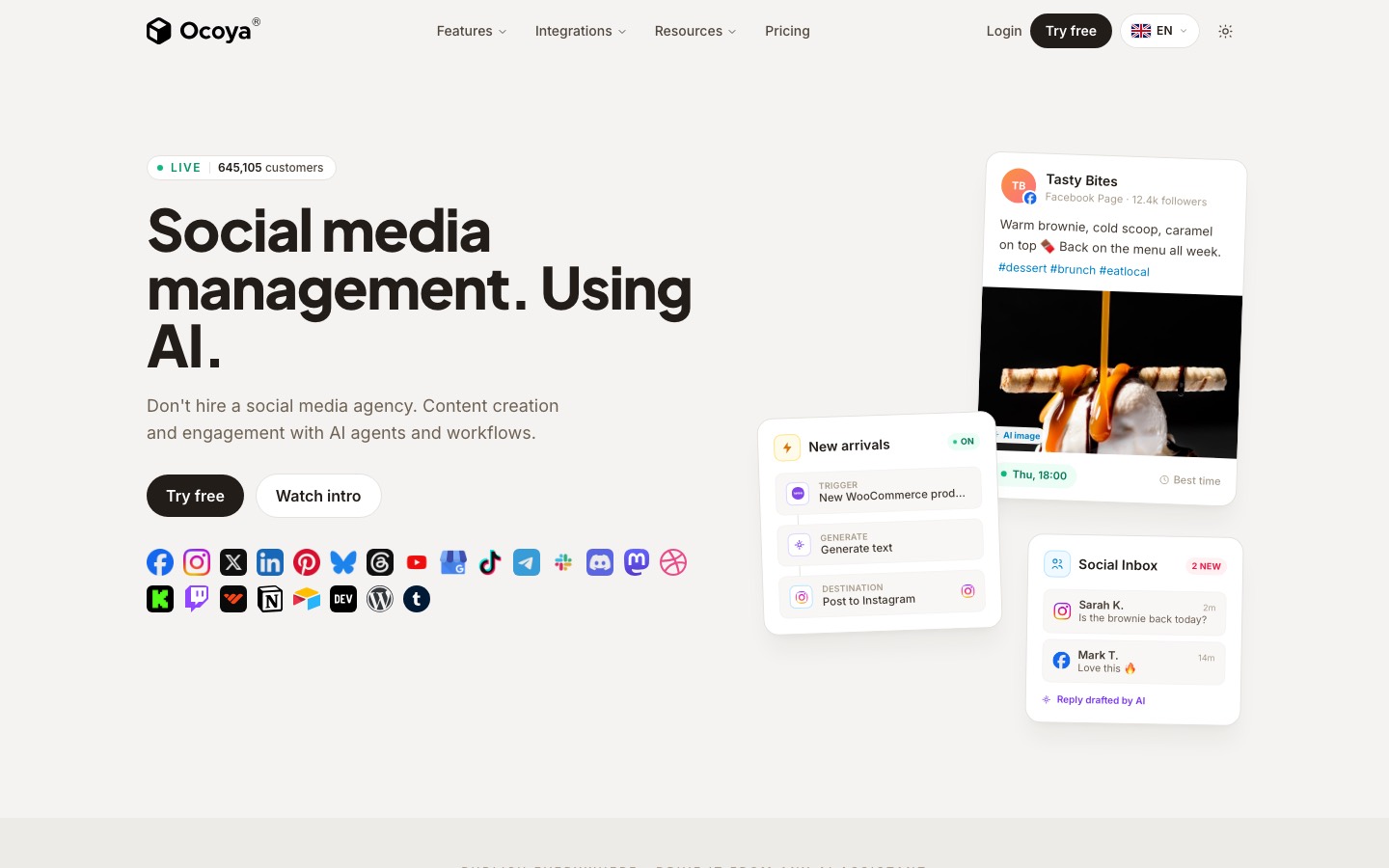
- Ocoya is an AI-first content tool with scheduling attached.
- It generates captions and visuals, pulls products straight from Shopify or WooCommerce to build posts, and publishes to seven networks.
- Its scheduler publishes to Instagram, Facebook, Twitter/X, LinkedIn, Pinterest, TikTok, and other platforms with a content calendar view.
- Ocoya is for people who'd rather generate a post than write one.
- Where it's thin is everything past creation: there's no engagement inbox, no listening, no evergreen recycling, and the network list skips Threads, Bluesky, and Google Business.
Blaze
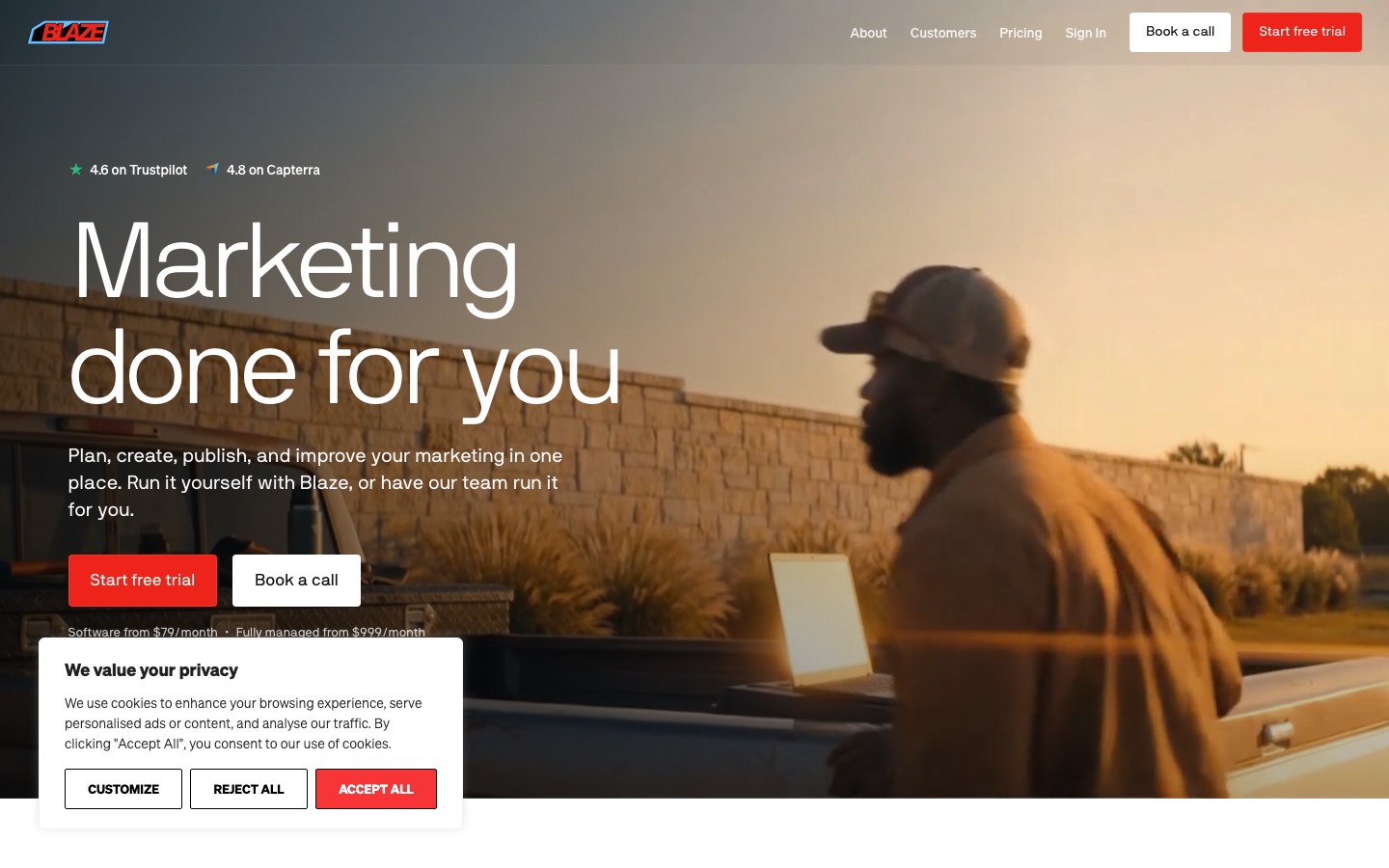
- Blaze is an AI marketing platform that scans a website to build a brand kit, then generates and auto-publishes social posts, blogs, emails, short AI avatar videos and ad campaigns.
- Setup asks for your website, audience and goals, then it plans and creates posts and publishes them to Instagram, Facebook, LinkedIn, TikTok, X and YouTube.
- All content can be reviewed and edited before anything goes live.
- A static post costs 1 credit and an AI video 15, so video eats the allowance fast.
- Who it suits is clear: solo creators, coaches, local and e-commerce businesses that would otherwise post nothing.
Simplified
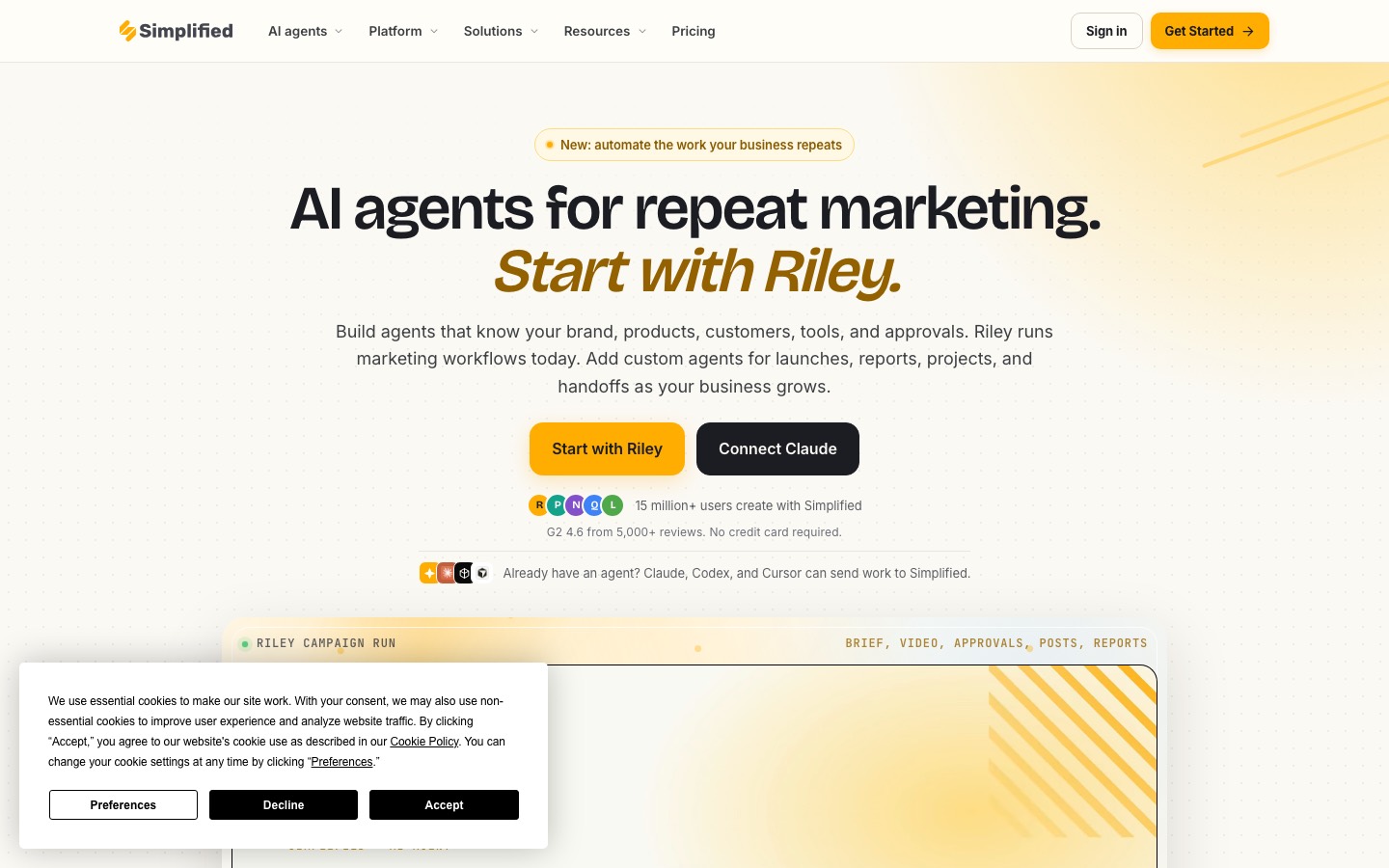
- Simplified bundles AI writing, graphic design, basic video editing, and social media scheduling into a single subscription aimed squarely at small marketing teams and solo creators who would otherwise juggle four separate tools.
- The newest and most differentiated feature: brief Riley once in plain language, and it assembles a finished campaign.
- Plan, schedule and publish to Instagram, TikTok, Facebook, LinkedIn, X, YouTube Shorts, Pinterest and Threads from one calendar with auto-best-time posting.
- It's a weaker fit if you need best-in-class output in just one area (pure copywriting, pure design).
Picmaker's AI Social Media Post Generator
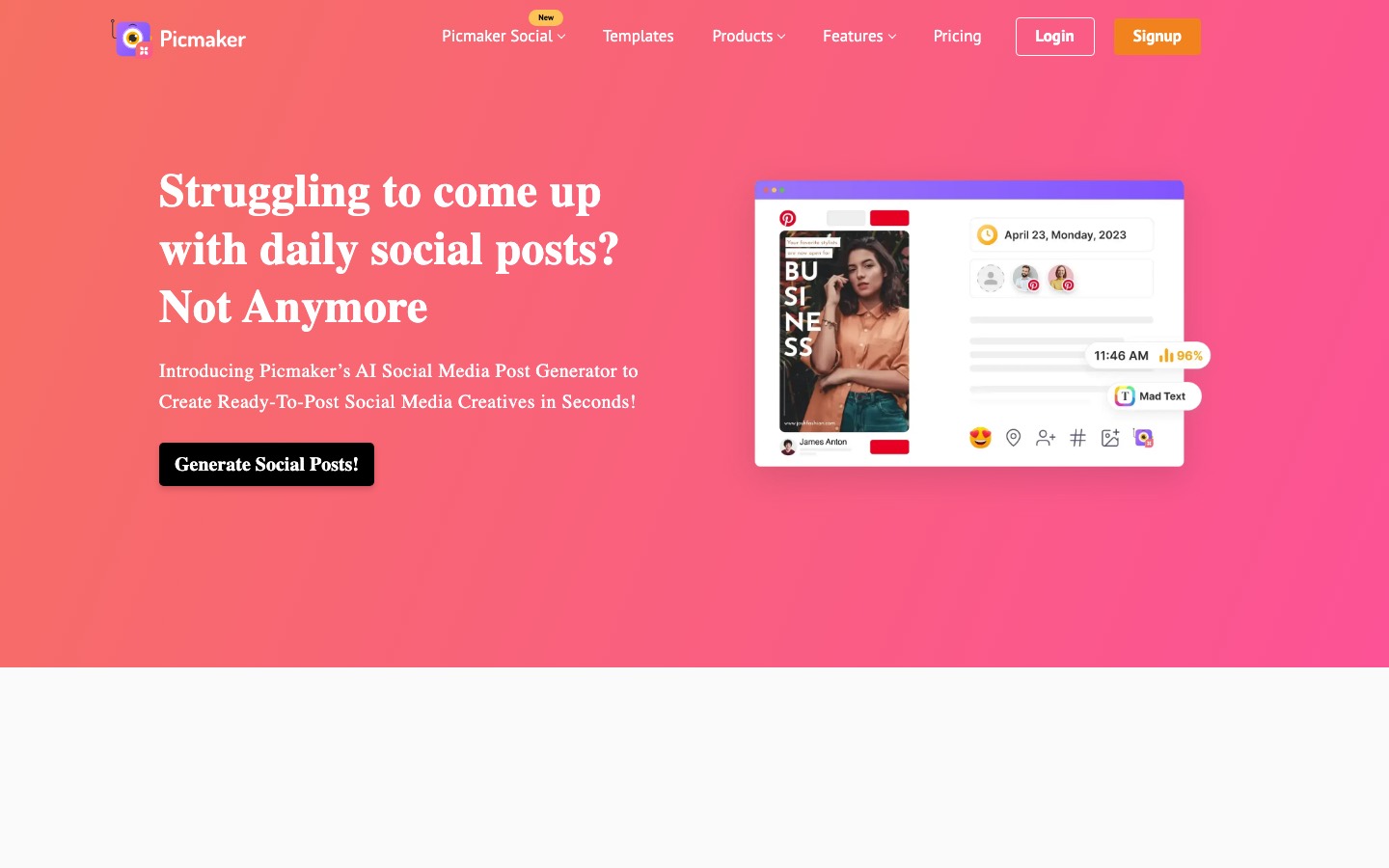
- Picmaker is an AI social-media suite for small businesses and teams, covering graphic design, templates, brand kits, publishing, analytics, engagement, and content discovery.
- Picmaker's AI will scan your website to create social media posts that align with your website or product.
- A standout feature is the Social Auto Pilot, which can generate a 30-day social media calendar complete with images, content, captions, and hashtags just from a URL.
- Post Schedulers: Enables scheduling for Instagram, Facebook, LinkedIn, Pinterest, and Twitter.
- Picmaker's AI social post generator is free for all users. Kindly note a free plan comes with certain restrictions.
SocialBee
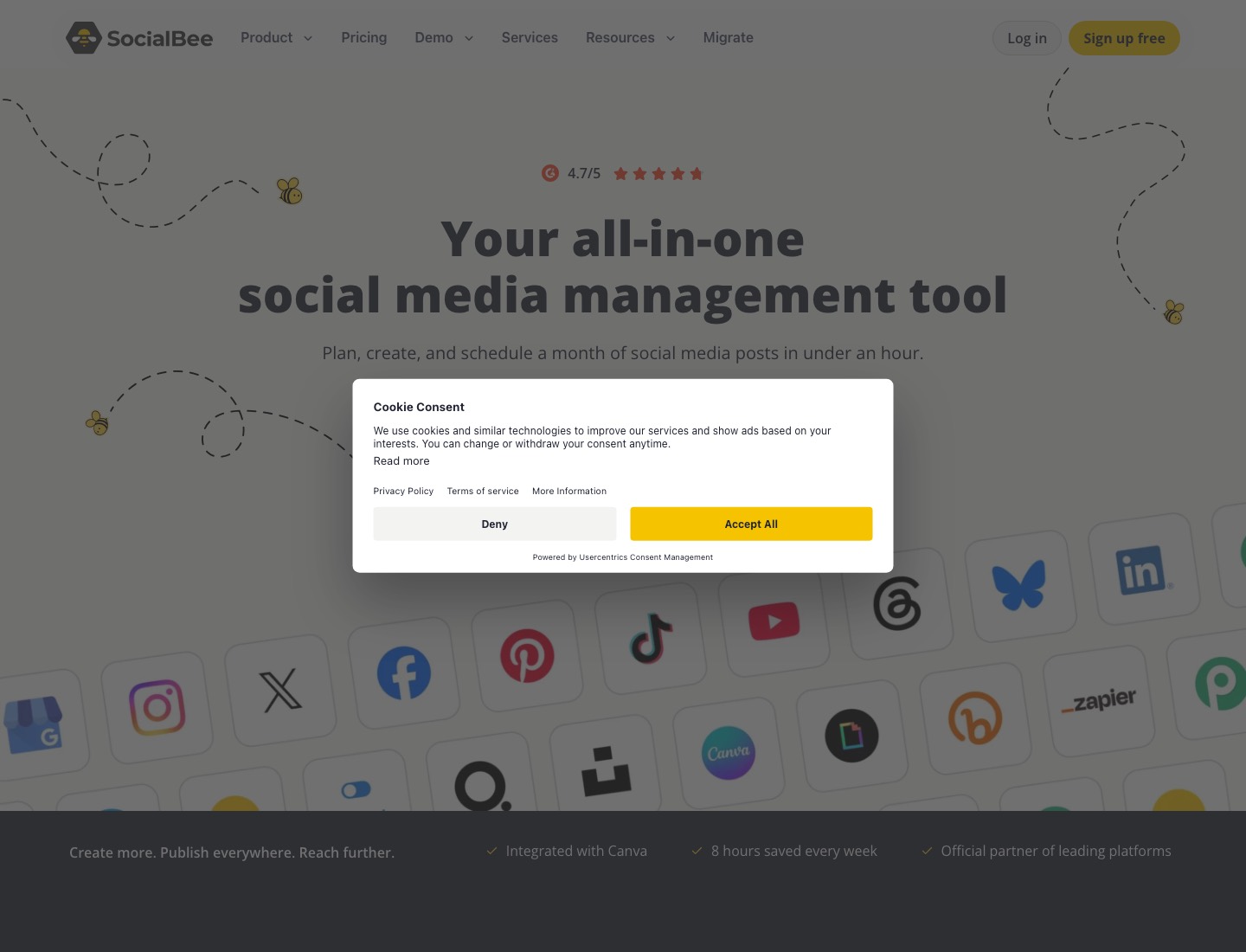
- SocialBee is a mature social media scheduler organized around content categories.
- AI Copilot reads your website or a short chat, then proposes platforms, up to 5 content categories, a posting plan and up to 10 ready-to-edit posts.
- AI captions and images have no monthly cap or credit system on any plan.
- Direct posting is available for Facebook, Instagram, LinkedIn, X, TikTok, Pinterest, YouTube, Threads, Bluesky and Google Business.
- Its weaknesses are the missing free plan, no public API or white label, reminder-only posting for personal profiles, and a recent outage that it did not make up.
What you can try now: AI Social Media Post Generator, Free With No Signup
Fewer exports and app changes mean more time for strategy and review.
Design-first tools like Canva handle graphics with a caption assistant on top. AI images can look generic, prompts can miss the intended concept, and copy often needs a sharper point of view.
Canva
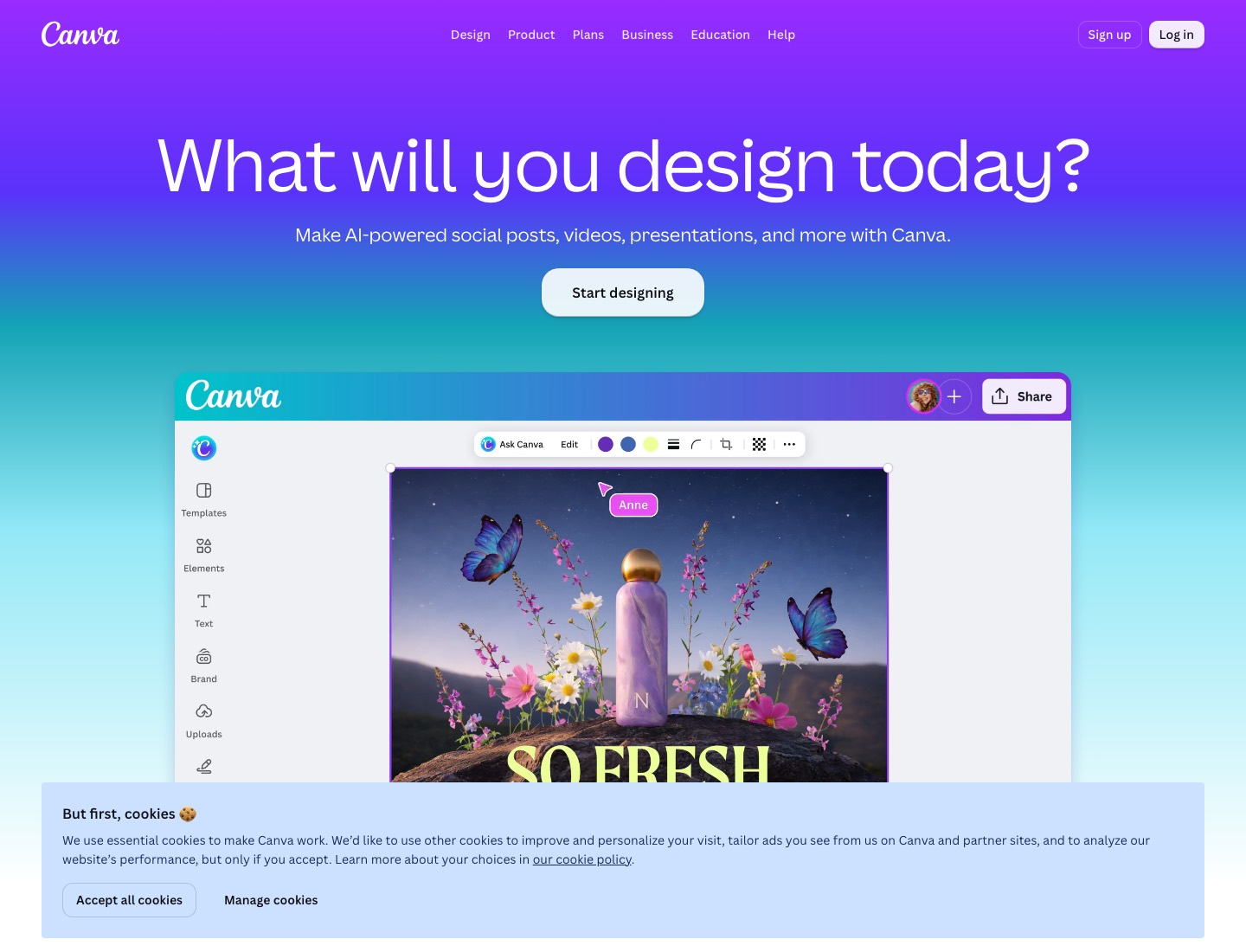
- Canva combines an AI social media post generator with 3.6 million+ design templates (on Pro), a Brand Kit for consistent visual identity, and a Content Planner that publishes directly to social networks.
- Type a prompt, select a format, and Canva's Magic Design generates four layout variants.
- Magic Write often produces polished but interchangeable copy.
- Spend ten minutes configuring Brand Kit before touching any Magic feature.
Adobe Express
- Adobe Express is Adobe's Canva competitor: a template-driven editor for social posts, flyers, videos, and branded content, powered by commercially-safe Firefly generative AI.
- Design a post, then schedule it to TikTok, Instagram, Facebook, X, Pinterest, or LinkedIn without leaving the app, free, up to 1,000 posts a month.
- Caption generation is not a first-class flow in the way Predis AI or Ocoya treat it.
- It's the natural pick if you already live in the Adobe ecosystem.
Lovart
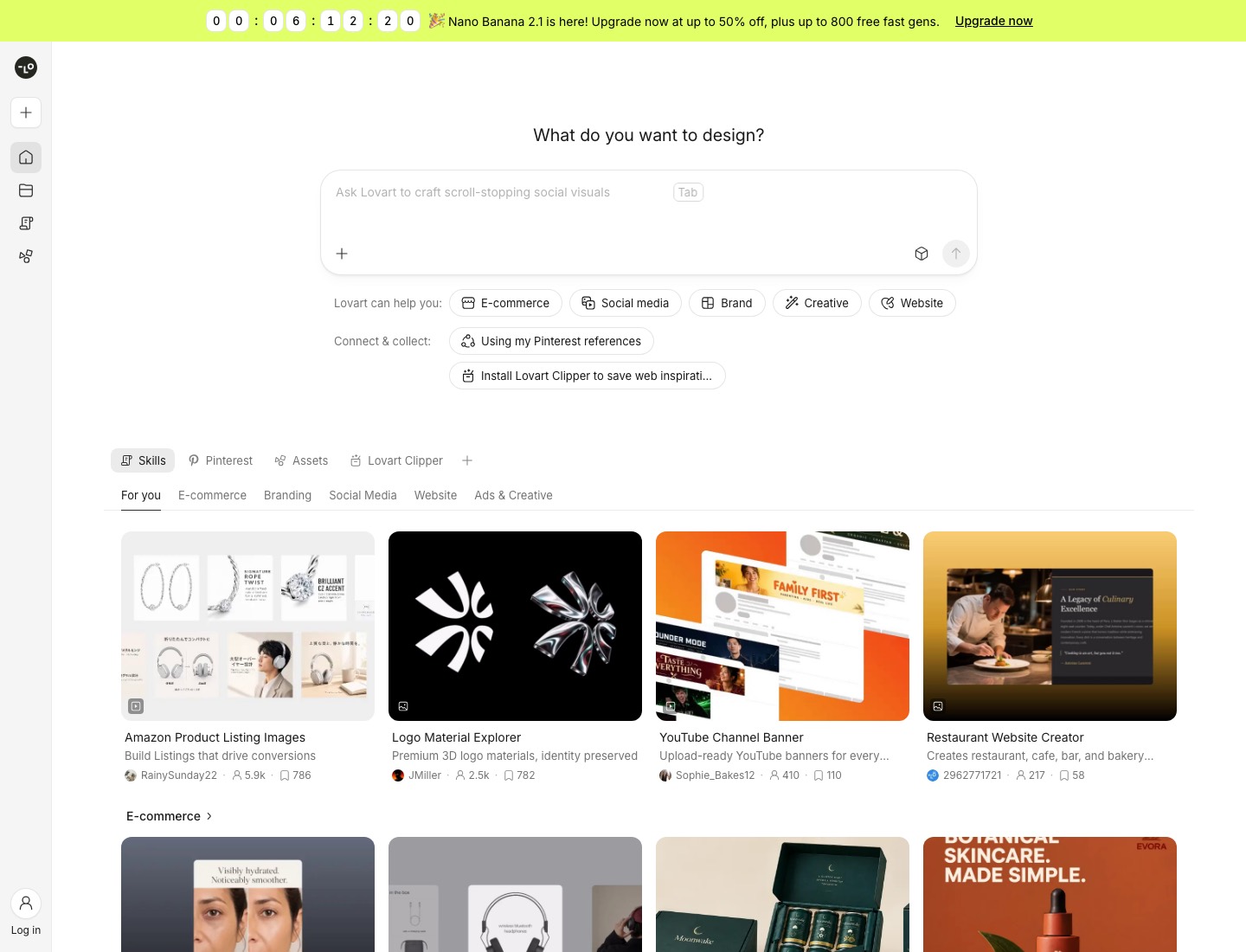
- Unlike standard AI tools that just spit out some flat images and call it a day, Lovart AI tries to act like an actual junior designer.
- Rather than starting from a template and filling in slots, you type a description.
- Lovart's Agent can generate a week's worth of diverse Facebook posts.
- Export: PNG / JPG / SVG / MP4; brand cases also export layered PSD for Photoshop.
What you can try now: Free AI Social Media Post Maker
Output that flows into scheduling and publishing removed a real step from your week.
Most "AI social media post generators" are AI writers bolted onto a scheduler. What Buffer does not do, as far as its official pages describe, is generate a designed post from your saved business content; you bring or make the visual, and you prompt the assistant for copy.
Buffer AI Assistant
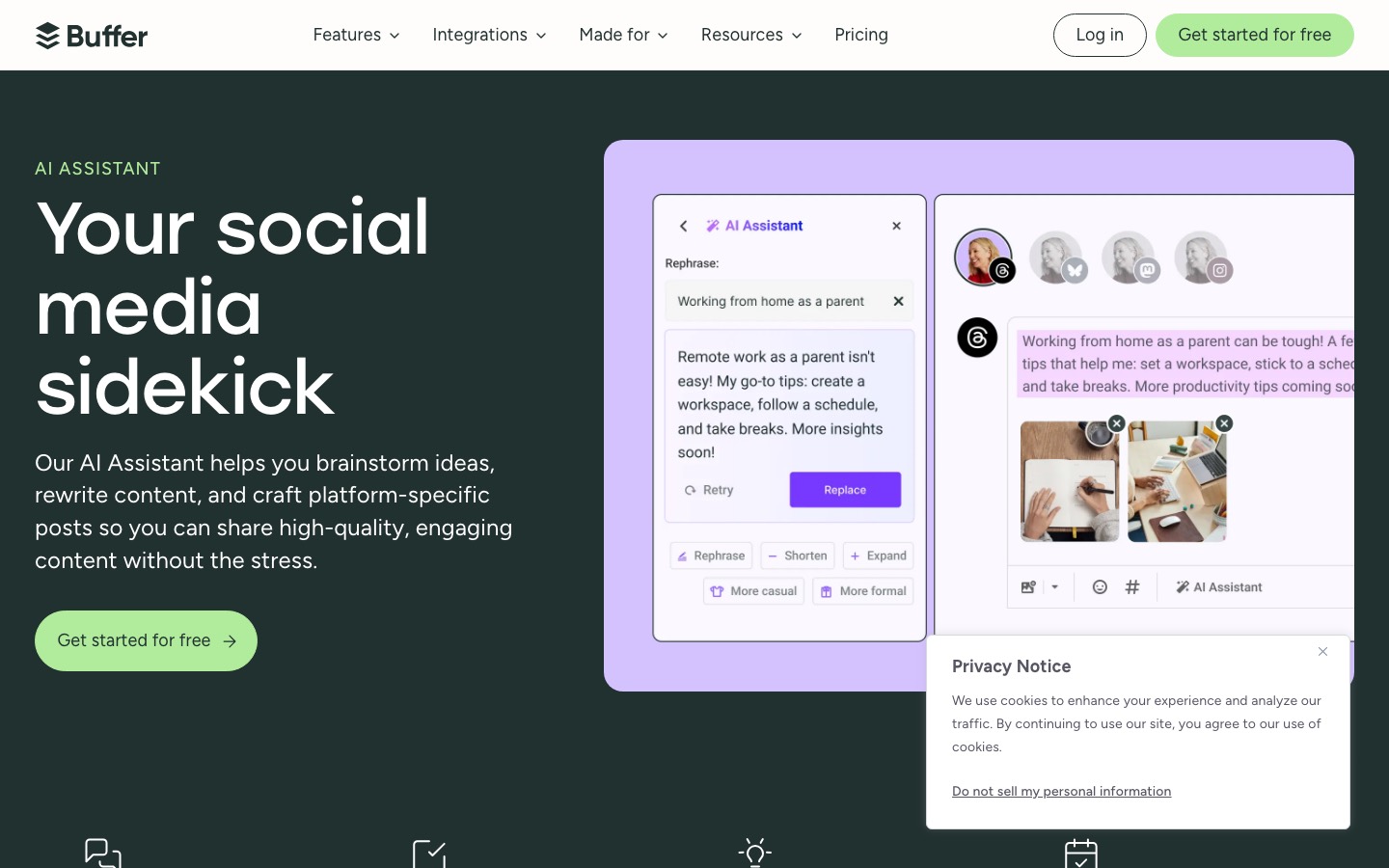
- Buffer's AI Assistant is a lightweight generative writing helper embedded in the post composer.
- Buffer positions the AI Assistant as a free and unlimited add-on rather than a paid upsell, which sets it apart from competitors that meter AI usage.
- Its network list is long: Bluesky, Facebook, Google Business Profile, Instagram, LinkedIn, Mastodon, Pinterest, Threads, TikTok, X, and YouTube.
- You already make good posts and want a simple queue, a calendar, and an AI assistant for polishing and repurposing.
Hootsuite OwlyWriter AI
- OwlyWriter AI is Hootsuite's built-in AI content generator.
- It generates platform-specific captions from topics, URLs or prompts; repurposes top-performing posts; suggests hashtags; and applies copywriting formulas like AIDA and HOOK.
- The AI caption writer is integrated directly into the content composer, generating captions for scheduled posts across Twitter, LinkedIn, Instagram, Facebook, Pinterest, TikTok, and YouTube.
- What it does not do well: brand voice training is shallow compared to dedicated AI tools, output skews generic without significant prompt work, and reviewers consistently note captions need manual editing for tone before publishing.
- Choose Hootsuite OwlyWriter AI if you manage multiple clients or need to repurpose content fast at scale.
What you can try now: Free AI Caption Generator for Social Media
A well-configured Brand Voice eliminates the generic AI tone that makes AI-generated content recognizable.
Jasper is an AI platform built for marketing, pitched against general chatbots that carry no memory of your brand. Brand Voice governs how it sounds, never whether it's true. Everything gets fact-checked before it ships.
The Pro plan includes 2 Brand Voice profiles; the Business plan includes unlimited profiles, which is relevant for agencies or companies managing multiple brands.
- Feed Jasper 10-15 pieces of your existing content, and it learns your tone, vocabulary, sentence rhythm, and formatting preferences.
- Through Jasper Art you can create images for blogs, ads, and social posts without leaving the platform, including from multimodal prompts.
- Buy Jasper if you're a marketing team or agency that lives or dies on brand consistency and ships across many surfaces.
What you can try now: Free Brand Voice Analyzer
Many generators look cheap at the entry tier but spike on usage.
Credits rarely matter under 20 drafts a month; past 60 they can swing your bill more than the base plan difference. Prices shift and plans get restructured often, so treat these as ballpark figures and check each vendor's current pricing page before deciding. Prices in US dollars unless shown otherwise.
Free tier means "you can generate posts without a credit card".
| Tool | Type | AI Image Gen | Auto-publish | Platforms | Free Tier | Starting Price |
|---|---|---|---|---|---|---|
| Predis.ai | All-in-one | Yes | Yes | Instagram, Facebook, LinkedIn, TikTok, YouTube, Pinterest | 3-day trial | $19/mo billed yearly, $32 monthly |
| Ocoya | All-in-one | Yes | Yes | Instagram, Facebook, X, LinkedIn, Pinterest, TikTok | 7-day trial | $29/mo |
| Blaze | All-in-one | Yes | Yes | Instagram, Facebook, LinkedIn, TikTok, X, YouTube | 7-day trial | $79/mo |
| Simplified | All-in-one | Yes | Yes | Instagram, TikTok, Facebook, LinkedIn, X, YouTube Shorts, Pinterest, Threads | Trial | $79/mo |
| Picmaker | All-in-one | Yes | Yes | Instagram, Facebook, LinkedIn, Pinterest, X | Free plan | - |
| SocialBee | Scheduler + AI | Yes | Yes | Facebook, Instagram, LinkedIn, X, TikTok, Pinterest, YouTube, Threads, Bluesky, Google Business | 14-day trial | $29/mo |
| Canva | Design-first | Yes | Yes (Pro) | - | Free plan | Pro US$144/year |
| Adobe Express | Design-first | Yes | Yes | TikTok, Instagram, Facebook, X, Pinterest, LinkedIn | Free plan | US$9.99/mo |
| Lovart | Design-first | Yes | No | Instagram, Facebook, LinkedIn, X, Pinterest | Free credits | - |
| Buffer | Scheduler + AI | No | Yes | Bluesky, Facebook, Google Business Profile, Instagram, LinkedIn, Mastodon, Pinterest, Threads, TikTok, X, YouTube | Free plan, 3 channels | $5/mo per channel |
| Hootsuite | Scheduler + AI | Yes | Yes | X, LinkedIn, Instagram, Facebook, Pinterest, TikTok, YouTube | 14-day trial | $99/mo |
| Jasper | Brand-voice writer | Yes | No | - | 7-day trial | $59/mo billed yearly, $69 monthly |
Two different things get called "free" in this space, and mixing them up wastes time.
The reliable test is the expiration date: a trial has one, a freemium plan doesn't. Typical caps: 3 connected accounts, 10 queued posts per channel, 20 standard AI uses, 2,000 words per month, or a 14-day free trial.
What separates them is the catch you accept in exchange.
| Model | What you get | The limit | Expires? |
|---|---|---|---|
| Free trial | Full features, everything unlocked | Time. Usually 7 or 14 days | Yes, hard stop |
| Freemium | A permanent free plan | Capped usage, gated features, or publication limits | No |
| Limited free tier | Free forever, but throttled | Daily caps, watermarks, or fewer outputs | No |
What you can try now: Free AI Social Media Post Generator (100% Free, No Login Required)
ChatGPT works best for social media as a caption and idea generator.
ChatGPT saves you writing time. Full-stack platforms save you workflow time. ChatGPT will write you a Tuesday-morning LinkedIn post, but it will not post it for you, schedule it for next week, or queue 30 posts across Instagram, Facebook, and TikTok.
Skip the dedicated tool if:
- You're posting fewer than four times a month.
- You're still testing whether LinkedIn works for your business.
- You have strong personal discipline on voice and topic tracking.
What you can try now: Repurpose a Post: LinkedIn, X & IG (Free AI)
Here is the honest test of any AI social media post generator.
Produce a real week for your own brand: enter the brand information, generate four or five posts, edit one, regenerate another, place them in the plan and, if possible, actually publish one.
The five-minute trial test
- 1. Enter brand information. Tone, address, banned words, colours, three sample posts.
- 2. Generate a week. Do they all sound the same, or do purpose and format vary?
- 3. Edit one. Can you change copy and image by hand, or is it accept-or-regenerate?
- 4. Place them in a plan. Date shifting, format changes, bulk approval?
- 5. Publish one for real. This is where most disappointment happens.
How to evaluate a generator before paying
- Voice training quality. Upload 5 of your past posts to the trial. Generate 10 new posts on different topics. Have a colleague who knows your voice rate each one 1-5 on "sounds like us."
- Platform variation. Ask for the same post idea in LinkedIn / Instagram / Twitter / Facebook formats. The four outputs should be structurally different (length, hook, hashtag count). If they're 95% identical with different character counts, the platform tuning is fake.
- Editing survivability. Aim for tools where 70%+ of generations are shippable with under 2 minutes of editing.
- Pricing scalability. Map your monthly post volume against the tool's pricing tiers. Calculate your real annual cost at expected volume; compare like-for-like across 3-4 candidates.
Frequently Asked Questions
What is the best AI social media post generator?
"Best" depends on which layer you need to staff. The tool that wins your slot is the one that owns the layer you are under-staffing.
Does one system produce both the image and the caption?
A text generator plus a separate design tool means you are still the integration layer, copying between two apps for every post. That is where the time goes.
Do AI post generators work for X, Threads, and LinkedIn equally well?
Not automatically. Each platform has different length norms, formatting conventions, and audience expectations. Generic tools produce one caption and let you paste it everywhere.
Can ChatGPT post to Instagram or Facebook for me?
No. ChatGPT writes the caption and can make an image, but it has no connection to your Instagram, Facebook or TikTok account, so you copy, download and post by hand or paste into a scheduler.
Is there a completely free AI tool for social media content, with no trial and no card?
Yes for limited use. Canva's Magic Write and Buffer's AI Assistant both have real free tiers, and ChatGPT's free version will write you captions all day. SocialBee's free generator works without signup but limits how many posts per day.
Should every platform get an AI-generated variation?
Only the ones where you're actually active and measuring results. Generating content for a platform you don't engage on afterward is wasted effort regardless of how the post was drafted.
Will AI-generated social posts hurt engagement compared to fully custom content?
Not if the underlying idea is strong and a human reviews the tone per platform. Use AI as a starting draft, then add your own stories, opinions, and personality.
Is generated content ready to publish without review?
No AI output should be published blindly. Review facts, claims, links, tone, legal rights, and platform rules before posting.
How much does an AI social media tool cost?
From free to several hundred dollars a month. Volume is what justifies a tool with bulk content generation and scheduling. Posting twice a week per platform does not need a tool.
Can I Use Images Generated on a Free Plan Commercially?
It depends entirely on the vendor's terms, and free tiers are frequently more restrictive than paid ones. Common limits include watermarked exports, resolution ceilings, non-exclusive licences, bans on resale or use in paid advertising, and restrictions on trademarked or recognisable likenesses.
Do I have to label AI-generated social media posts?
Sometimes. For realistic AI images, audio and video, often yes; for a caption you wrote with AI and checked yourself, usually not. TikTok is the most explicit.