Best AI Social Media Tools for Small Businesses (2026)
24 AI social media tools for small businesses grouped by the job they do, with live-checked prices, starter stacks by budget and real examples.
Three tools cover social media for most small businesses.
The best AI social media content generator for a small business is the one that matches the job you actually need done. The useful question is which job you need doing, and whether a tool does that job better than the chat assistant you probably use already. The picks below are grouped by job rather than ranked, because a tool that is best for a hotel posting daily Reels is the wrong choice for a church office posting twice a week.
These are different products solving different problems at different price points.
| Best for | Tool | Starting price |
|---|---|---|
| Writing and planning | Claude, ChatGPT or Gemini | Free plans; Claude Pro $17/month billed annually, $20 monthly; Google AI Pro $19.99/month |
| Design with brand control | Canva | Free; Pro US$144/year |
| Simple multi-channel scheduling | Buffer | Free for 3 channels; Essentials $5/month per channel billed yearly |
| Instagram grid planning | Later | Starter $18.75/month billed yearly |
| Analytics and competitors | Metricool | Free for 1 brand; Starter from $20/month |
| Teams with a shared inbox | Hootsuite | Standard from $99/month |
| E-commerce content at scale | Predis.ai | Core $19/month billed yearly, $32 monthly |
| Clipping long videos | OpusClip | Free; Starter $15/month |
- Nearly every social media product now has an AI button, so "has AI" tells you nothing.
- Scheduling tools' built-in AI writers, for example, are handy for a quick caption but rarely beat a general assistant that knows your business.
- Add a video editor such as CapCut, Meta's Edits or OpusClip only if you post video weekly.
What you can try now: Free AI Social Media Post Generator by Buffer
Social media marketing takes 3-10 hours per week for most small businesses.
Consistent social media is one of the hardest things for a small business to maintain. Most small businesses post 2-3 times a week for a month, then go silent for two weeks when something gets busy. AI tools in 2026 have changed the effort required considerably.
If you are managing only Facebook and Instagram with simple posts, expect the low end: 3-5 hours per week.
| Task | Weekly Time | Monthly Time | % of Total |
|---|---|---|---|
| Content creation (writing, graphics, photos) | 2-4 hours | 8-16 hours | 40-50% |
| Scheduling and publishing | 1-2 hours | 4-8 hours | 15-20% |
| Engagement (comments, DMs, responses) | 1-2 hours | 4-8 hours | 15-20% |
| Analytics and reporting | 30-60 min | 2-4 hours | 10% |
| Strategy and planning | 30-60 min | 2-4 hours | 10% |
- If you are also making Reels, TikToks, LinkedIn posts, carousels, and Google Business Profile updates, expect the high end: 6-10+ hours per week.
- Writing captions, designing graphics, taking or finding photos, and editing videos consumes roughly half of all social media management time.
- AI is fast at drafting and variation, but choosing what's worth saying, reading the room, and replying to comments still comes from a person.
Most tools claiming "AI-powered" on their homepage are Level 1 or 2.
An AI-first tool helps decide what to post, creates the content, and often schedules and publishes it too. A scheduler with AI features mostly helps once you already have content. The distinction matters because it determines how much of your time the tool actually saves.
Before the tables, you need to understand what "AI" means on a social media tool's marketing page, because it means four very different things.
| Level | What the tool does | Your role | Examples |
|---|---|---|---|
| AI-Assisted | Suggests captions, recommends hashtags, picks posting times | You create everything, AI makes suggestions | Buffer AI Assistant, Later AI Credits |
| AI-Enhanced | Generates draft captions and basic graphics from templates | You edit and approve before posting | Hootsuite OwlyWriter, SocialBee AI Copilot |
| AI-Driven | Creates original posts (text, images, scheduling) from your brand data | You review and approve (or don't) | Predis.ai, ContentStudio, Marky |
| AI-Autonomous | Learns your brand, generates content, schedules, publishes, and optimizes without daily input | You check in weekly | Apaya, Blaze.ai |
Before comparing options, understand the difference:
- DIY Content Tools: You write prompts, edit output, create graphics, schedule posts, and manage your content calendar.
- Done-For-You Services: The service creates content, schedules it, and publishes it automatically.
- A Level 1 tool saves you 2-3 hours a week on caption writing.
- A Level 4 tool saves you 15-20 hours a week on the entire workflow.
In practice, four things determine whether a tool survives past month two.
If your bottleneck is content creation (you don't have posts to publish), you need an AI-first tool. If your bottleneck is distribution (you have content but it's trapped in a Google Doc), you need a scheduler. If your bottleneck is analytics and listening (you're posting but have no idea what's working), Sprout Social and Agorapulse are built for this.
Before you get hypnotized by pricing tables, answer these five questions.
- If you already have a content team, a scheduler with AI features might be enough.
- If all you want is caption help, a lot of cheap tools will get you there.
- If showing up with visuals matters to your business, don't assume "AI content" includes that by default.
- A solo operator, a local business, and a 20-client agency are not shopping for the same thing.
- Buy for the platforms you need today.
Free tiers are usually demos.
- Compare the plans that permit commercial use with enough monthly generations to post two to four times a week, which is the realistic minimum cadence.
- Learning curve for someone doing social media alongside another job.
- Lock-in: can you leave with your content and templates if prices rise?
- Tools that generate only text leave you doing the harder half of the work elsewhere.
When you don't have a strategy, every post requires a creative decision.
Open ChatGPT, tell it about your business and your content pillars, and ask it to build a 30-day social media calendar organized by platform, format, and theme. Paste in your services, your tone and a few past posts you liked, and ask for drafts. Make sure to leave space for any real-time posts that might pop up during the month.
Claude
- Builds complete content strategies with pillars, cadence, and 50+ ideas in one prompt.
- Strong at audience persona analysis and messaging frameworks.
- No scheduling or publishing integration.
- Requires specific inputs to produce specific strategy (garbage in = garbage out).
SocialBee
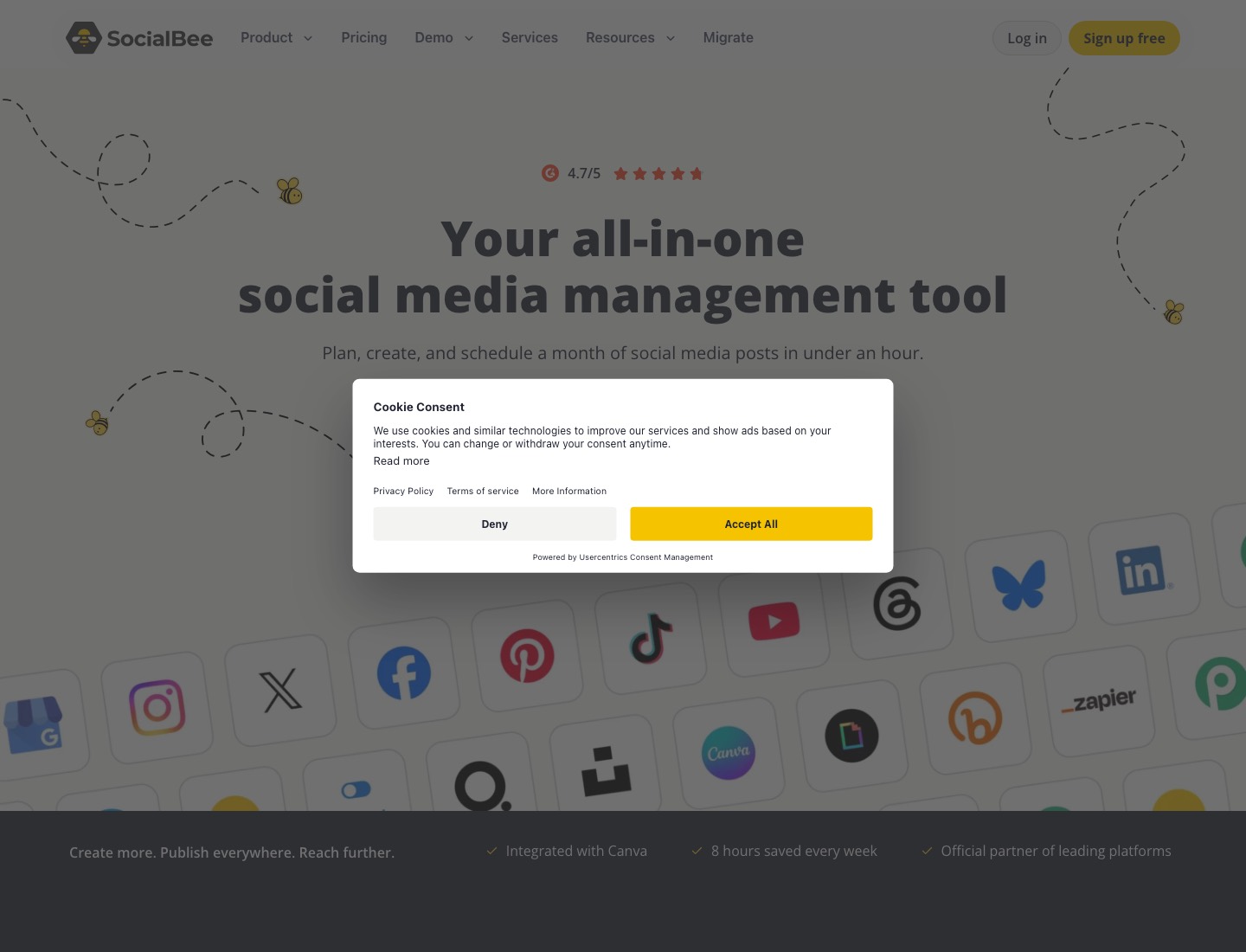
- SocialBee is an all-in-one scheduler with unlimited AI content generation on every plan and an AI Copilot that suggests a posting strategy with ready-to-use posts.
- It sorts posts into categories so evergreen content can repeat.
- If you freeze on "what should I even post this week," the prompt library does a lot of the thinking.
- As of September 2026, the Bootstrap plan is listed at $29 per month, or $24 per month billed yearly.
This calendar uses the Steady level: three main posts a week, plus Stories and one Google post.
| Week | Monday (Teach) | Wednesday (Show) | Friday (Prove / Connect) | Google post |
|---|---|---|---|---|
| 1 | Carousel: 5 mistakes customers make before buying | Reel: a 30-second process or "how it's made" | Single image: a customer review with a short story | Update: what's new this month |
| 2 | Carousel: a simple checklist or guide | Reel: before and after | Reel: meet the team or the founder | Photo update from Wednesday's reel |
| 3 | Reel: answer your most common question | Carousel: product or service breakdown with prices or packages | Single image: a behind-the-scenes moment | Offer: a time-limited deal |
| 4 | Carousel: myths vs facts in your industry | Reel: a day in the business | Carousel: month recap or customer favourites | Event or seasonal update |
What you can try now: Free AI Social Media Post Idea Generator for Local Businesses, Free Social Media Content Idea Generator (AI)
That kind of small factual drift is why you read every draft.
A general AI assistant is still the fastest way to get a month of post ideas or ten caption options. If you give it your brand voice examples, a specific angle, and a length target, modern tools produce posts that read like yours.
ChatGPT, Claude or Gemini
- What it does: drafts captions, plans a month's posts, rewrites a post for another platform, suggests hooks, and answers "why did this post do better than that one?" if you paste in the numbers.
- How to start: set up one Project (ChatGPT or Claude) or Gem (becoming a skill from November 2026) (Gemini) with 10 of your best past posts and a paragraph on your voice.
- Watch-outs: invented details, over-excited punctuation, and a sameness across posts if you use the same prompt every time.
- Team plans for ChatGPT and Claude start at two seats.
Every tool gets an illustrative example from a different kind of organisation, so you can see which fits yours.
- Example. A church office administrator uses a saved Project containing the church's past posts, a note on tone ("warm, plain, no preaching on social") and the term's dates.
- Write a Facebook post for our community lunch, Sat 18 Oct, 12.30pm, church hall, free, all welcome, gluten-free option, no booking needed but tell us numbers if you're bringing a group of 6+.
Illustrative output: "Lunch is on us this Saturday! Join us in the church hall at 12.30pm on 18 October for a warm meal and good company. Everyone is welcome, and there's a gluten-free option. No need to book, but if you're coming as a group of six or more, give the office a ring so we cook enough."
- What to fix: it's accurate and close to the church's voice, but "Lunch is on us" suggests the church is paying for something it isn't (the lunch is run by volunteers from donations).
- Changed to "Free community lunch this Saturday".
Jasper
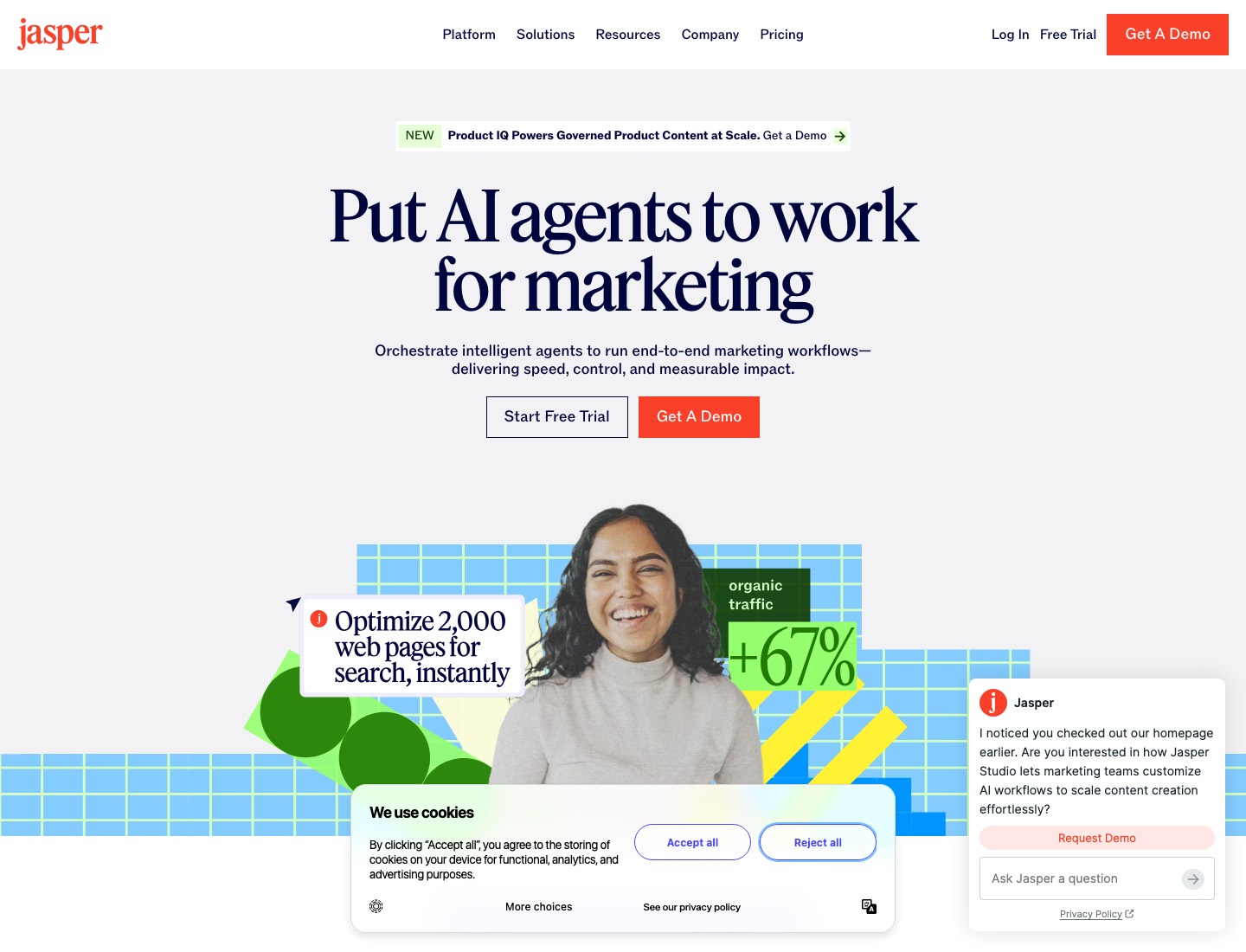
- What it does: AI writing assistant with templates for social media captions, ads, and campaigns.
- Price: Pro starts at $69/month per seat on monthly billing, or $59/month per seat on annual billing.
- Time required: 3-5 hours/month (prompting, editing, scheduling elsewhere).
- Jasper is overkill for simple social media posts but powerful for complex writing tasks.
If you do need to post something with lots of information, make sure to break it up with line breaks to make it easier to read.
| Platform | Limit | Recommended length |
|---|---|---|
| 2,200 characters per post | between 138 and 150 characters of text | |
| 33,000 characters | a max of 80 characters for organic Facebook posts | |
| up to 3,000 characters | no more than 25 words each | |
| X (Twitter) | 280 characters per tweet | between 71 and 100 characters per tweet |
| TikTok | 2,200 characters | no more than 150 characters |
| up to 500 characters | 40 characters max for the title and 50 characters max for the description |
What you can try now: Free AI Social Media Caption & Post Generator, Free AI Caption Generator for Social and Google Posts, Free Hashtag Generator (No Login)
A thank-you graphic that took a volunteer 25 minutes now takes about five.
Fill a branded template with your text and photo instead of designing from scratch. Most tools offer a "brand kit" you populate manually. Many small businesses keep Canva for occasional custom work and use a generator for the weekly cadence.
Canva
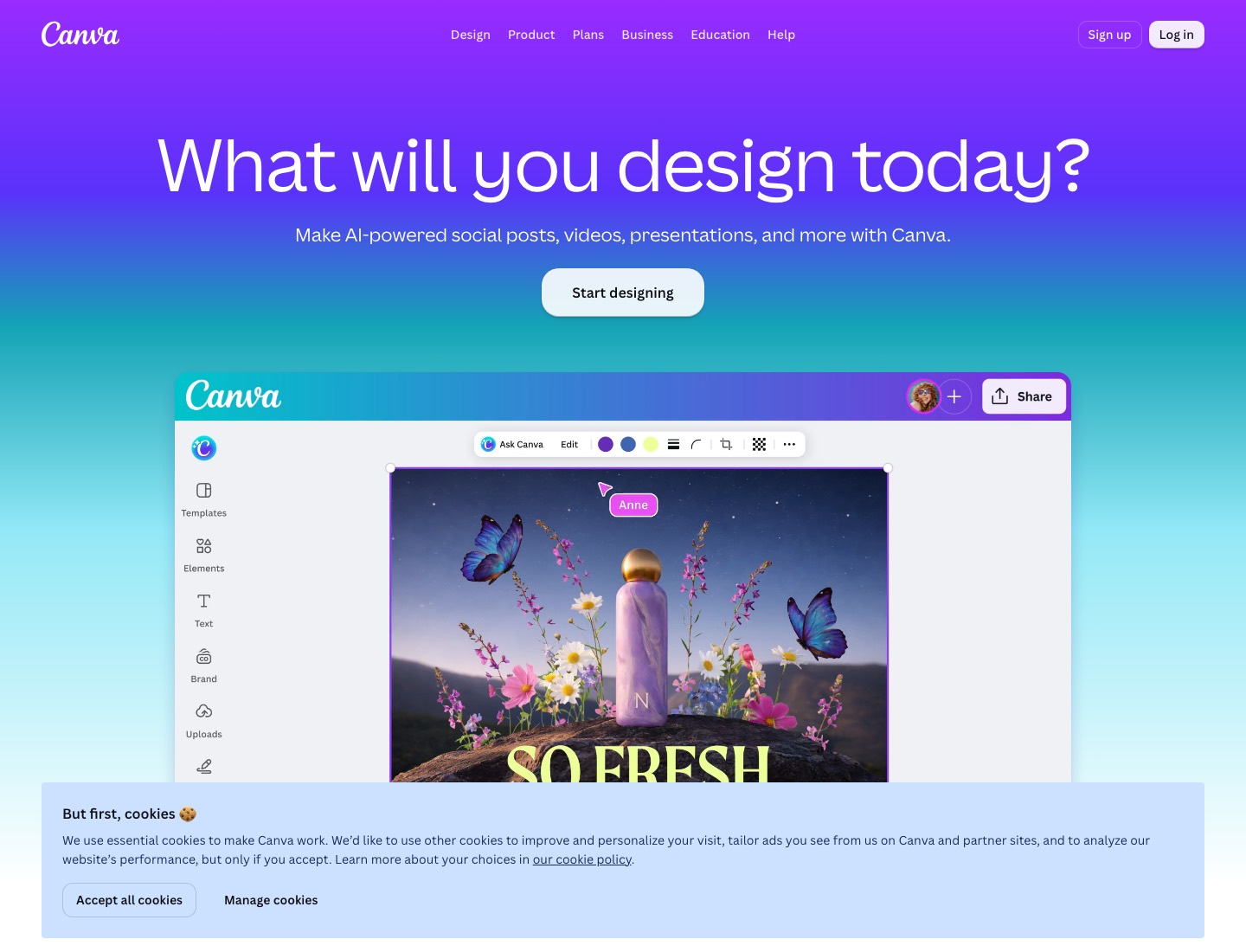
- What it does: templates for every social format, a Brand Kit that stores your logo, colours and fonts, Magic Resize to turn one design into several sizes, background removal, AI text (Magic Write) and image generation, and on paid plans a Social Content Planner that schedules posts.
- Example. A small charity posts appeals, event photos and thank-yous.
- On the free plan, its Brand Kit is limited to three colours, which was just enough for its two brand colours plus white, but volunteers kept picking fonts at random.
- Moving to a paid plan let the fundraising lead lock the two brand fonts in the Brand Kit and build five templates volunteers now duplicate.
- How to start: fill in the Brand Kit before designing anything, then build three templates for your most common posts.
Adobe Express
- What it does: similar ground to Canva, with templates, brand kits, background removal and Firefly-powered image generation, plus a content scheduler.
- A members' club whose volunteers already use Adobe Acrobat at work chose Adobe Express because it felt familiar.
- For the championship results post, the volunteer removes the background from a photo of the trophy, drops it onto a club-branded template, and generates an autumn-leaf backdrop from a text prompt, then schedules the finished graphic to Instagram and Facebook from the same screen.
- Watch-outs: Adobe's own Firefly models are trained on licensed content, but partner models offered inside Adobe's apps aren't covered by the same assurances, and Adobe's IP indemnity is for enterprise customers only.
Post image generator
- Paste a link to an X post, a Threads post, or a Substack note and get a clean quote-card image: your text, name, handle, and profile photo.
- A strong one-liner dies when it stays on one platform.
- Turning it into an image lets it travel: an X post becomes an Instagram carousel slide, a Threads take becomes a LinkedIn image post, a Substack note becomes a Story.
What you can try now: Post image generator (free, no watermark), Free Social Media Image Resizer
These tools ingest your brand and generate complete posts with images, captions, and hashtags.
If you're a small business and your real problem is lack of time, not lack of ideas, the best option is usually an AI-first tool that creates and publishes the content for you. How much they learn about your brand varies. The more context you feed it, the less the output sounds like a robot guessing.
None of these "credits" mean the same thing across tools.
Predis.ai
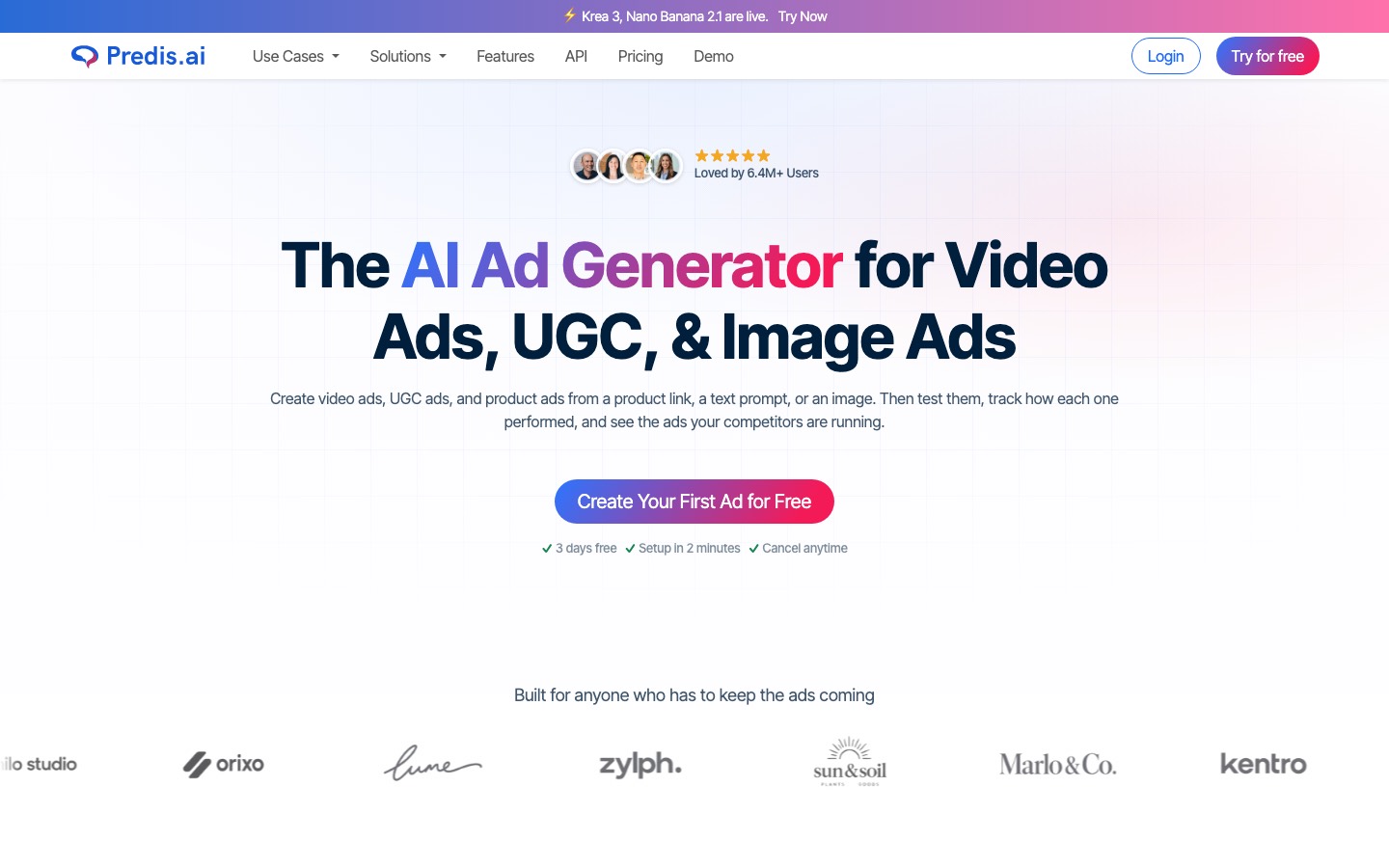
- You feed it a text prompt, a product page, or a catalog, and it generates the visual, the caption, and the hashtags together: posts, carousels, and short-form videos with AI voiceovers.
- The pricing is credit-based: Core is $32 a month ($19 billed annually), Rise $79 ($40 annual), Enterprise+ $249 ($212 annual).
- Watch the credit math, because video burns credits three to five times faster than images, and auto-posting is capped at roughly two to three posts per day per account even on top tiers.
Ocoya
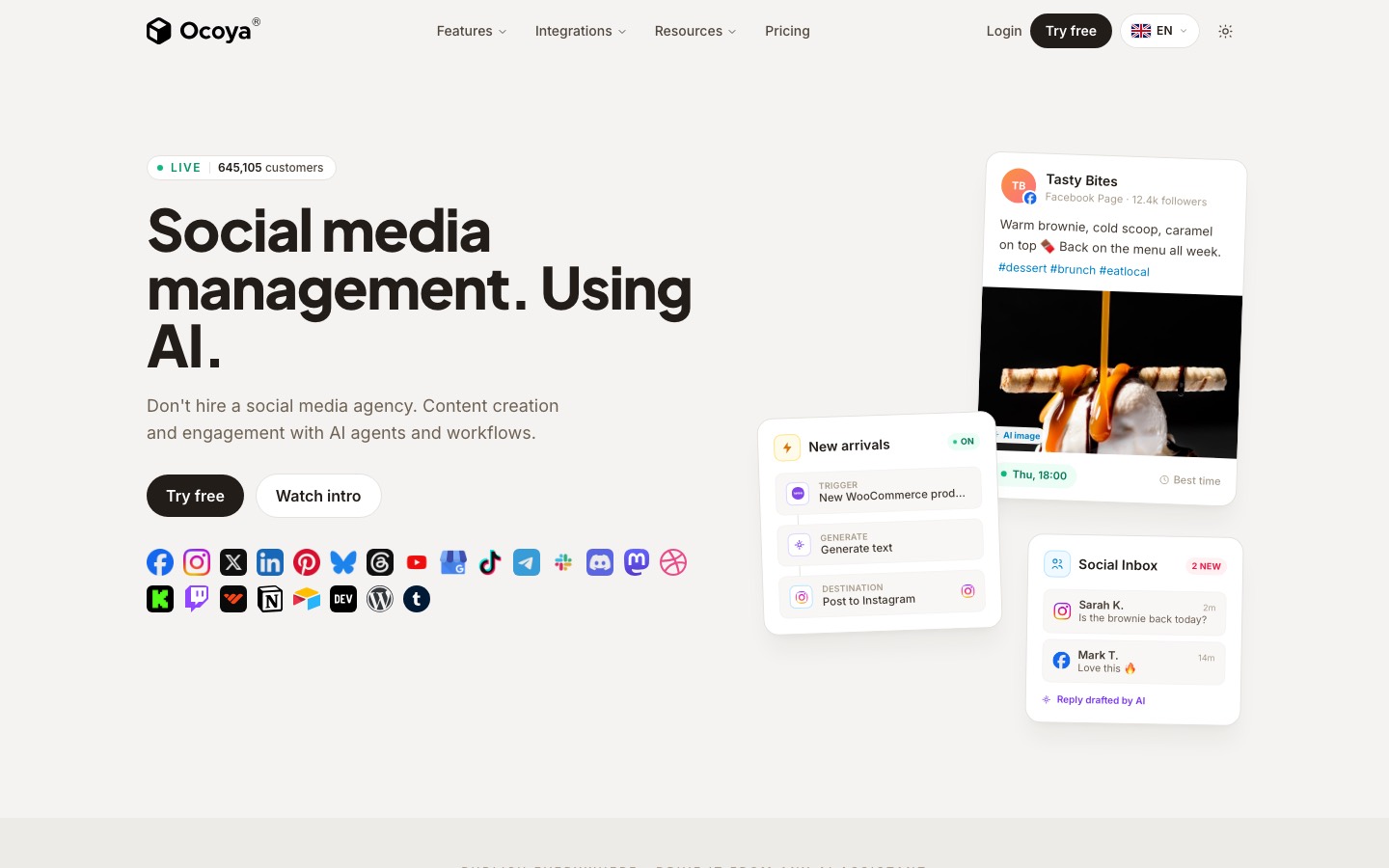
- Closest in ambition to an all-in-one AI generator, combining copy and visuals with e-commerce integrations.
- Every plan starts with a 7-day free trial.
Blaze
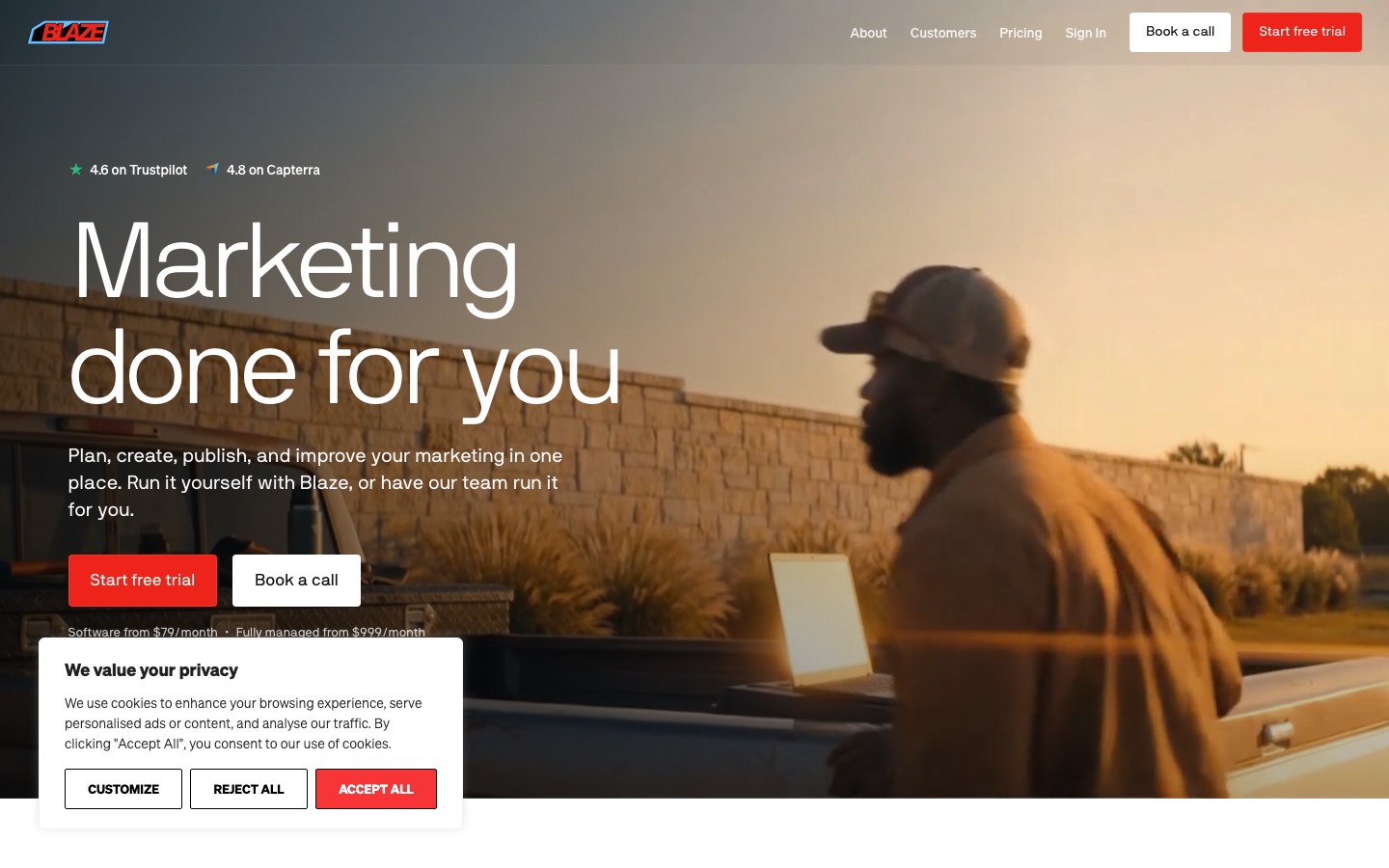
- Each workspace has its own Brand Kit that applies to all content created in that workspace, so mixing brands isn't possible.
- Day 1 - Blaze will create your brand identity, custom content strategy, first full week of marketing posts, and second week of topics.
- Day 3 - Your content will start autoposting if accounts are connected.
A note about "AI video"
- The kinetic style is what most tools actually produce, including Apaya, Predis.ai, and ContentStudio.
- The AI-rendered style is what Blaze.ai and some Predis.ai templates offer, though the quality is still obviously AI.
- If your brand depends on polished, human-quality video, none of these tools are there yet.
Scheduling lets you create a week's content in one sitting.
For a small business starting from scratch with AI social media tools, Buffer or Later are the most accessible starting points. Add Canva for visual content and Metricool for analytics once the posting cadence is established.
Meta Business Suite
- With Meta Business Suite, you can publish feed posts and stories for both Facebook and Instagram without switching accounts.
- It schedules posts, Reels and Stories, shows a planner calendar, gathers comments and messages in one inbox, and gives basic insights.
- A small charity that posts only on Facebook and Instagram schedules the whole week every Monday morning in about 30 minutes, drafting captions in its chat assistant and pasting them in.
- Watch-outs: it only covers Meta's platforms, and its reporting is basic.
Buffer
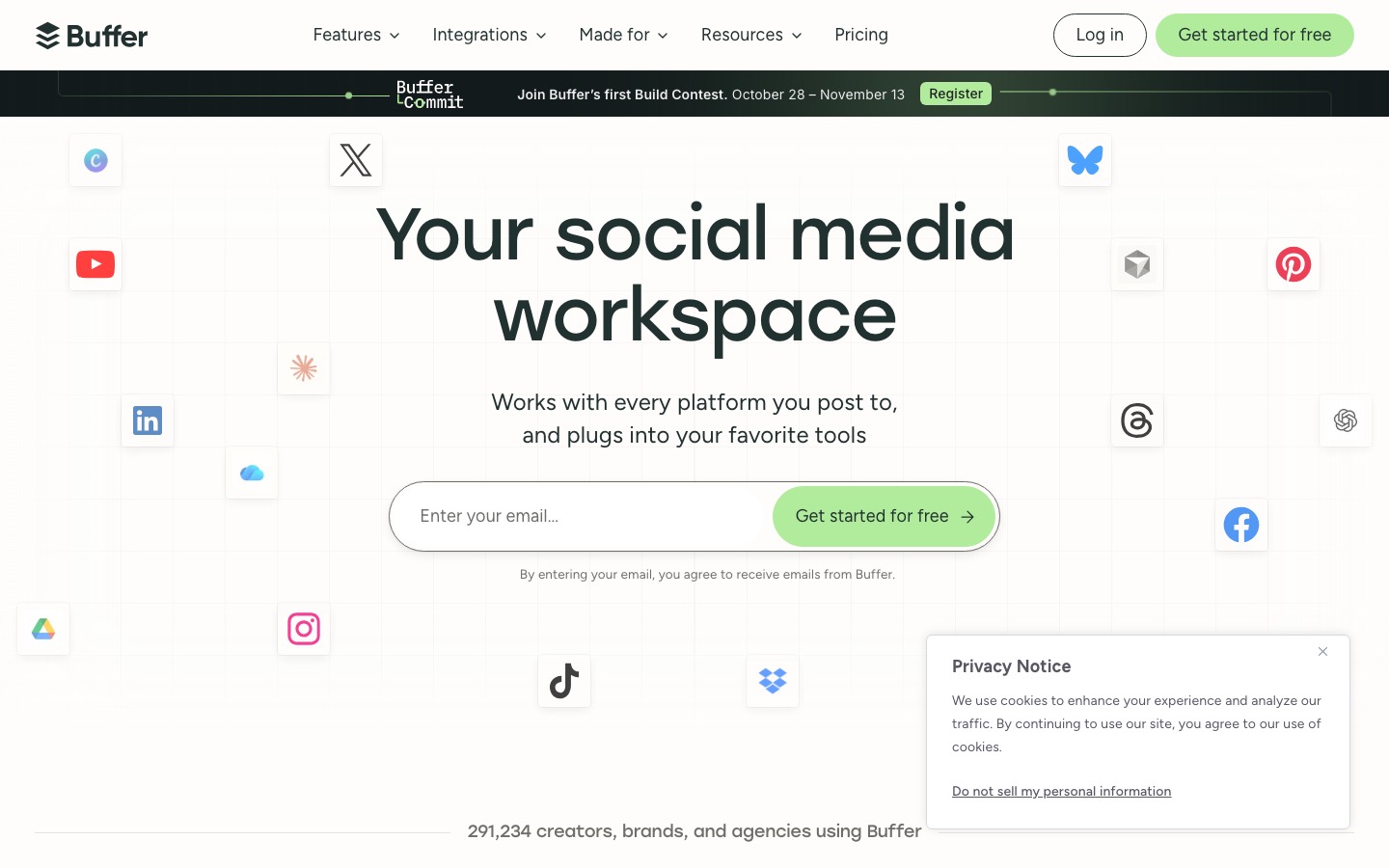
- What it does: a simple scheduler for most major networks (Instagram, Facebook, LinkedIn, TikTok, Google Business Profile, Pinterest, Threads and others), with an AI Assistant for drafting and repurposing posts included on every plan, including the free one.
- Price: free for up to three channels with ten scheduled posts per channel; Essentials is $5 per channel a month billed yearly ($60 a year per channel) with unlimited scheduled posts; Team is $10 per channel a month billed yearly and adds unlimited team members and approval workflows.
- Example. A holiday-let manager posts to Instagram, Facebook and Google Business Profile.
- Three channels on Essentials cost $15 a month on annual billing.
- Per-channel pricing also means a channel that isn't worth it can be dropped without changing plan.
Later
- What it does: a visual planner built around Instagram, with a grid preview, link-in-bio pages and an AI Caption Writer.
- Price: Starter is $18.75 a month billed yearly for one social set (up to eight profiles) and one user, with up to 30 scheduled posts per profile and five AI credits a month; Growth is $37.50 a month billed yearly, with 50 AI credits.
- Example. A boutique hotel treats its Instagram grid as a brochure, alternating rooms, food and the garden.
- AI credits are used to power Later's AI features: Ideas and Caption Writer.
- 1 credit generates 3 ideas or 1 caption.
- Watch-outs: five AI credits a month on Starter is very few, so don't choose Later for its AI; choose it for the visual planning.
Hootsuite
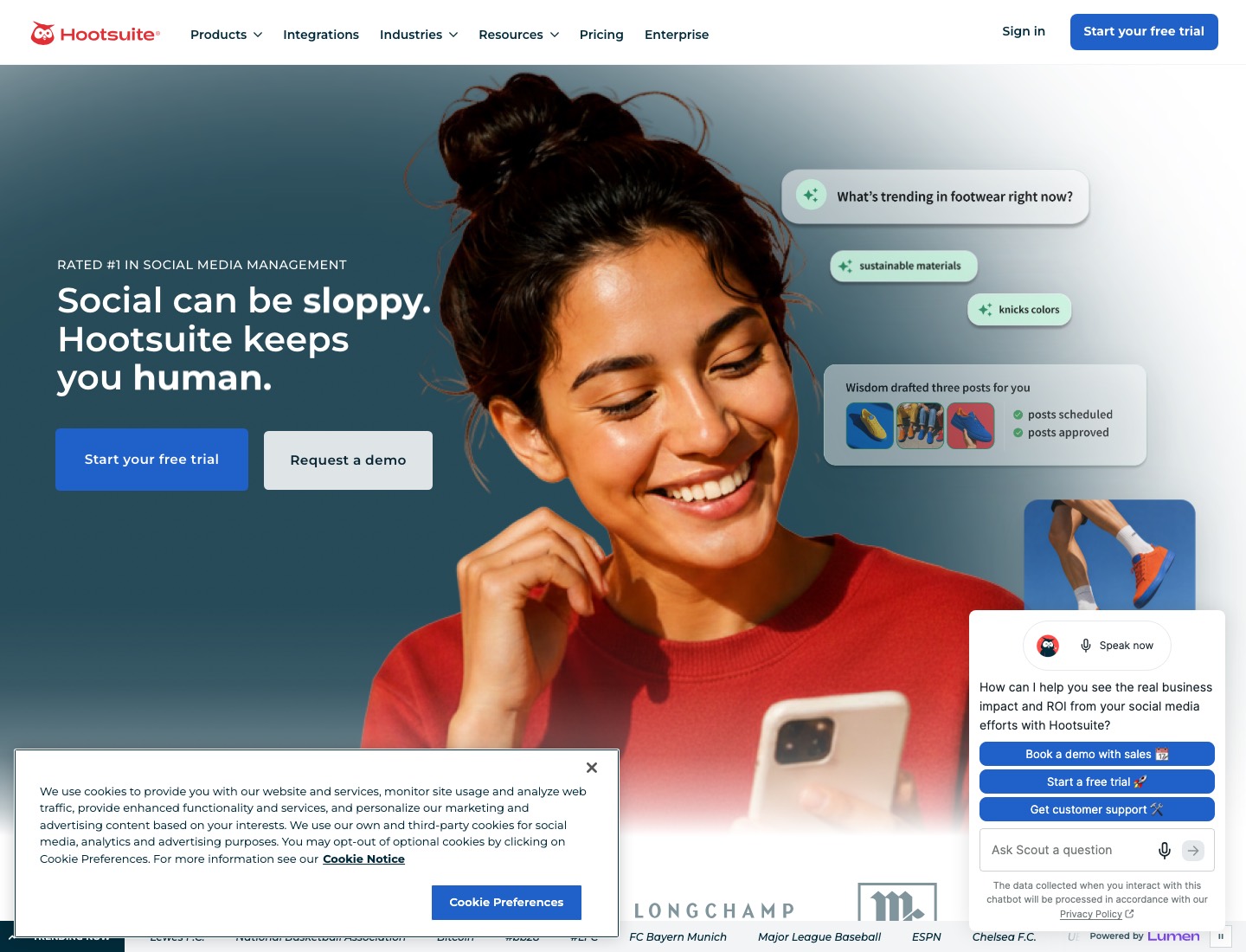
- What it does: a full social management suite with scheduling, a shared inbox, listening and an AI teammate Hootsuite calls Wisdom, which drafts, recommends and analyses.
- Paid plans start at $99 for a Standard plan, $199 for a Professional plan, and range up to $399 for an Advanced plan.
- A holiday-let agency with three staff answering guest messages across Instagram, Facebook and WhatsApp needed one inbox with assignments, so messages about the same booking weren't answered twice.
- Watch-outs: for one person posting a few times a week, it's overkill; the cheaper tools above do the scheduling just as well.
Publer
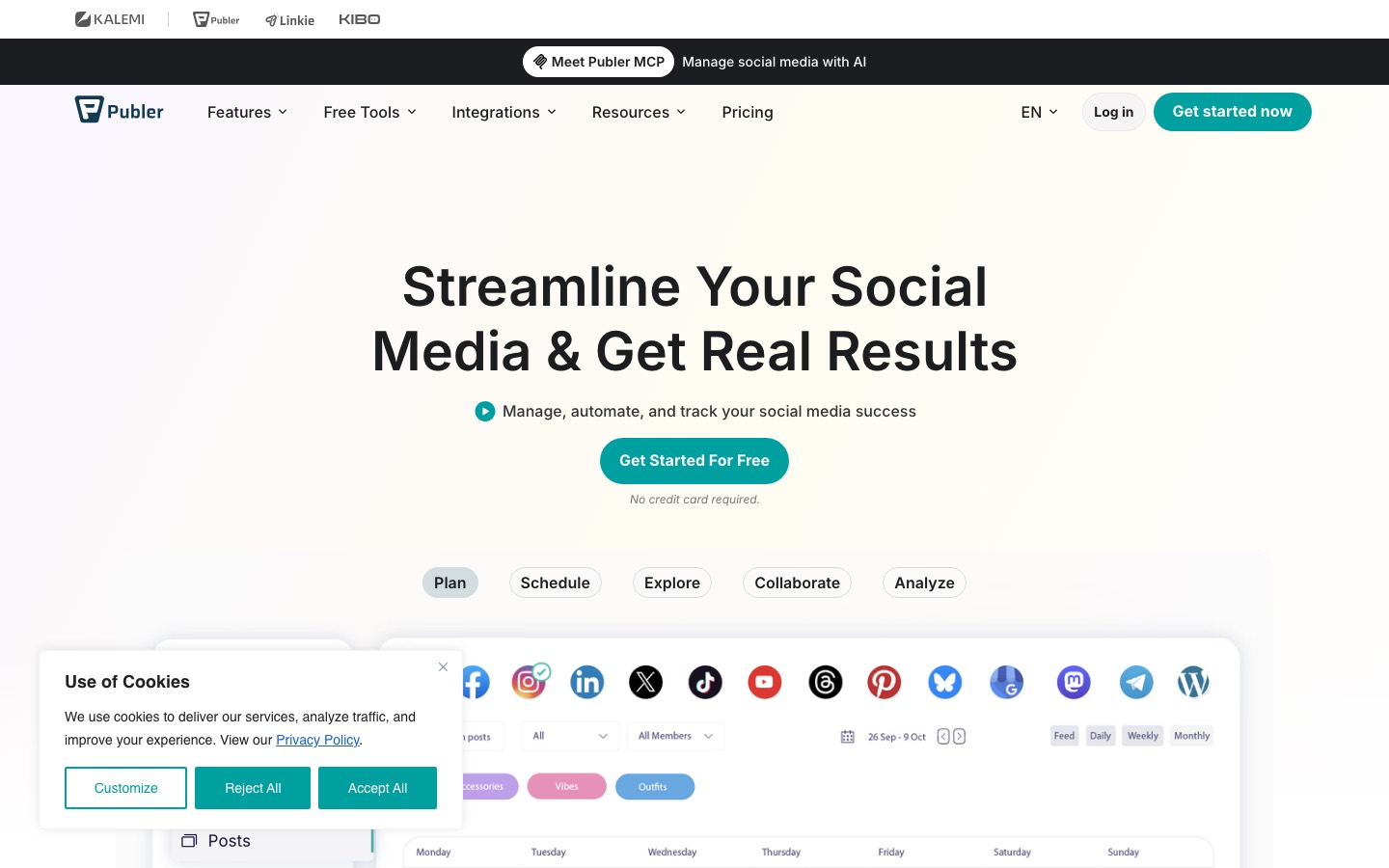
- Publer's AI assistant handles post generation, scheduling and automated first comment posting to boost early engagement.
- Its AI analyses what has performed best on your account and generates new content in a similar style, making it useful for businesses that want content recommendations grounded in their own performance data rather than generic templates.
A tool that "supports 8 platforms" might only auto-publish to 3 of them and send push notifications for the rest.
| Tool | Instagram (Feed/Stories/Reels) | X/Twitter | TikTok | YouTube | Google Business | Threads | |||
|---|---|---|---|---|---|---|---|---|---|
| Blaze.ai | Yes / Yes / Yes | Yes | Yes | Yes | Yes | No | Shorts | Yes | No |
| Predis.ai | Yes / Yes / Yes | Yes | Yes | Yes | Yes | Yes | Shorts | Yes | No |
| Ocoya | Yes / Yes / Yes | Yes | Yes | Yes | Beta | Yes | Shorts (beta) | Beta | Beta |
| Buffer | Yes / Yes / Yes | Yes | Yes | Yes | Yes | Yes | Yes | Yes | Yes |
| Later | Yes / Yes / Yes | Yes | Yes | Yes | Yes | Yes | Yes | Yes | Yes |
| Sprout Social | Yes / Yes / Yes | Yes | Yes | Yes | Yes | Yes | Yes | Yes | No |
What you can try now: Free Weekly Social Media Posting Schedule Template
Rising reach with flat engagement usually means the algorithm likes you more than humans do.
If you have 3 platforms and 3 hours a month for analytics, Metricool is the standard pick. Native platform analytics (Instagram Insights, TikTok Analytics, LinkedIn Analytics) are also free and useful for single-platform tracking, though they don't offer cross-platform views or competitor data.
Vanity metrics like raw follower count feel good and prove almost nothing.
- Engagement rate (per post and per follower): the single best health check for whether your content resonates.
- Share and save rates: on Instagram and TikTok especially, saves and shares are the strongest signal of genuine value and the best predictor of distribution.
- Click-through and traffic: the bridge between social and revenue.
Metricool
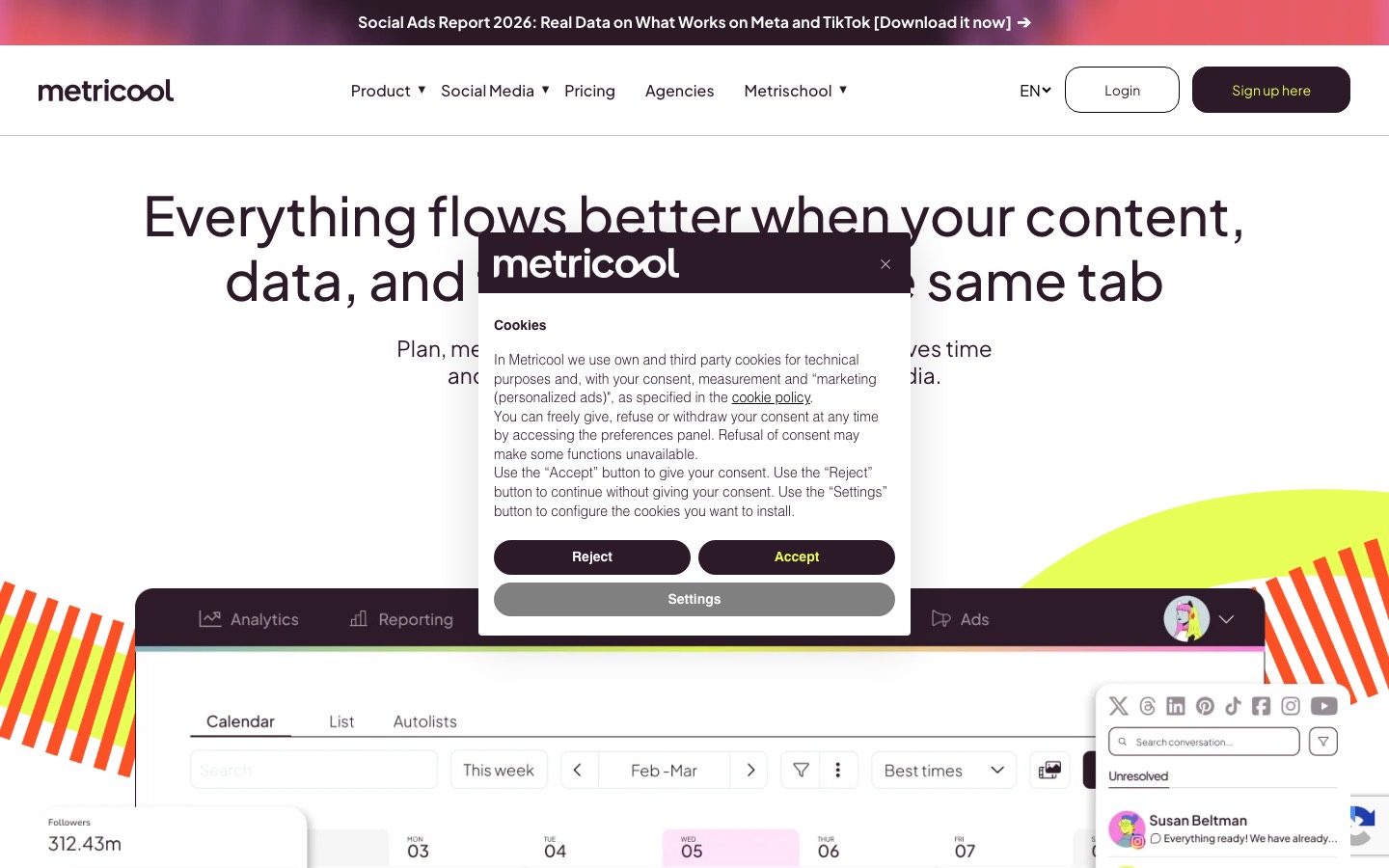
- What it does: scheduling plus stronger analytics than most tools at its price, including competitor tracking and an AI assistant for drafting.
- Price: free for one brand with up to 20 scheduled posts a month; Starter from about $20 to $25 a month depending on billing, covering up to five brands, with AI credits allocated per brand.
- Example. A community interest company wants to know whether its Instagram or LinkedIn brings more enquiries for its workshops, and how its posting compares with two similar organisations.
- Metricool's competitor view showed the other two posted video three times as often; the CIC shifted one static post a week to a short clip and tracked the change over a month.
- Watch-outs: the free plan doesn't connect LinkedIn, and AI credits are rationed per brand.
Iconosquare
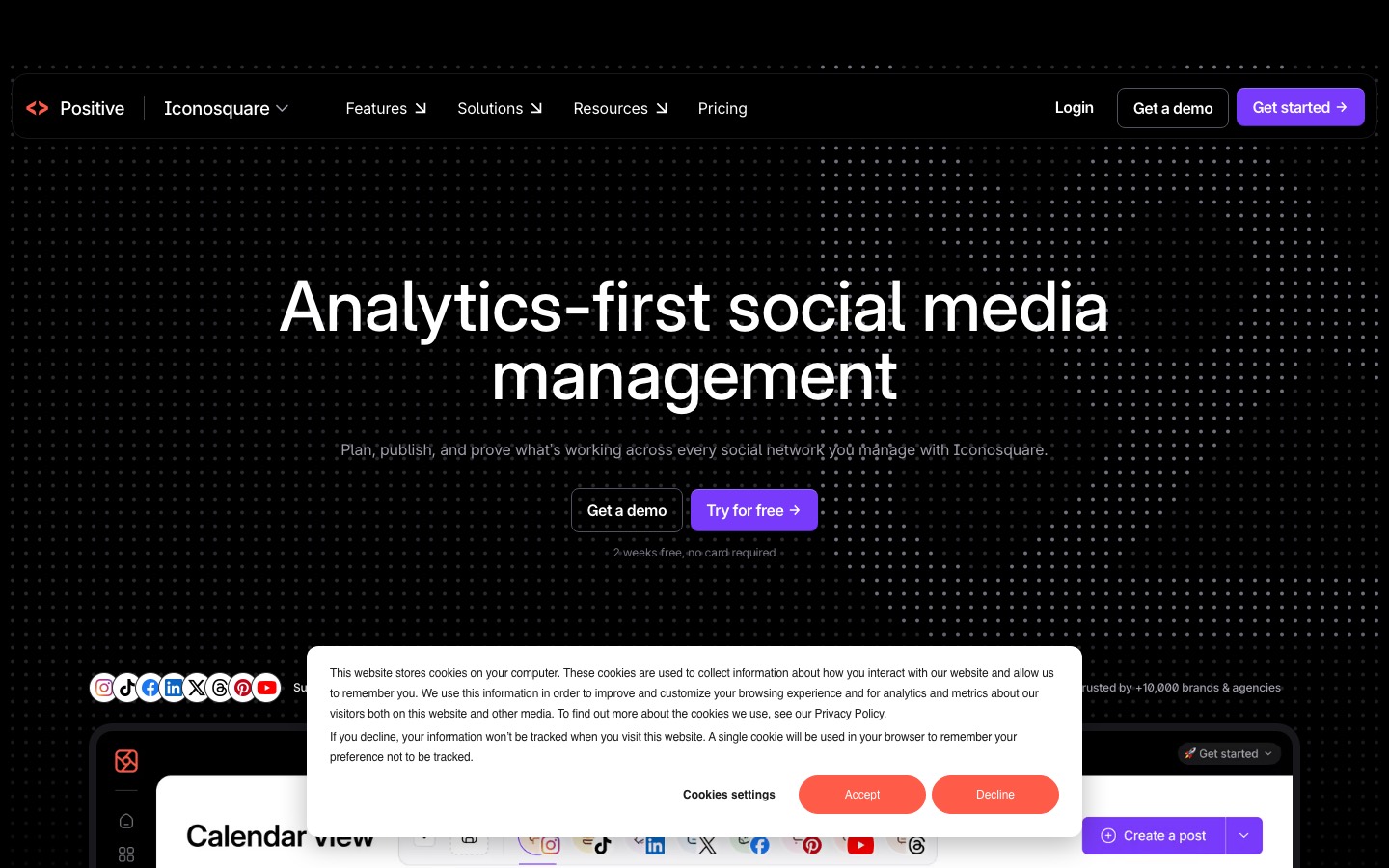
- Best at: One of the deepest analytics sets for Instagram, TikTok, LinkedIn, and Facebook.
- Iconosquare offers a free plan for 1 user and 2 social profiles after your free trial period.
Sprout Social
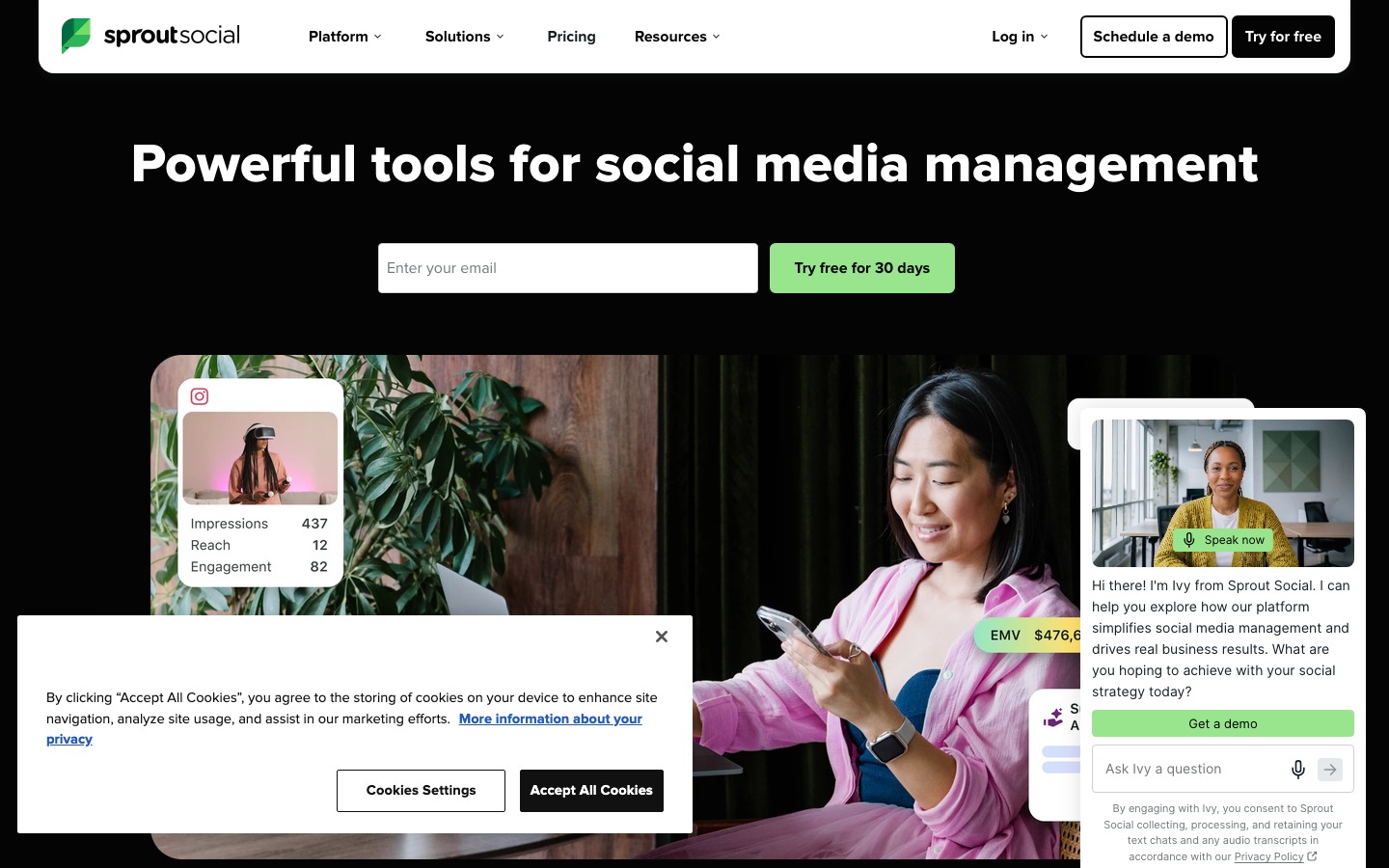
- Sprout Social's AI Assist focuses on customer interaction (reply suggestions, sentiment tracking), not content creation.
- At $199/seat, you're paying for enterprise analytics and team workflows, not AI content generation.
What you can try now: Free Engagement Rate Calculator, Engagement Rate Calculator, Free for Every Platform
A 1,500-word article becomes LinkedIn posts, Twitter threads, and an email campaign segment.
The category roughly splits into three jobs: clipping long video into shorts, automating distribution across platforms, and rewriting source material into new posts. Some tools do one job well. A few try to do all three.
Check whether the price shown is for monthly or annual billing.
OpusClip
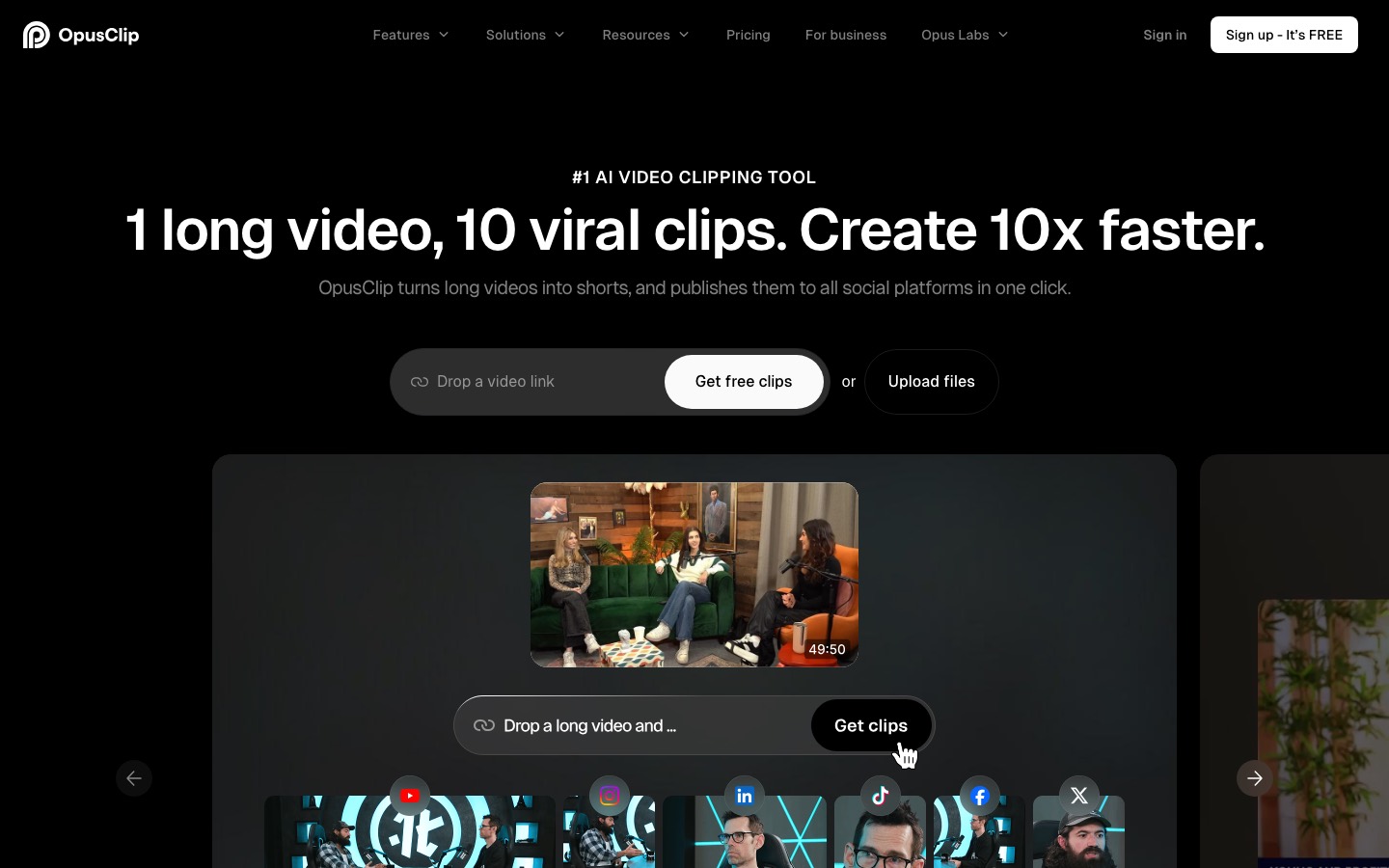
- What it does: takes a long video, such as a talk, webinar or interview, and uses AI to find the strongest moments, cut them into vertical clips, reframe to keep the speaker in shot, and add captions.
- Price: free with a watermark; Starter $15 a month removes it and adds social posting; Pro $29 a month adds a scheduler, B-roll and a team workspace for up to four users.
- Example. A community interest company records a 40-minute public talk on repair and reuse.
- OpusClip suggests ten clips; the team keeps four, fixes one caption where "refurb" came out as "re-furb", and has a month of Reels from one recording.
- Watch-outs: the AI picks moments that sound punchy, not necessarily ones that are accurate out of context; watch every clip in full before posting.
CapCut
- What it does: a phone and desktop video editor with templates, automatic captions, background removal and AI effects, widely used for TikTok and Reels.
- CapCut's plans and prices have changed more than once and vary by platform and region, so check the price shown in the app before subscribing.
- CapCut's auto-captions add subtitles in a minute, which matters because many people watch with the sound off.
- Watch-outs: music.
- Tracks available in an editor aren't automatically cleared for business use on every platform; use royalty-free or platform-licensed commercial music.
Edits
- What it does: Meta's standalone editor for Reels, launched in April 2025, with auto-captions, AI effects such as animating still images, watermark-free exports and direct publishing to Instagram with Reels insights.
- A church office posts a short Reel before each big service: the hall being set up for the carol concert, sped up, with a caption for the time and place.
- Edits handles the captions and publishes straight to Instagram, so there's no export-and-upload step.
Repurpose.io and Descript
- Repurpose.io is built around one job: taking a single video and automatically posting native versions of it to every social network you connect, without you re-uploading it manually to each one.
- With the Free Trial, you'll have 14 days to use Repurpose.
- Descript is the Swiss army knife for video and podcast producers who want full control.
- It transcribes your recording, lets you edit audio and video by editing the text, then helps you create highlight clips.
- The text-based editing alone saves most users 2-3 hours per video.
What you can try now: Free AI Content Repurposer
The figures below reflect published pricing at the time of writing.
Prices change often, so confirm before you buy. A $15 tool that still leaves you doing most of the work can cost you more in time than a $59 tool that takes the whole thing off your plate.
Cost at the tier a small business would realistically buy.
| Tool | Starting paid price | Free plan or trial | Best for |
|---|---|---|---|
| Claude | Pro $17/month billed annually, $20 monthly | Free plan | Writing and planning |
| ChatGPT | - | Free plan | Writing and planning |
| Gemini | Google AI Pro $19.99/month | Free plan | Writing and planning |
| Jasper | Pro $59/month billed yearly, $69 monthly | 7-day free trial | Brand-voice copy |
| Canva | Pro US$144/year | Free plan | Design with brand control |
| Adobe Express | - | Free plan | Design, Adobe users |
| Meta Business Suite | - | - | Facebook and Instagram only |
| Buffer | Essentials $5/month per channel billed yearly | Free plan, 3 channels | Simple multi-channel scheduling |
| Later | Starter $18.75/month billed yearly | 14-day trial | Instagram grid planning |
| SocialBee | $24/month billed annually, $29 monthly | 14-day trial | Best hybrid value |
| Hootsuite | Standard $99/month | 14-day trial | Teams with a shared inbox |
| Metricool | Starter from $20/month | Free plan, 1 brand | Analytics and competitors |
| Iconosquare | - | Free plan, 2 profiles | Instagram/TikTok analytics |
| Sprout Social | $199 per seat/month | 30-day trial | Enterprise CRM + analytics |
| Predis.ai | Core $19/month billed yearly, $32 monthly | 3-day free trial | E-commerce brands |
| Ocoya | Starter $29/month | 7-day free trial | High-volume agencies |
| Blaze | Starter $79/month | Free trial | Solopreneurs wanting managed option |
| OpusClip | Starter $15/month | Free plan | Clipping long videos |
| CapCut | - | - | General short video editing |
| Edits | - | - | Instagram Reels |
| Descript | Hobbyist $16/month | Free plan | Editing podcasts and video by editing transcript text |
| Repurpose.io | - | 14-day free trial | Auto-distributing existing video across platforms |
| Lately | Starter $14/month billed annually, $19 monthly | - | Turning long-form text, audio or video into social posts |
ChatGPT is a great drafter and a poor content system.
ChatGPT generates text from whatever you type into an empty prompt. A content engine runs a pipeline: it starts from your own captured thinking (video, voice, docs), drafts in your trained voice, formats natively per platform, and schedules the output. One is a writer, the other is a system.
Credit first, because it is real.
- Drafting speed. Nothing turns an outline into prose faster.
- Editing. Paste a rough draft and ask it to tighten, and it usually will.
- Thinking. Brainstorming angles, poking holes in an argument, summarizing research.
Three structural failures, none of which better prompting fixes.
- Voice drift. The model has no persistent memory of how your brand sounds.
- No retrieval. A generic AI writer cannot read your past content, your offer documents, your case studies, or your call transcripts.
- No scheduling, no publishing. Generic tools generate; they do not deliver.
| Tier | Examples | What it does | What it is missing |
|---|---|---|---|
| Chat interface | ChatGPT, Claude, Gemini | Single-prompt text and basic image output | Brand voice memory, retrieval, multi-format, scheduling |
| Specialized writers | Jasper, Copy.ai, Writesonic | Templates for marketing copy, light brand voice config | Multi-format output, image/video, knowledge bases, scheduling |
| Single-format generators | Midjourney, ElevenLabs, Runway, Pika | Best-in-class output for one format | Cross-format coordination, brand systems, publishing |
The mistake most teams make is treating brand voice as a prompt prefix.
Give it a written voice/tone doc, a brand kit, and on-brand templates to fill in (rather than blank-page generation), then review every customer-facing output before it publishes. Constrain, then check. If it's only in your head, AI will guess.
A well-built voice profile reduces post-generation editing time from 40-60% of the workflow to under 10%.
- Sentence rhythm preferences: do you write short and punchy, or do you let sentences run?
- Tonal range: not a single tone but a range with examples.
- Reference samples: 10-20 pieces of your best past content that the model can match against.
A production knowledge base for content generation contains:
- Offer documents: pricing pages, service descriptions, deliverables, FAQs.
- Case studies and proof: results, testimonials, before/after framing.
- Call transcripts: sales calls, customer interviews, podcast appearances.
- Generic posts about "our products" convert poorly.
Without a brand kit, AI will default to the safest average of everything in its training data.
- Logo: PNG with transparent background, at least 1000px on the long edge.
- Brand color palette: 3-5 hex codes.
- Reference photos: 3-10 images that represent your actual visual style.
- Voice sample captions: 3-5 of your best-performing captions, pasted as plain text.
The monthly consistency check
- Take the copy of your last ten posts.
- If you removed the brand name, would anyone know they were yours?
- Once a month, fold the top corrections into your voice guide and ban list.
What you can try now: Brand Voice Generator, Free Brand Voice Generator
Whichever kit you choose, commit to it for a full month before judging.
Most small businesses end up happiest with one good tool per job and no more than three in total. Here's the arithmetic on whether the middle kit pays: if it saves two hours a week (an assumption worth testing against your own diary) and your time is worth $30 an hour, that's about $240 a month of time for $30 of tools. If it saves nothing because you don't change how you work, it's $30 wasted, which is why the routine matters more than the purchase.
Three starter kits by budget
- Free: about $0 a month. A free chat assistant, Canva Free, and Meta Business Suite.
- Suits a small charity or church office posting on Facebook and Instagram two or three times a week.
- The main cost is time, and the main limit is the chat assistant's free-tier caps.
- Around $30 a month. A paid chat assistant ($20), Buffer Essentials for two channels ($10 on annual billing), and Canva Free or Adobe Express Free.
- Suits a holiday-let manager or a small shop posting on three channels, where a paid assistant with a Project holding the brand voice saves the most time.
- Around $70 to $80 a month. A paid chat assistant ($20), a paid design plan with brand kits (roughly $10 to $15), Later Growth or Buffer for several channels (about $15 to $40), and a video tool if you post video weekly.
- Suits a boutique hotel with daily posting, video and more than one person creating content.
Be honest about what you actually want.
| Route | Typical monthly cost | What it usually includes |
|---|---|---|
| Freelancer | $300-$3,500/mo ($15-$150/hr) | Posting-only at the low end, fuller management and light strategy higher up |
| Small/boutique agency | $1,000-$5,000/mo (commonly $1,500-$3,000) | 2-3 platforms, content creation, light community management, monthly reporting |
| Done-for-you subscription | $99-$600/mo | 10-12 posts on 1-2 platforms at the entry tier, more with video or ad add-ons |
| AI-first tool | $49-$199/mo (sweet spot ~$55-$129) | AI-drafted content, multi-platform scheduling, basic analytics |
- You get speed (posts can go live the same week) and lower cost, but you're the one who has to keep the voice on-brand, since nobody at a $99-a-month subscription has sat in on your sales calls.
- You approve occasionally but don't manage anything.
- Time required: under 1 hour per month.
The moment followers sense they're reading content generated for a generic "coffee shop," they stop engaging.
The biggest mistake: asking an AI tool to "write 30 posts for my coffee shop" and posting whatever comes out. The content will be technically correct and completely forgettable. Local business social media works because it's local.
The Bakery
- Business: A neighborhood bakery with 2 locations and 12 employees.
- The problem: The owner spent 8-10 hours per week on social media.
- Takes one photo of the daily display case every morning.
- AI generates 3-5 social media posts with captions, hashtags, and scheduling recommendations.
- Posts are auto-scheduled for Instagram, Facebook, and Google Business Profile.
Sample Weekly Content Calendar
| Day | Content Type | Platform Focus | Example |
|---|---|---|---|
| Mon | Monday motivation | IG, Facebook | Signature drink shot with witty caption |
| Tue | Behind-the-craft | Reels, TikTok | 30-sec latte art video |
| Wed | Staff spotlight | Instagram, Facebook | "Meet our lead barista Maya" |
| Thu | Menu special | All | New seasonal drink announcement |
| Fri | Weekend energy | Stories, Reels | Friday afternoon cafe vibes |
| Sat | UGC feature | Instagram, Facebook | Repost of a customer's cafe photo |
| Sun | Community | Stories, Facebook | Sunday community content or event recap |
Local use case
- Schedule Monday "special of the day" posts, Wednesday customer spotlight photos, and Friday weekend event reminders.
- One independent coffee shop in Portland grew its Instagram engagement by 40 percent over three months using weekly AI-edited videos that combined behind-the-scenes footage of baristas with voiceover narration generated from typed scripts, demonstrating how minimal input can yield professional-looking social content.
Fixable, but only because the trial used real posts rather than a demo.
Free trials are usually 7 to 30 days, and most people waste them clicking around the features. Instead, pick one ordinary week of your real posting and run all of it through the tool you're testing. In an illustrative trial, a boutique hotel testing a scheduler found that creating the week took 50 minutes against its usual 90, but two Reels published with the wrong cover frame and one caption lost its line breaks.
A trial plan that fits in about two hours:
- Day 1 (30 minutes): connect your accounts, fill in any brand kit or voice settings, and import five of your past posts so the tool has something to learn from.
- Day 2 (45 minutes): create and schedule the whole week's posts in the tool.
- Days 3 to 6: let the posts go out.
- Day 7 (20 minutes): compare the time taken with your usual week, check the tool's report against the platform's own numbers, and decide.
Also check the exit before you commit.
- Can you export your scheduled posts, templates and reports?
- Canva and Adobe Express designs can be downloaded as image files; scheduler queues often can't be exported at all, so keep your captions in a document or your chat assistant's Project rather than only inside the tool.
- If a tool raises its prices or closes, as happens with software, you then lose a login, not your content.
The two-week test
- Week one, blank prompt. Prompt your posts from scratch.
- Track total time including reformatting and scheduling, and save every draft.
- Week two, capture-first. Record one 15-minute capture, extract and draft from it, queue the set.
Most of the value comes from the routine you build around the tools.
Tools that generate and publish posts with no human step produce generic content and, sooner or later, a factual mistake in public. Even with a strong pipeline, a 10% human review pass catches the small voice slips that compound.
Several tools ration AI with credits.
- Don't upgrade a plan for its AI allowance if your chat assistant already does that job.
- AI "best time to post" suggestions on small accounts.
- With a few hundred followers there's too little data for the suggestion to mean much.
- AI-written replies to comments posted automatically.
- A thank-you for a compliment is harmless; an automated reply to a complaint is not.
- Your face, or your team's, is more trusted than a synthetic presenter, and realistic AI video brings labelling duties on Meta and TikTok.
A note on privacy, terms and data security
- Check where your data is stored and processed, whether the provider offers a Data Processing Agreement (DPA) if required by your jurisdiction, and how your data is used during free trials.
- If your business handles personal data belonging to clients, customers or employees, ensure any new tool is compliant with applicable regulations including GDPR and CCPA before connecting it to live data.
- Check your own company's internal IT and data policies before implementing any new software.
Here is the current 2026 state, side by side.
- Meta requires its label on photorealistic video and realistic-sounding audio, YouTube asks for its "AI use" disclosure on realistic synthetic content, and TikTok requires its "AI-generated content" setting for realistic AI images, audio and video.
| Platform | Must be labelled | How you label |
|---|---|---|
| Facebook and Instagram (Meta) | Photorealistic video or realistic-sounding audio, digitally generated or altered | "Add AI label" when posting a post, reel or story |
| YouTube | Realistic content that shows a real person saying or doing something they didn't, alters footage of a real event or place, or shows a realistic scene that didn't happen | "AI use" setting under Attributes in YouTube Studio when uploading |
| TikTok | AI-generated content containing realistic images, audio or video | "AI-generated content" under More options (app) or See more (computer) |
| No self-labelling rule; it reads Content Credentials | Keep the file's C2PA metadata |
AI Posts Generator: the "what should we post" job
The stacks above cover writing, design and scheduling. The job they leave to you is deciding what to post and in what order. AI Posts Generator does that part: it reads your website and brand files, analyzes competitors and your audience, and builds a monthly plan with a hook, proof and call to action in every slot, including your launches and sales dates.
- Use it next to Canva and a scheduler, not instead of them.
- Upload screenshots of your post stats and Author Score shows which posts worked and why.
- 3-day trial, then $99 per month, which is less than most freelancers charge for a monthly plan.
What you can try now: AI Posts Generator
Frequently asked questions
What is the best AI social media post generator for a small business?
There's no universal best. For a free general-purpose writer with no scheduling, ChatGPT is still the most flexible. If you need heavy scheduling across many accounts, pair a generator with Buffer instead.
Is there a genuinely free AI post generator?
Several tools have free tiers, but most cap generations low enough to function as a trial. Buffer's AI Assistant is free on every plan with no usage cap.
Is ChatGPT good for content creation?
For drafting, editing, outlining, and brainstorming, yes, genuinely. As an end-to-end content system it falls short: it has no persistent memory of your voice, produces one block of text rather than platform-native formats, and cannot schedule or publish anything.
Can AI generators match my exact brand colours and fonts?
The better ones can. The distinction is between tools that generate an image and tools that generate a branded layout.
Do I still need Canva if I use an AI generator?
Often no, but they serve different jobs. An AI generator is for volume and consistency; Canva is for one-off pieces where you want control over every pixel.
What's the difference between a social media post generator and a social media scheduler?
A generator writes the post from a prompt. A scheduler queues it for publishing at a specific time. If you buy a generator without a scheduler, you'll end up pasting between two tools.
Can AI really write social media posts that don't sound like AI?
It depends on the input. If you feed the tool a vague prompt like "write a LinkedIn post about marketing," you'll get a generic AI-sounding draft.
Will AI-generated posts hurt my engagement?
Not inherently. Engagement tracks relevance, not authorship. Posts fail when they are generic.
How much should I pay for an AI social media post generator?
A freelancer runs $500 to $2,500 a month. Done-for-you services charge $99 to $199 a month, and AI social media managers now start around $49. Don't jump to the $100+ tools (Hootsuite, Taplio Growth) until you're running an agency or doing LinkedIn lead gen seriously.
Do I need a paid scheduler if I only post on Facebook and Instagram?
Usually not. Pay for a scheduler when you add other channels such as LinkedIn, TikTok or Google Business Profile, when several people need to draft and approve posts, or when you want reports that compare channels in one place.
Can I plan a whole month of content with AI?
Yes. Seeing all thirty-plus posts together as one plan is the point, because it turns a scattered list into a connected campaign. If your real problem is "we never know what to post," you need an AI-first tool.
How Often Should Small Businesses Post on Social Media?
3 posts per week is enough for many local businesses. Daily posting only makes sense when the business already has a strong content engine. More than daily usually creates more workload than value.
Do you have to label AI-generated content on Instagram?
For video and audio, yes. Still images are not named in the self-disclosure duty. Meta labels them itself when it detects industry-standard signals.
How long does it take to produce a week of content?
With a text generator plus a separate design tool, budget two to three hours.
What about AI tools that reply to comments and DMs?
Treat those as a separate decision. Automated replies touch customers directly and carry platform rules, so they need testing and a human fallback.
Will AI replace social media managers?
It replaces the production layer, not the strategy layer. Teams that adopt AI content generation typically keep the same headcount but shift roles from drafting to systems, strategy, and review.