Best Lovart Alternatives & Competitors
22 Lovart alternatives for design, post copy and planning, with Lovart's real credit pricing and when it is still the right tool.
The best Lovart alternative depends on what you expect the design agent to finish.
The best Lovart alternative depends on which part you were using. Choose Ima Studio for multi-model image and video creation, Figma for product design and prototypes, Canva for finished marketing layouts, Recraft for vectors, Uizard for prompt-to-UI work, or Framer for publishing a generated website. The best AI tools for social media content creation include Jasper, Anyword, and Claude for writing captions and campaign copy; Canva, Adobe Express, and Ideogram for designing visuals; and OpusClip and Riverside for repurposing video into short-form clips.
We compared each product by the part of Lovart it can replace, current public pricing, workflow control, and switching cost.
- Lovart's breadth without delegating the decisions. Freepik AI.
- Legal has to sign off. Adobe Firefly.
- The output is a logo or mark. Recraft.
- The design contains words. Ideogram.
- Everyday marketing collateral. Canva.
- More than one person maintains the work. Figma.
For pure caption writing, Claude and ChatGPT are the two to beat, and both are free to start.
- Best writing overall: Claude.
- Most versatile: ChatGPT.
- Best free all-in-one: Buffer.
- Best for teams and brand consistency: Jasper.
- Best budget copywriter: Copy.ai.
Lovart markets itself as the world's first AI design agent.
Lovart is a dedicated design agent that turns a brief into a coordinated set of deliverables: logos, posters, packaging, social assets. Give it a campaign-level brief and it analyzes intent, researches references, then generates dozens of assets sharing one visual system. You and the agent iterate on ChatCanvas, an infinite canvas where you both edit the same design through conversation.
Lovart launched in May 2025 and was the first product to call itself an "AI design agent" rather than an image generator.
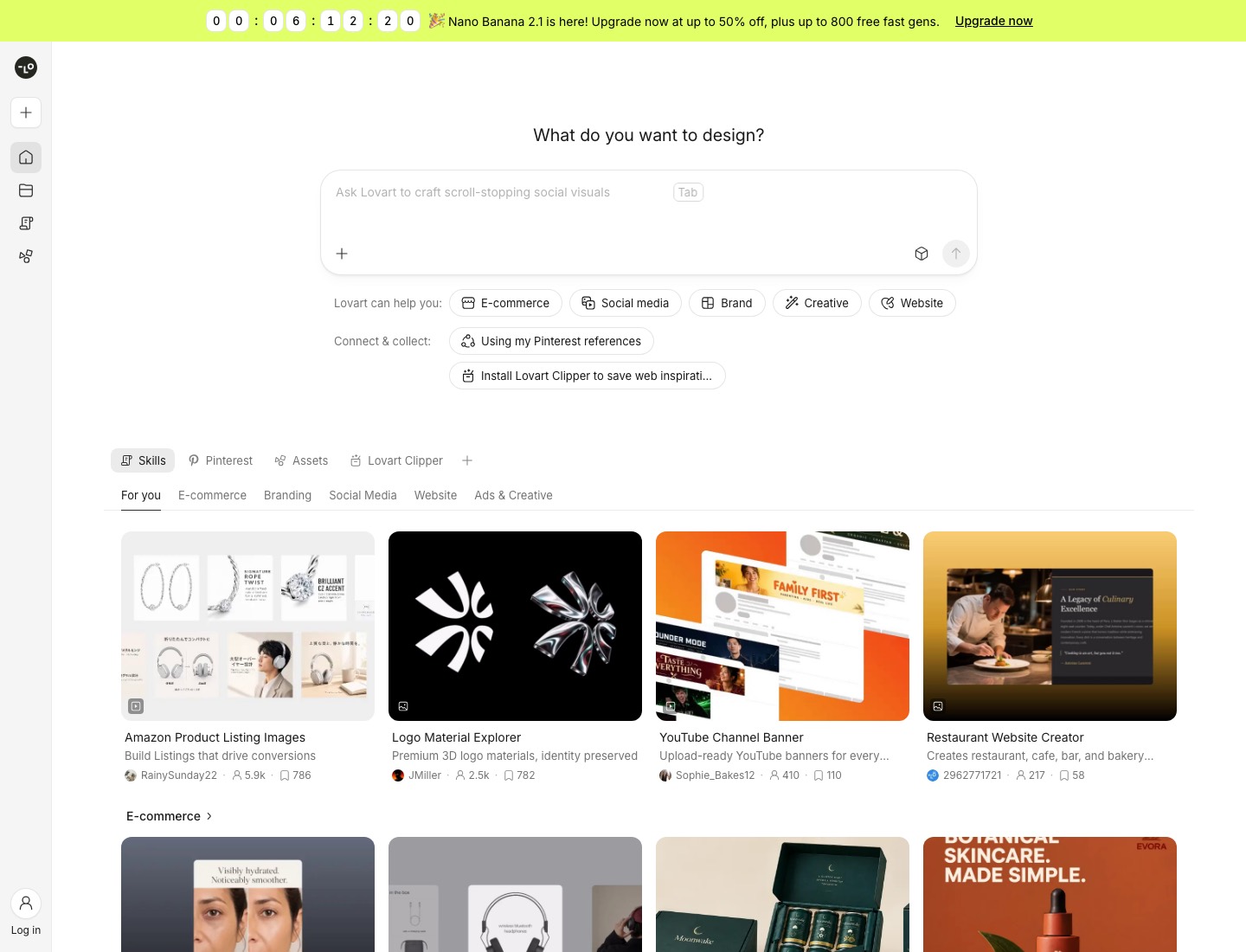
| Makes | Posters, brand kits, packaging, social sets, video, 3D renders |
| Models | Third-party: Nano Banana Pro & 2, Seedream, GPT Image 2, Flux, Veo 3.1, Kling, Seedance |
- Ask for a coffee brand and you get a logo, packaging mockups, social tiles, a color palette, and typography in a single pass.
- Results land as layers with typography kept separately, and Lovart offers targeted element and text edits in place.
- A social media manager, for instance, can build a "monthly content calendar" workflow once and re-run it each month with updated copy, keeping visual consistency across campaigns without rebuilding from scratch.
A single complex brand project can consume hundreds of credits.
An agentic tool spends credits in bursts: one brief can trigger a dozen generations, and you find out what it cost afterwards. Lovart is a credit-based subscription, and agent workflows consume credits quickly because every iteration is a fresh generation. The infinite canvas has a real learning curve if you only came for images.
Here's the catch that shows up again and again in independent reviews: credit burn adds up quickly on real projects.
- Credits burn fast: the default model is expensive (Nano Banana Pro about 10 credits per call, a cheap one about 2).
- The most common complaint is "wasted credits," as credits may still be used even if results are unsatisfactory or errors occur.
- No refunds: memberships and credits are non-refundable and non-transferable.
- Slow: twenty to thirty minutes for a full brand VI is normal; complex briefs spend ten-plus minutes on analysis.
Plenty of people came to Lovart for the models and found themselves managing a board.
- Getting good results depends heavily on how you prompt.
- AI can stumble on complex text elements in generated designs.
- Moving one logo four pixels left is an execution problem, and conversational agents remain poor at it.
- There's no dedicated ecommerce workflow like on-model try-on or marketplace publishing.
- Copy that fits the layout usually still needs rewriting.
Image generation quality and finished-post production are two different jobs.
Jasper fits governed brand voice across broader marketing copy, Copy.ai fits quick draft variations, Predis.ai combines a caption, creative, and hashtags, and Canva keeps caption drafting close to the design. Hootsuite and Buffer suit teams that want caption help inside a social suite or simpler scheduler, while Later fits visual planning with AI caption help.
Before comparing tools, know that "AI social media tool" describes three genuinely different product categories:
- 1. Schedulers with AI assistance. Buffer, Later, and Hootsuite live here.
- 2. AI-native content platforms. These save you the most time but cost more and need more setup.
- 3. Hybrid tools. Scheduling-first products with real generation built in.
| Tier | What it does | Human responsibility | Representative tools |
|---|---|---|---|
| Publishing queue | Stores and publishes posts you have already planned, written, and designed | You plan the month, produce every asset, and pick each time slot | Buffer, OneUp, Canva Content Planner |
| Calendar workspace | Adds a shared month view, previews, comments, and approvals around the queue | You still plan and produce, the tool organizes review and publishing | Hootsuite, Planable, Sprout Social, CoSchedule, Asana (Asana publishes through a companion tool) |
Lovart is a capable generalist agent, and each alternative beats it at one specific thing.
Switch when your deliverable is narrower. Decide which thing you need.
Canva
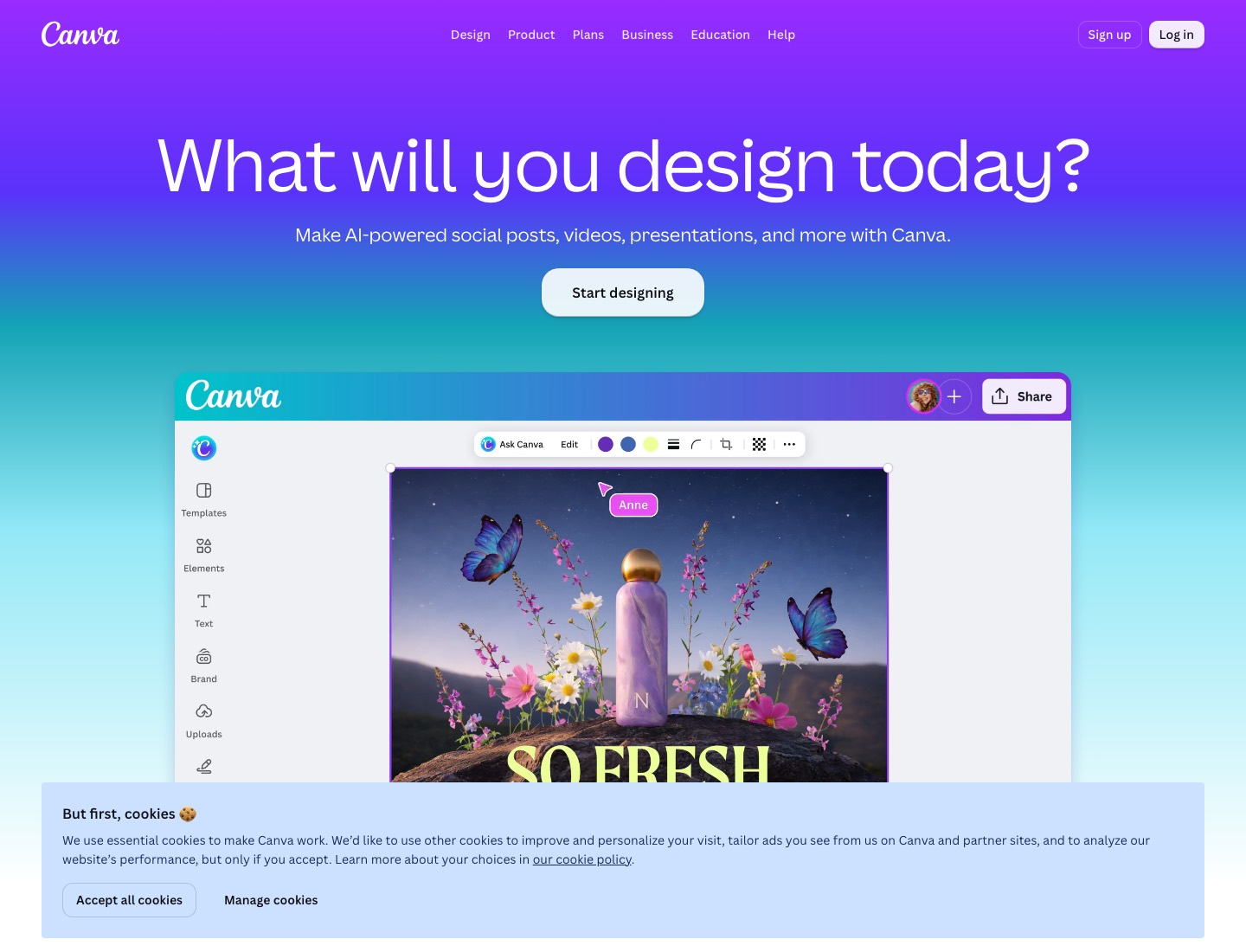
- Choose Canva if: your team starts from approved templates and needs social sizes, presentations, ad layouts, brand kits, and scheduling.
- Canva works better after a team has decided what "on brand" means and wants non-designers to produce approved variations without rebuilding the system.
Adobe Firefly
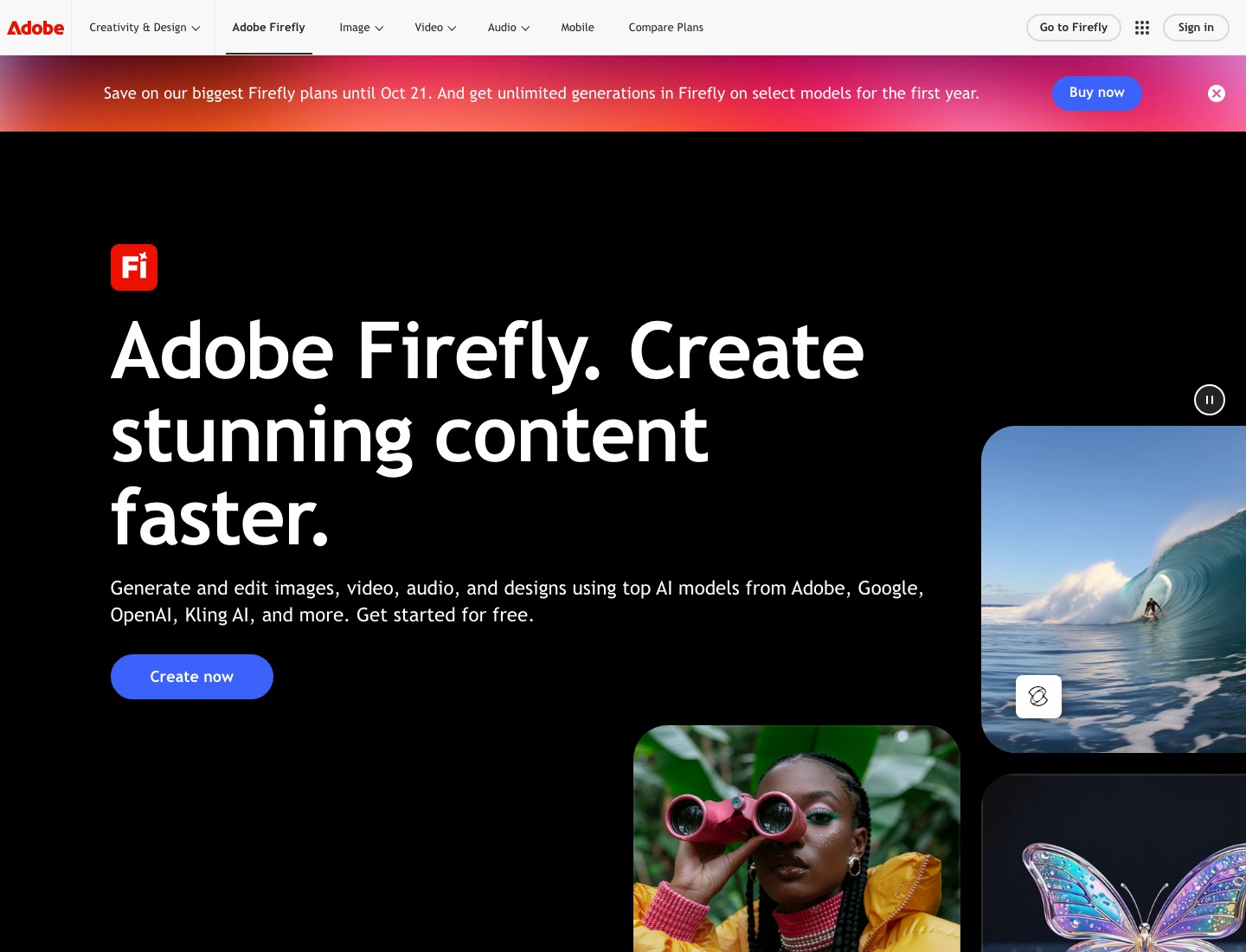
- Adobe states that Firefly is trained on licensed Adobe Stock and public-domain content and is not trained on customer data, and it offers contractual IP indemnification for select outputs to customers on qualifying enterprise plans.
- No other tool here offers an indemnification guarantee.
Recraft
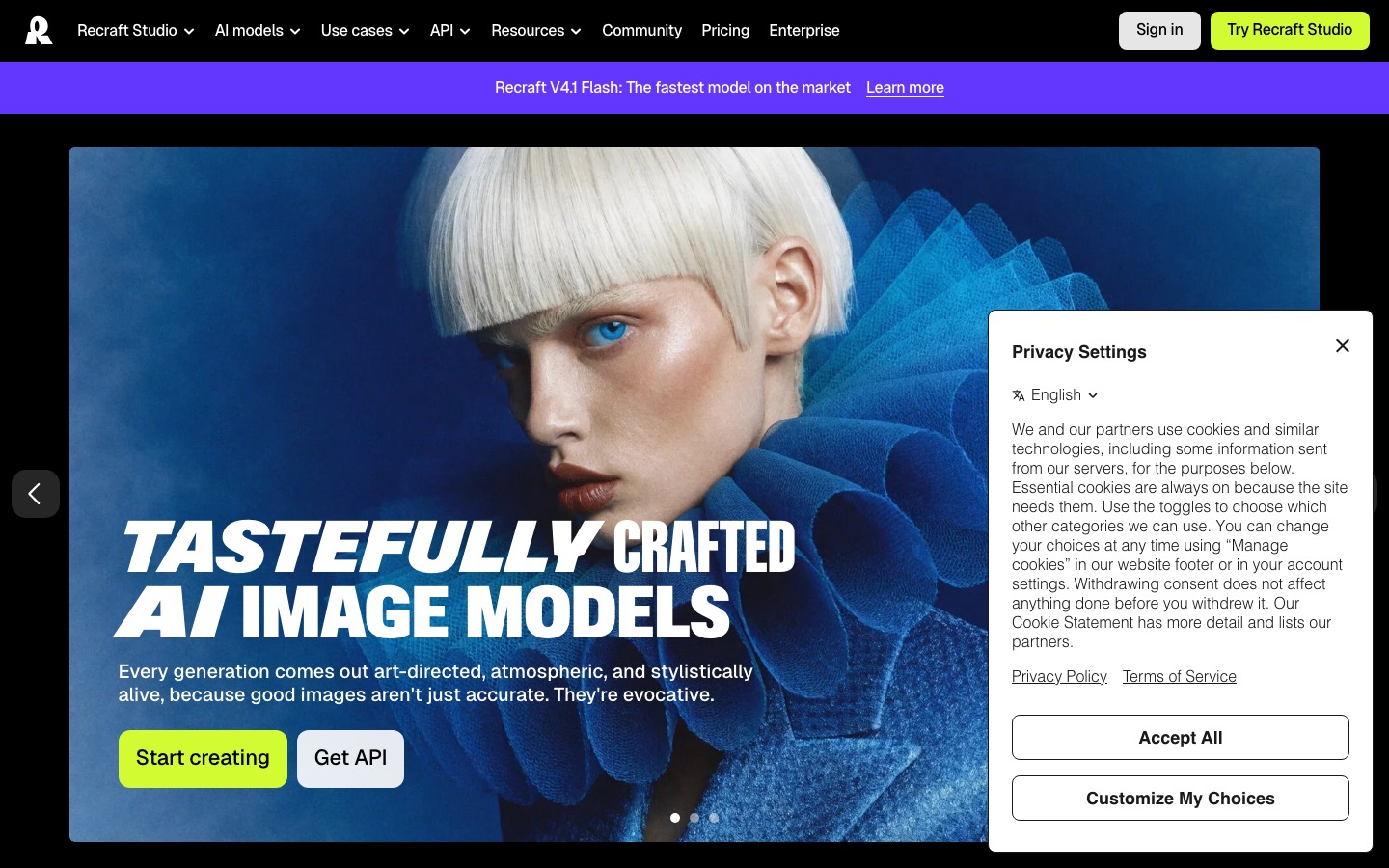
- Recraft generates genuine vector graphics rather than raster traced afterwards, which makes it the right tool for anything that has to survive from a favicon to a billboard.
- Free-plan rights need attention: Recraft says free outputs are public and owned by Recraft, while paid outputs receive commercial rights and private generation.
Ideogram
- Ideogram 3.0 leads all AI image generators at rendering legible, on-brand text inside images.
- Ideogram is best thought of as a specialized tool for text-heavy marketing graphics rather than a general Lovart replacement.
Leonardo AI
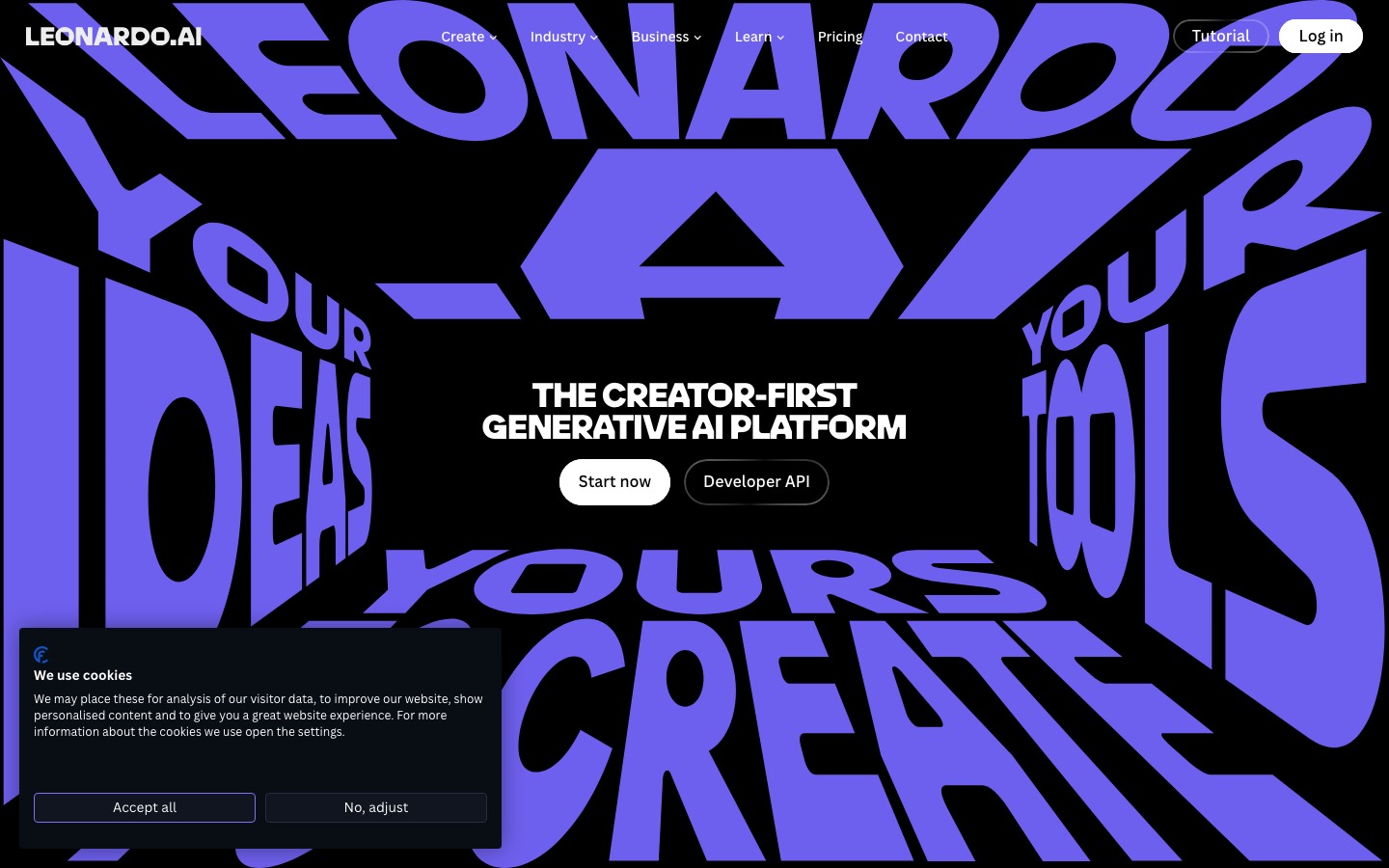
- Leonardo AI offers a large model marketplace, fine-tuning capabilities, and more granular control over generation parameters than Lovart.
- Token pricing is opaque and depletes fast.
Krea
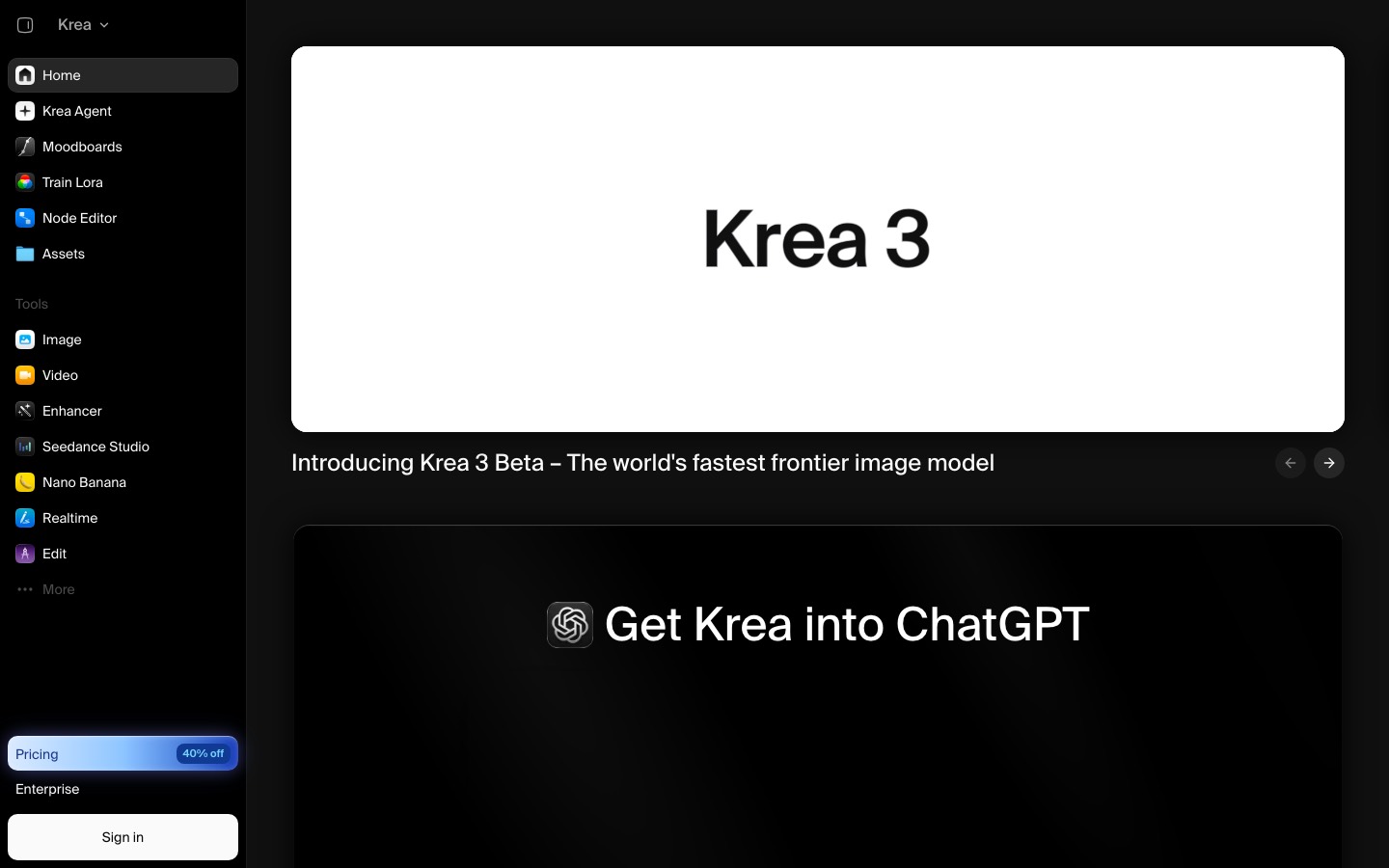
- Krea is a good pick for fast visual exploration across video models.
- Generate images in real-time as you type or draw.
Freepik AI
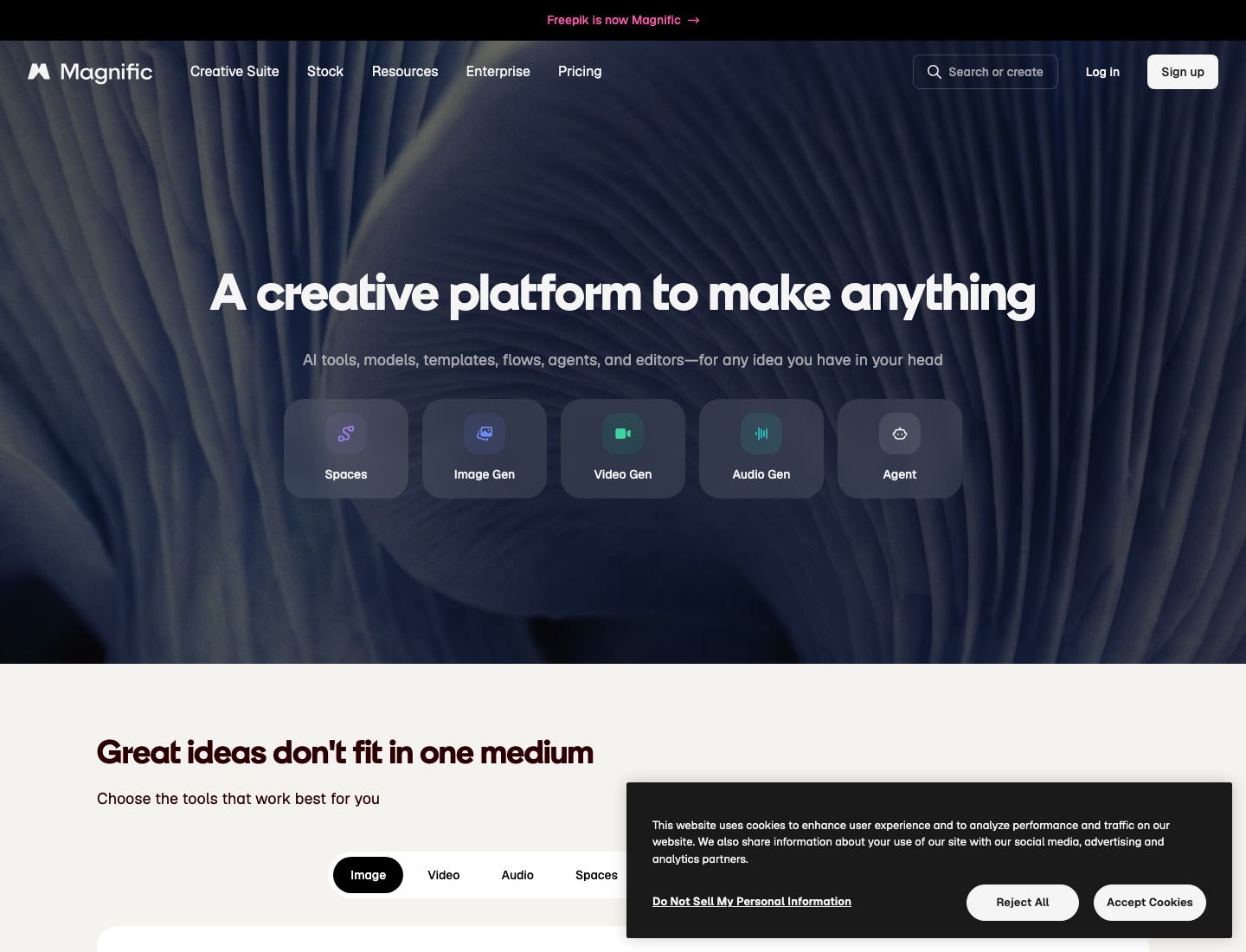
- Freepik is the closest structural swap.
- Freepik gives you the range a Lovart brief would draw on; it doesn't decide for you.
Figma
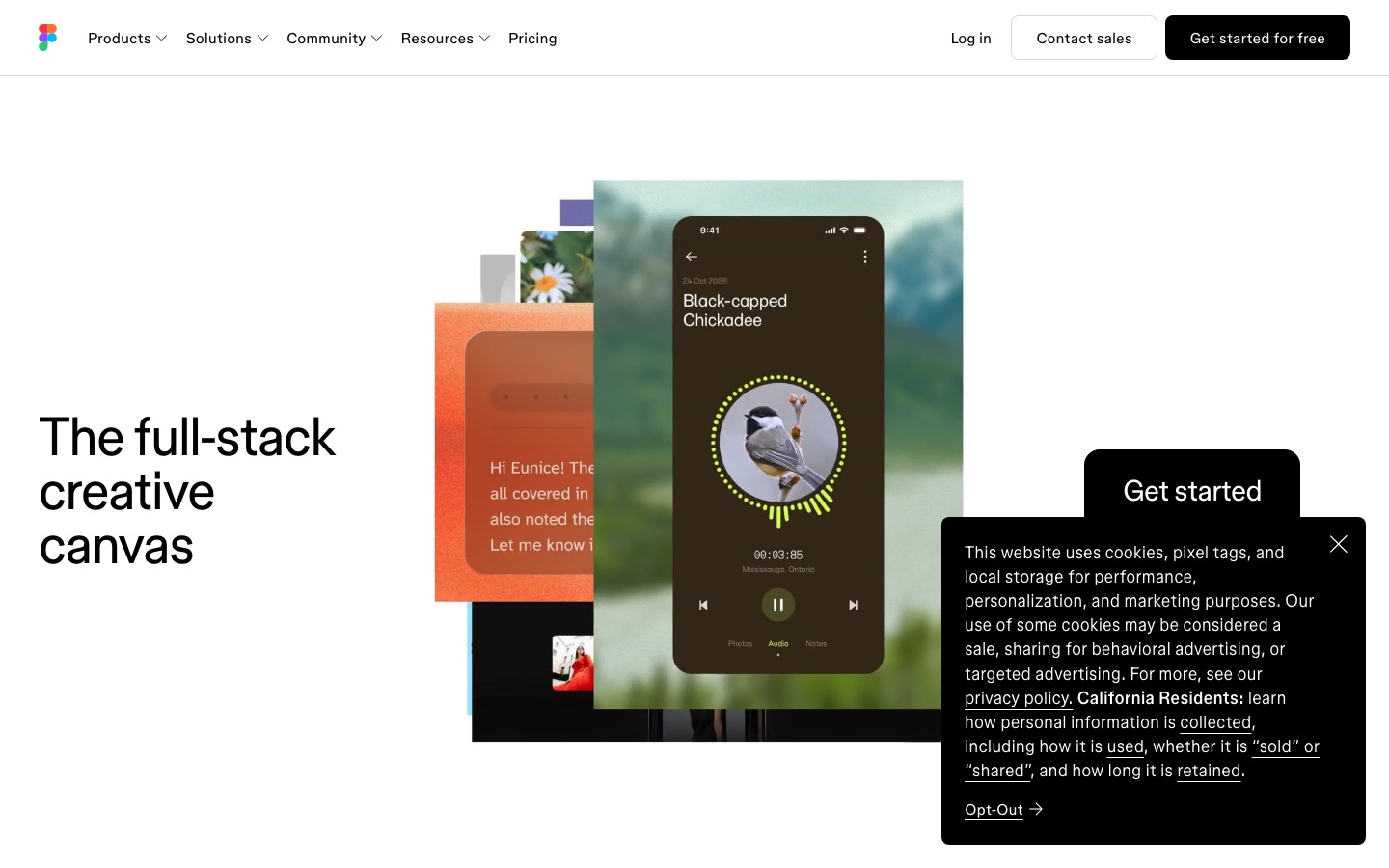
- Figma can replace Lovart for product UI, prototypes, design systems, reviews, and developer handoff.
- It won't generate a campaign from a brief.
Ima Studio
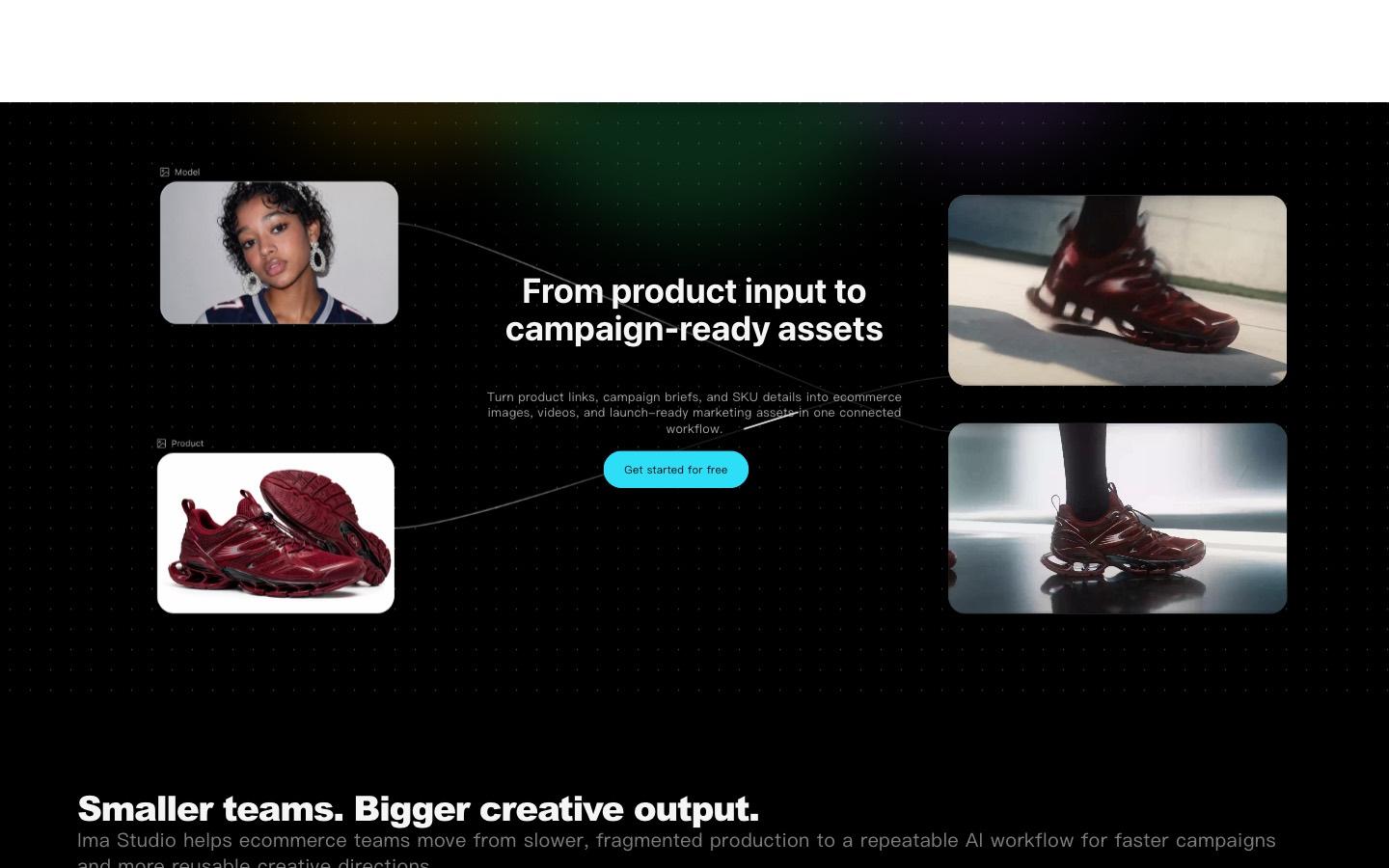
- Choose Ima Studio if: your team cares more about selecting the right image or video model than asking one design agent to plan the whole campaign.
- Ima Studio is the better fit when you already know the deliverable and want direct control over the model and settings.
PixelPanda
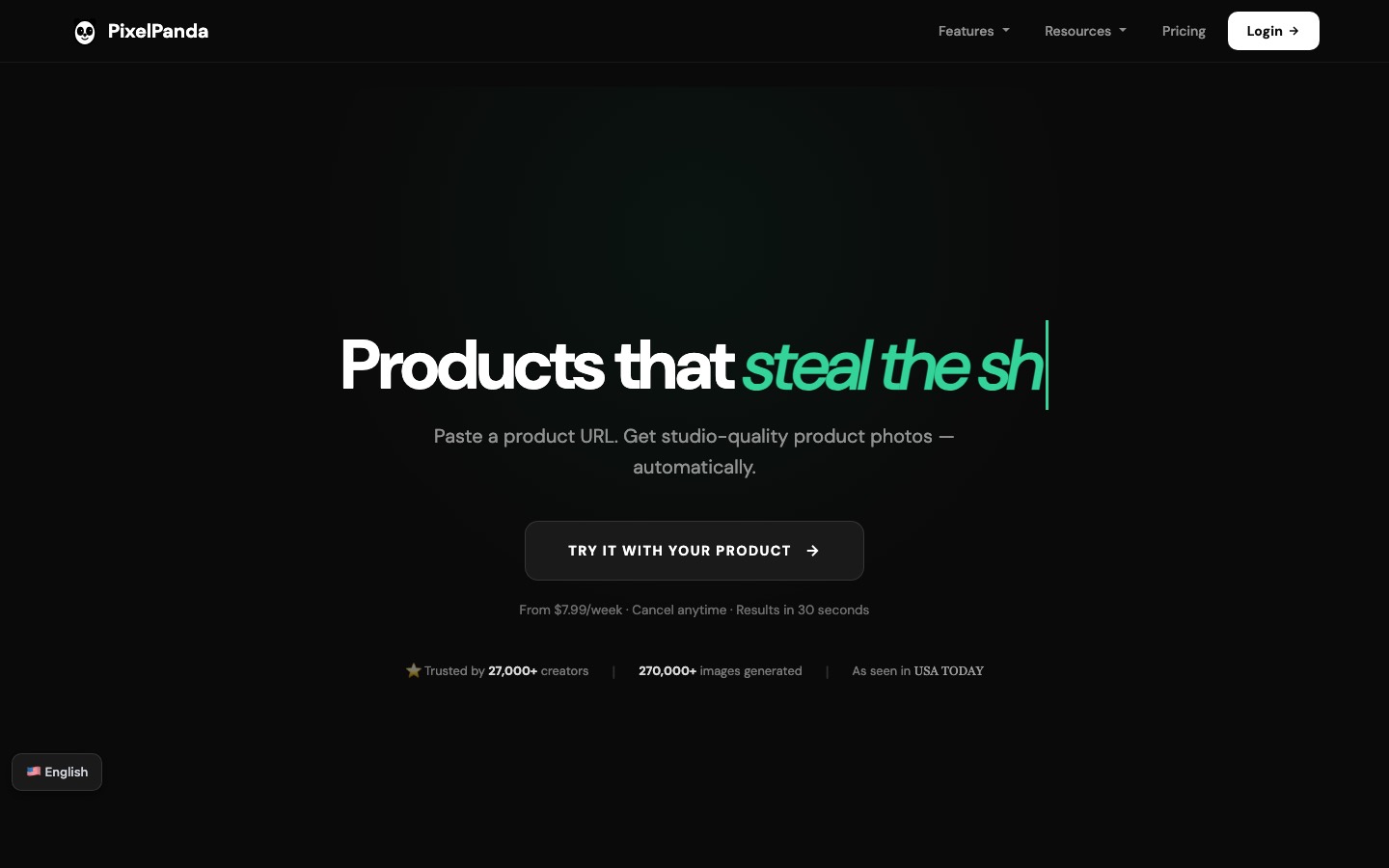
- Built for ecommerce: product photos, on-model try-on and UGC video instead of broad brand-design output.
- Credits roll over and never expire.
CreateVision AI (Ava)
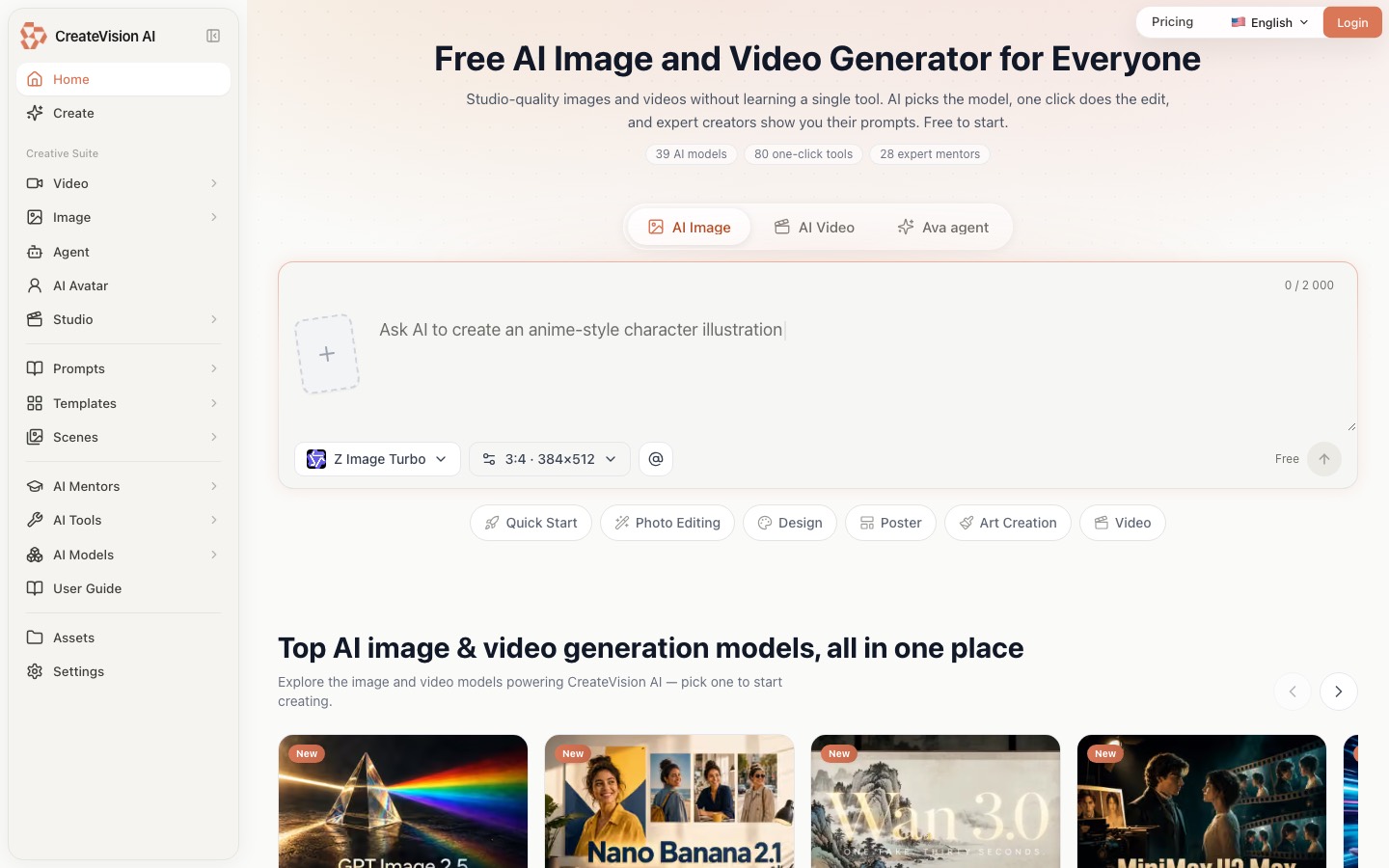
- Ava is the design agent inside CreateVision AI.
- She lives in a chat-style workspace rather than a canvas, and that single difference explains almost everything she does well and everything she does not do at all.
What you can try now: Free Image Resizer
The caption should sound like someone who actually works at your company wrote it.
A "social writing assistant" is any tool that drafts the words. Visual consistency is half the battle. Brand voice in captions is the other half.
AI-generated captions tend toward the generic.
| If you are... | Pick |
|---|---|
| A team that needs one enforced brand voice across every piece of copy | Jasper |
| Cranking out lots of caption and hook variants fast | Copy.ai |
| Writing threads and text posts for X, LinkedIn, Threads, and Bluesky | Typefully |
| Instagram-first and want captions with matched hashtags | Flick |
| A solo creator on a tight budget who just needs captions | Rytr |
| Already scheduling in Buffer and want free writing help in the same tab | Buffer AI Assistant |
| Running Hootsuite and want AI drafting bundled into your ops platform | OwlyWriter |
| Designing the graphic and writing the caption in the same canvas | Canva Magic Write |
ChatGPT
- ChatGPT is the most flexible AI writing tool because you can give it detailed context about your brand, audience, and style.
- It's a general-purpose model, so you'll need to feed it context about your brand voice every time.
Claude
- Claude excels at longer-form writing.
- It tends to sound more natural than ChatGPT out of the box.
- No native scheduling, draft here, publish elsewhere.
Jasper
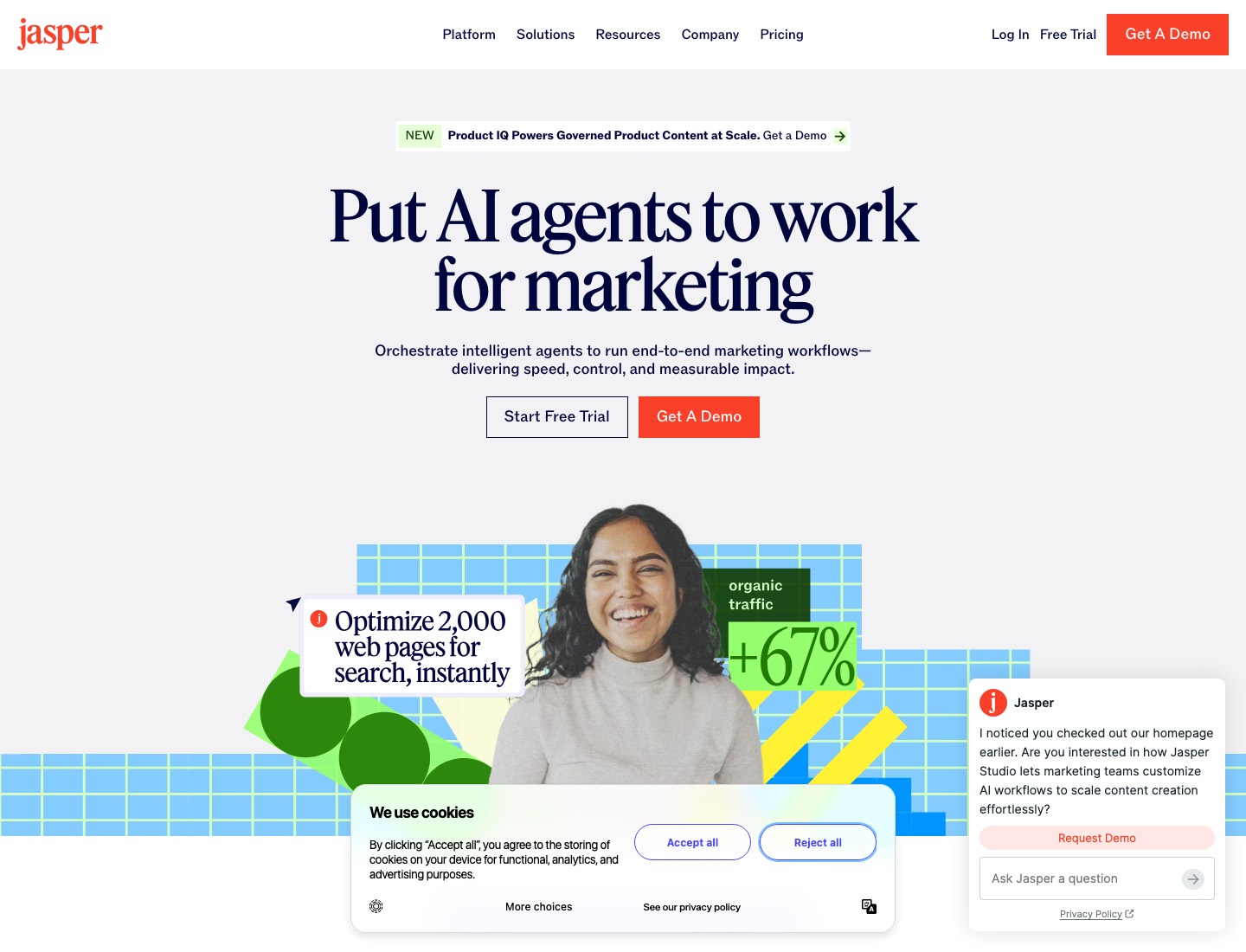
- Jasper lets you define a brand voice profile, then generates all content in that voice.
- You train it on your existing content (blog posts, captions, emails) and it extracts your tone, vocabulary, sentence structure, and personality.
Copy.ai
- Copy.ai is built for generating multiple variations quickly.
- Give it a topic, get 10 caption options in seconds.
Rytr
- A simple, low-cost AI writer with 40+ use cases and 30+ languages.
- Handy for quick caption ideas on the fly.
Canva Magic Write
- The AI caption generator sits inside the same canvas where you build the visual, so the words and the image come together.
What you can try now: Free AI Social Media Caption & Post Generator
The AI doesn't decide what to post; it captions what you upload.
The core product is publishing and analytics; the AI writes caption drafts, suggests hashtags, or picks posting times. The AI saves you a couple of hours a week on writing.
Buffer
- Clean, friendly scheduler.
- Multi-platform scheduling, basic analytics, AI Assistant for caption help.
- Best when you already have the content and just need to queue it.
Later
- Visual-first scheduler, originally Instagram-native.
- Visual content calendar, link-in-bio, hashtag suggestions, AI captions.
Planable
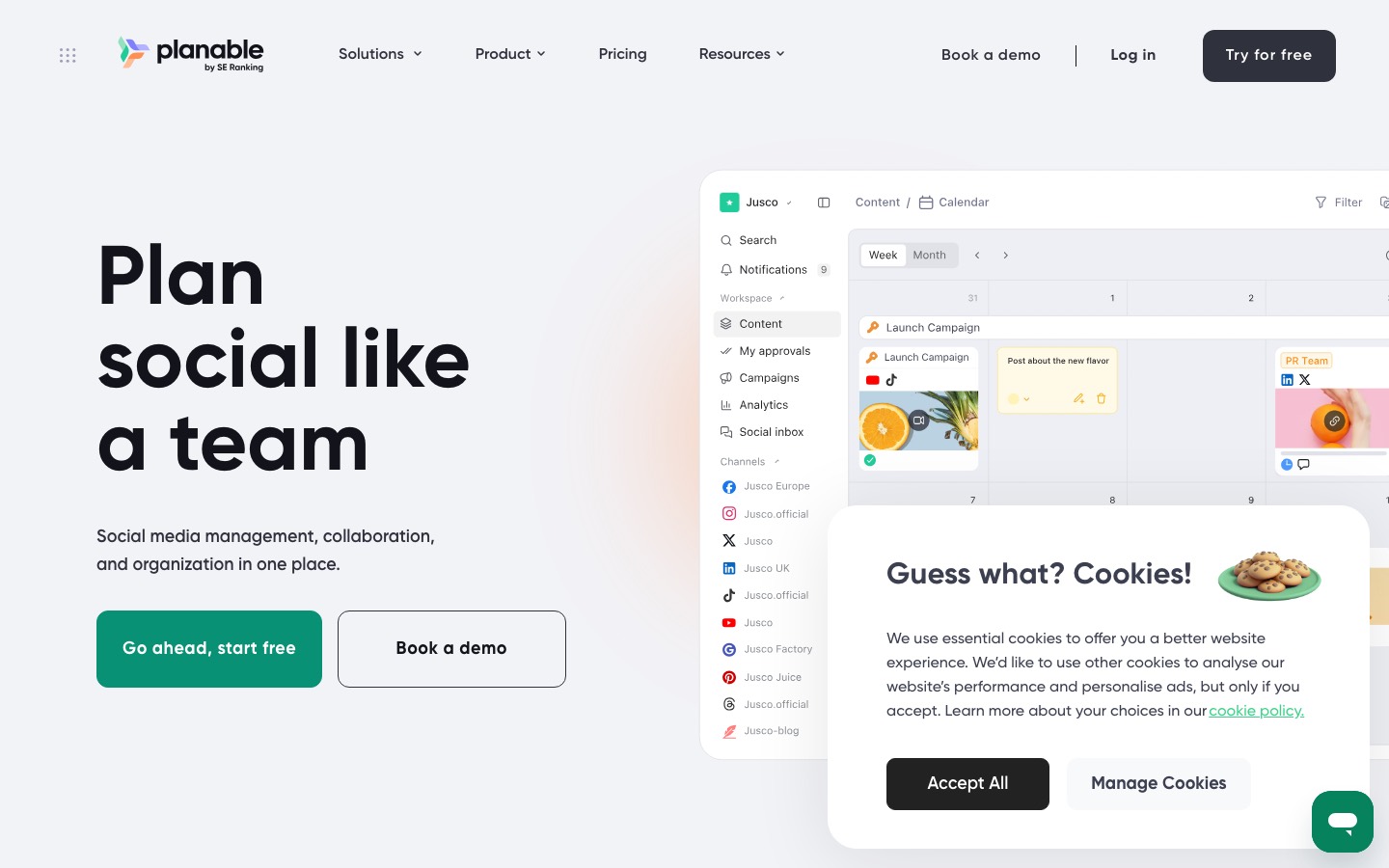
- Feed-style previews with in-context approvals.
- A workspace is a dedicated space for one client, brand, or location.
Metricool
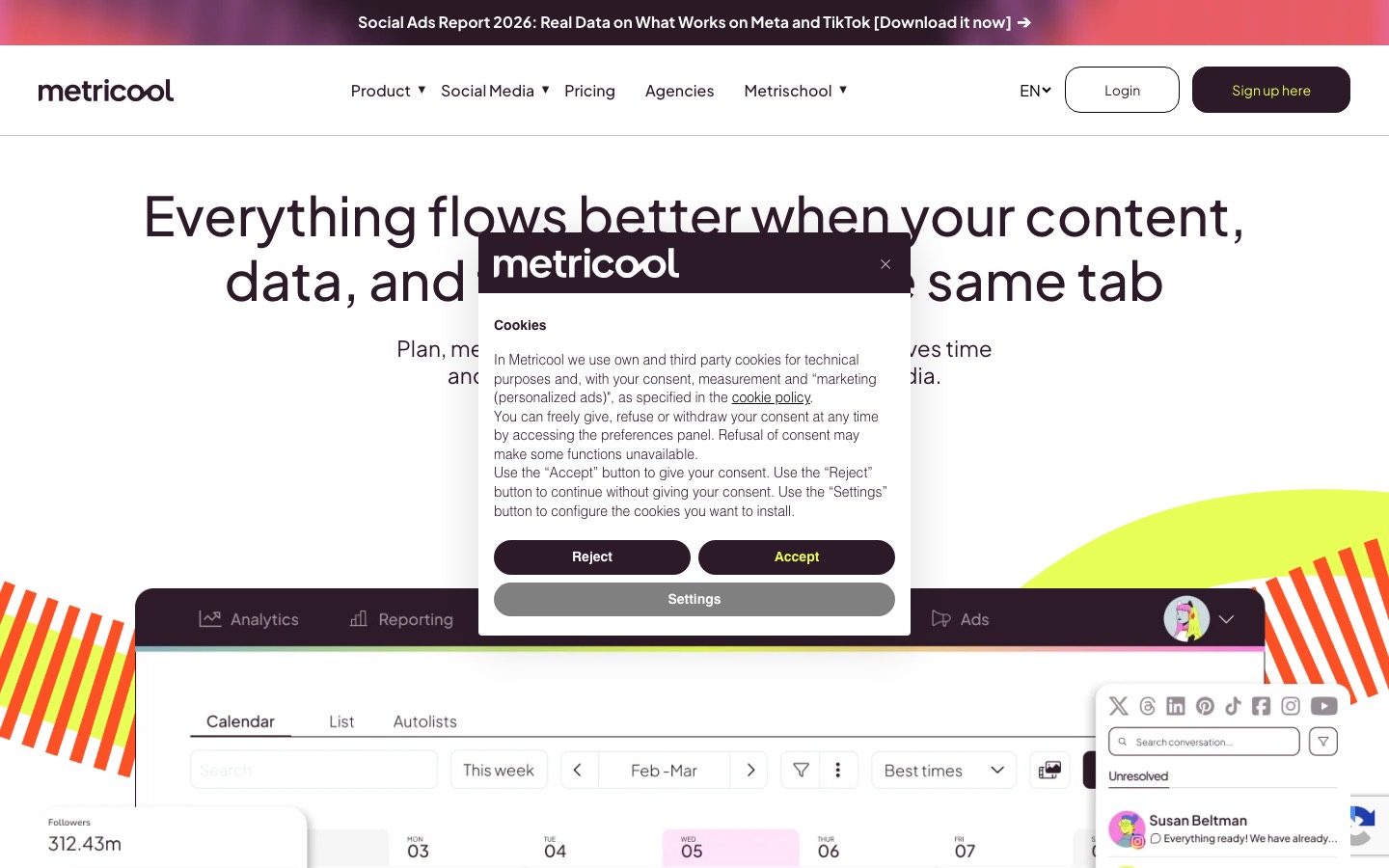
- Cross-network analytics next to the planner.
- Schedule up to 20 posts per month.
Predis.ai
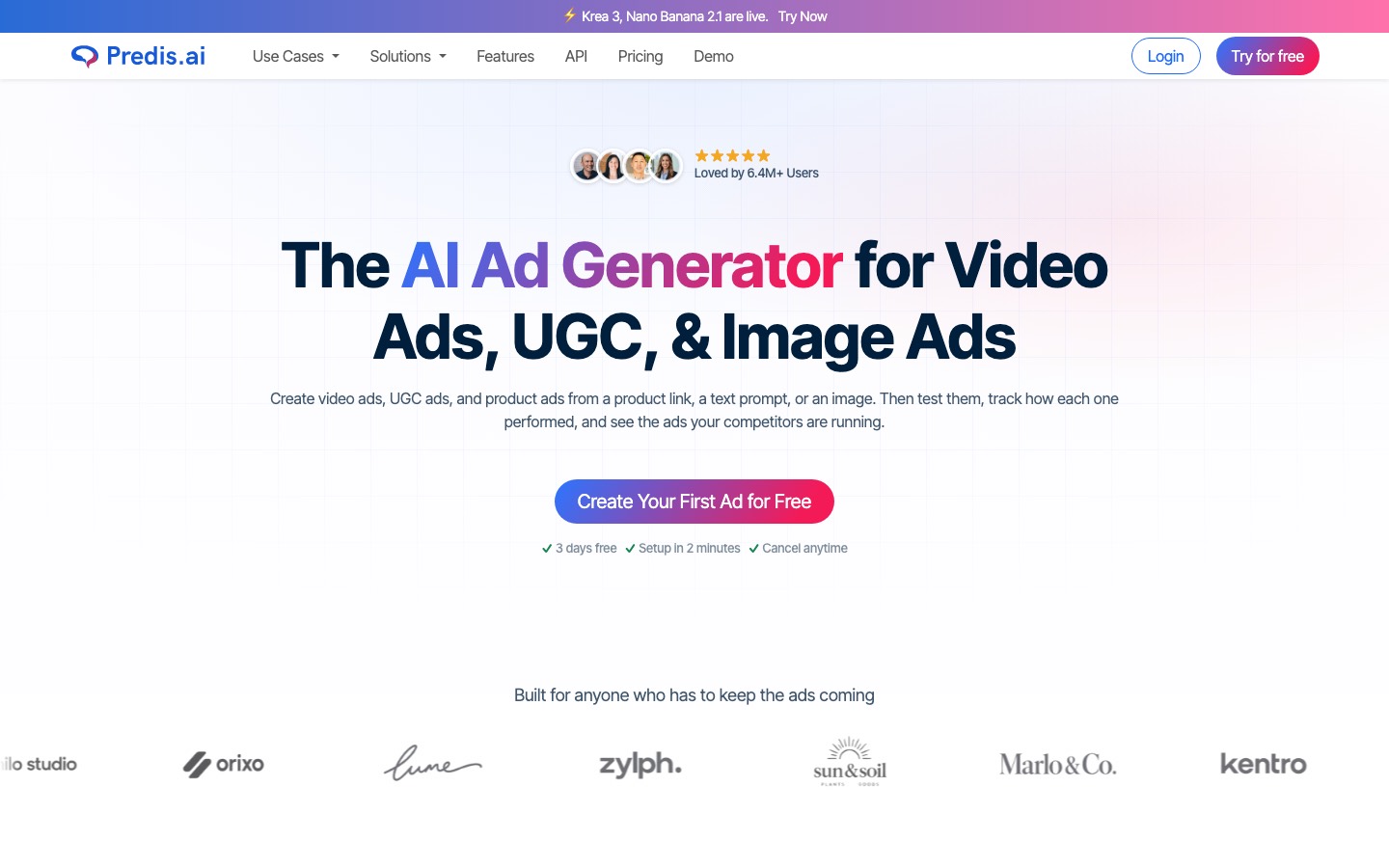
- Generate, design, and optimise social media content with AI.
- Tools that unify captions, hashtags, image generation, and scheduling.
What you can try now: Free Social Media Content Calendar Template, Free Google Sheets Social Media Calendar Template
A specialist tool is usually easier to price, review, and hand off.
Free tiers and model rosters change monthly. Price alone doesn't settle the decision. The useful comparison is the price of a defined output.
Annual billing, AI credits, commercial rights, additional seats, and promotional pricing differ by platform.
| Tool | Best for | Free Tier | Starting paid price |
|---|---|---|---|
| Canva | Social, presentations, ads, and brand templates | Yes | US$144/year |
| Adobe Firefly | Commercially safe output | Limited | US$9.99/mo |
| Recraft | Vectors, logos, icons | Yes | $10/month, $120 billed annually |
| Ideogram | Readable text in images | Yes | $15/month, $180 billed annually |
| Leonardo AI | Custom model fine-tuning | 150 tokens/day | $12/month |
| Krea | Fast visual exploration, real-time sketch-to-image | 100 units/day | $21/month yearly, $35 monthly |
| Freepik AI | Many models, one bill | Yes | $14.50/month billed annually |
| Figma | Team workflow and handoff | Starter | $16/mo full seat, annual |
| Ima Studio | Multi-model image and video creation | Yes | |
| PixelPanda | Ecommerce and DTC brands that need product visuals, UGC video and ads ready to publish | 29 free tools + free trial credits | $7/month |
| ChatGPT | General caption writing | Yes | $20/month (Plus) |
| Claude | Tone-sensitive writing | Yes | $17/month annual, $20 monthly |
| Jasper | Marketing teams managing brands | 7-day trial | $59/month per seat yearly, $69 monthly |
| Copy.ai | Small teams scaling output | No | $24/mo billed annually, $29 monthly |
| Rytr | Budget solo creators | Yes | $7.50/month |
| Buffer | Small businesses and solo marketers | Yes (3 channels) | $5/month per channel, billed yearly |
| Later | Visual brands planning feeds | 14-day trial | $18.75/month billed yearly |
| Planable | Teams that review every post | 50 posts free | $33 per workspace per month |
| Metricool | Small businesses and creators | Yes | From $20/month |
| Predis.ai | Full post creation | 3-day trial | $19/month billed yearly, $32 monthly |
Pro and Ultimate annual prices are first-year promotions that renew higher.
The practical budgeting risk is predictability. A single simple visual can be cheap, while a multi-step agent task with high-quality output, advanced settings, and repeated revisions can consume credits faster. Run your own five-task sample before moving a full campaign.
In general, more complex tasks and more sophisticated settings require more credits.
| Plan | Price | What you get |
|---|---|---|
| Free | $0 | 30 credits refreshed daily, limited models, 1 job at a time |
| Starter | $19/mo ($16/mo annual) | 2,000 credits/mo, 2 jobs, 5 brand kits, all models, commercial licence |
| Basic | $32/mo ($27/mo annual) | 3,500 credits/mo, 4 jobs, 10 brand kits, unlimited Relax on select 1K image models |
| Pro | $90/mo ($45/mo annual) | 11,000 credits/mo, 8 jobs, 30 brand kits, Relax adds 2K images and Kling O1 |
| Ultimate | $199/mo ($109/mo annual) | 27,000 credits/mo, 10 jobs, 100 brand kits, Relax adds 4K images and Seedance 1.5 Pro |
| Model | Credits |
|---|---|
| GPT Image 2.5 2K | 12 credits/image, medium |
| Nano Banana 2 1K | 8 credits/image |
| Nano Banana Pro 4K | 24 credits/image |
| Seedream 4.5 | 3 credits/image |
| Kling 3.0 Pro | 60 credits/5s |
| Seedance 2.0 720p | 90 credits/5s |
| Veo 3.1 720p/1080p | 104 credits/4s |
- Top-up credits are valid for 366 days from the date of purchase.
- Unlimited Relax Generation provides you with unlimited slower-speed generations on designated models within a fixed timeframe.
- Exact list prices and credit counts change and often render client-side.
If you want a canvas, Lovart is the better tool.
Stay with Lovart if you want one agent to interpret an open creative brief and assemble related brand assets on a canvas. A launch typically needs a hero, three social crops, a banner and a thumbnail that all match. Lovart is built around producing that kind of set on one board.
If these are the reasons you chose it, they may still be reasons to keep it.
- Brand Kit keeps logos, colours and fonts consistent across everything it generates.
- Text Edit, Move Object and layer separation make generated images editable, with layered PSD export.
- When several people review and annotate the same working surface, a shared canvas beats a shared chat thread.
Caption writing, hashtag research, scheduling, and engagement add another 15-20 hours.
Schedule across platforms using your preferred scheduling tool, or post manually using the generated content calendar. The visual and the caption should feel like they came from the same intelligence.
Treat Lovart as the front half of a workflow and expect the last mile to happen elsewhere.
- Final review. Check every asset against brand guidelines and platform specifications.
- Caption writing. Pair each visual with platform-appropriate copy.
- Schedule. Load into your scheduling platform.
What you can try now: Free AI Caption Generator for Social Media
AI Posts Generator: when the problem is the post, not the picture
Lovart and the design tools above make visuals. If your feed looks good but you still do not know what to post this month, the missing piece is strategy and copy. AI Posts Generator analyzes your brand, audience and competitors and turns that into a monthly content plan: every slot has a format, a hook, the proof to use and a call to action, and you generate the post text from the plan.
- Keep Lovart (or Canva) for the visuals, use AI Posts Generator for the plan and the words.
- Upload your brand deck or brand book once: the extracted brand knowledge feeds every plan.
- 3-day trial, then $99 per month.
What you can try now: AI Posts Generator
Frequently Asked Questions
What is the best Lovart alternative?
It depends on why you are leaving Lovart. For brand identity and multi-format design, Recraft and Leonardo AI are strong options.
Is Lovart free?
Lovart has a free tier that grants a daily credit allowance which refreshes every day rather than a time-limited trial, and it doesn't require a card to start. Because credits reset daily instead of accumulating, the free tier suits evaluating the agent on small briefs rather than producing a campaign.
What is the best free Lovart alternative?
It depends on what you mean by free. For template-based design with a generous free plan, Canva AI. For designer-grade vector and icon work, Recraft's free tier. None of them replicates Lovart's full canvas for free.
Do Lovart credits roll over?
No. Each month's credits are valid only within that month's cycle and will automatically reset at the start of the next monthly cycle.
Can I use Lovart's free tier commercially?
No. Lovart's free tier lacks commercial-use rights.
Lovart vs Canva AI: which should I choose?
They solve different problems. Canva starts from templates and adds AI per element; it is ideal when you already know the layout and need many variants fast. Lovart starts from a brief and plans the visuals on a canvas; it is stronger when the concept is not yet fixed.
Which Lovart alternative is best for video?
For video-first work, favor tools that plan in shots. Lovart itself lists Seedance, Kling, Veo and Luma, so it remains a strong option if you also need the canvas.
Can AI write captions too?
Yes. AI can generate captions as starting points. Human review is essential for brand voice consistency, cultural appropriateness, and factual accuracy.
Does an AI design agent replace a designer?
No. An agent removes the mechanical steps: model selection, prompt writing, iteration, resizing. It does not decide what the brand should say, whether a concept is right for the audience, or when to stop.
Is Lovart still worth using in 2026?
Lovart delivers on a genuinely new idea: brief it once and get a coordinated set of finished assets instead of a single image you then have to build around. If you only make the odd graphic, a cheaper tool will serve you better.